80 • Reports ER-350 Electronic Cash Register V2.1
Running a Report
1. Find the report you wish to run from the table on the previous page.
2. Turn the control lock to the X or the Z position.
3. Press the appropriate key for the report you wish to run.
Cash-In-Drawer Declaration
Cash-In-Drawer Declaration is an optional feature that forces you to count the drawer and declare
the drawer count before a report can be run. By forcing the operator to declare, without knowledge
of the expected drawer totals, you are assured that all cash will be deposited. System option #8 must
be set to a value of 1 to enforce cash declaration. See “System Option Programming” on page 50 to
program system options.
Declaring Cash
1. Turn the control lock to the X position.
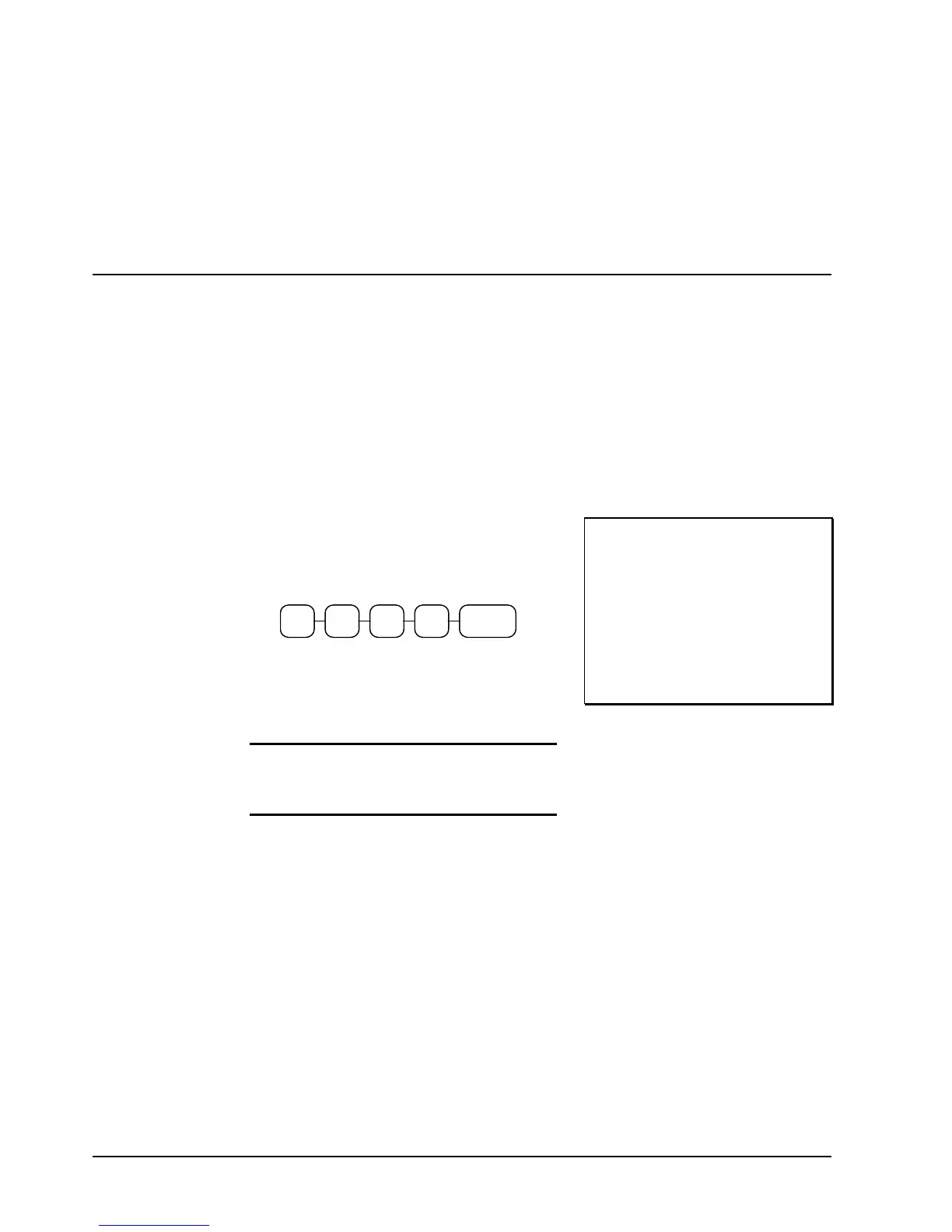
2. Enter the amount of the cash counted, press
the SUBTOTAL key:
SUB
TOTAL
7 99 8
3. The printer will print the declared amount,
the cash-in-drawer total from the cash
register and compute the difference
4. Proceed to run the report you wish to print.
Note: You must run a report after
declaring cash before registering any
new transactions.
THANK-YOU
CALL AGAIN
INPUT AMOUNT $98.79
CASH IN DRAWER
$92.29
DIFFERENCE $6.50
03-01-1999 15:57
000041 00



 To Next Page