ER-350 Electronic Cash Register V2.1 Advanced Programming Instructions • 49
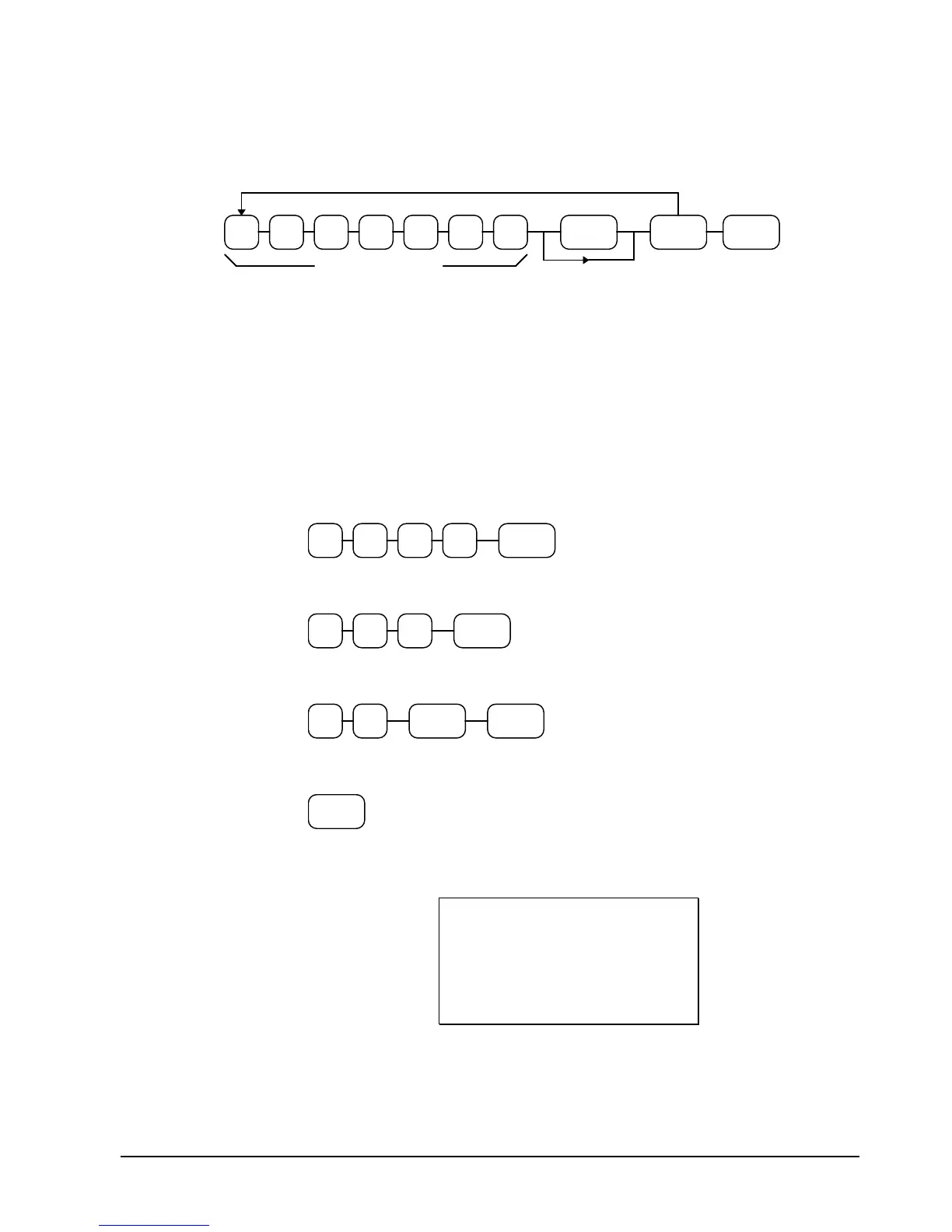
Department Entry Limit or Price Programming Flowchart
DEPT
KEY
Repeat for each Preset Department
Preset Price
or
Hi
h Amount Lock Out
DEPT
SHIFT
Use DEPT SHIFT
for depts 9-16
(Leading zeros are not necessary)
CASH/
TEND
Department Entry Limit or Price Programming Examples
For example, set:
• department 1 open, with a entry limit of $50.00
• department 4 preset for $2.50
• department 9 preset for $0.99
To set Department 1, enter:
1/9
05 0 0
To set Department 3, enter:
4/12
02 5
To set Department 9, enter:
1/9
99
DEPT
SHIFT
Press the CASH/TEND key to end programming.
CASH/
TEND
The tax status you have entered will display and print on the printer:
DEPT.1 $50.00
DEPT.4 $2.50
DEPT.9 $0.99
PROGRAM TERMINATE
01-03-1999 18:56
000049 00



 To Next Page