6-2 EB 6493 EN
Operation
6.2 Operating controls
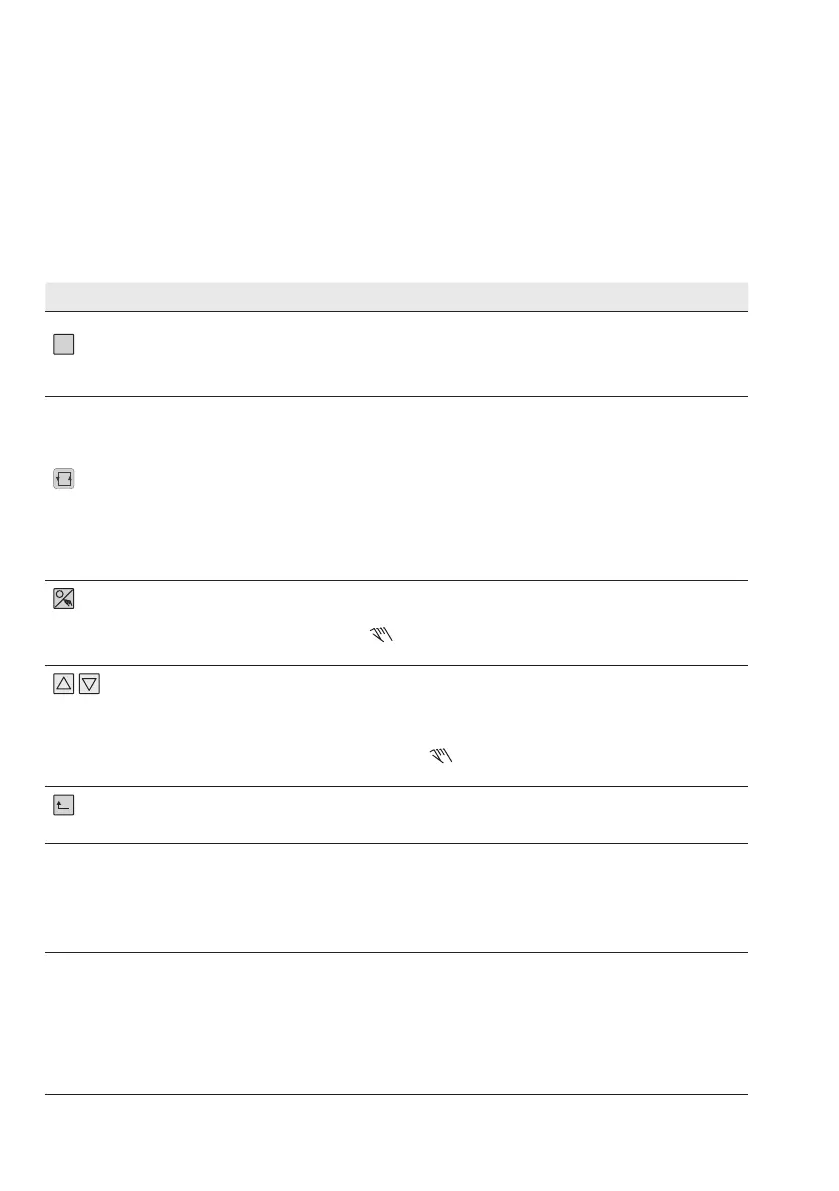
The compact controller is operated using the operating keys on the front.
Operating keys
The function of the keys varies depending on the level/menu which is active.
Key Operating level Congurationlevel
Selector key (yellow)
− Open conguration level.
− Activate set point.
1)
1)
Only when the set point name (W, W2 or WE)
blinks on the display
− Open menus, functions
and parameters.
− Conrm settings.
Selector key
− Switch between readings:
W Internal set point 1,
W2
1)
Internal set point 2
WE
1)
External set point,
Y Manipulated variable,
Xd% Error
1)
Only when they have been congured (see the
'Start-up and conguration on the device' sec-
tion).
− Open parameter level.
− Jump within the value
range of an open parame-
ter.
− Shift the decimal point one
place to the right.
Manual/automatic
key
− Switch between manual and automatic
mode.
1)
1)
In manual mode, the icon appears in the
display.
No function
Cursor keys
− Change the value of internal set point.
1)
− Change the control output.
2)
1)
Only when selected using the selector key.
2)
Only when Y has been selected using the selec-
tor key or when manual mode (
) has been
selected.
− Select menus, functions
and parameters.
− Set parameters and func-
tions.
Escape key
− Display current set point. − Return to the operating
level stepwise.
No keys pressed The display changes back to the currently
valid set point.
Exceptions:
In manual mode and when the manipulated
variable is displayed
The controller returns to the
operating level after approxi-
mately ve minutes.



 To Next Page