7-14 EB 6493 EN
Start-up and conguration at the device
7.2 Entering the key number
The TROVIS6493 Compact Controller can be operated with or without a key number. The
controller is set to operate without key number by default. Operation with a key number is
only activated after a user-dened key number has been assigned. The service key number is
required to dene a user-dened key number.
The overriding service key number is specied in the printed document IMPORTANT PROD-
UCT INFORMATION IP6493, which is supplied with the device. This number allows congu-
ration settings and parameters to be changed regardless of user key number operation. To
avoid unauthorized use of the service key number, we recommend removing the pages (Ger-
man and English) containing the service key number from the document IMPORTANT PROD-
UCT INFORMATION IP6493 and to keep them in a safe place.
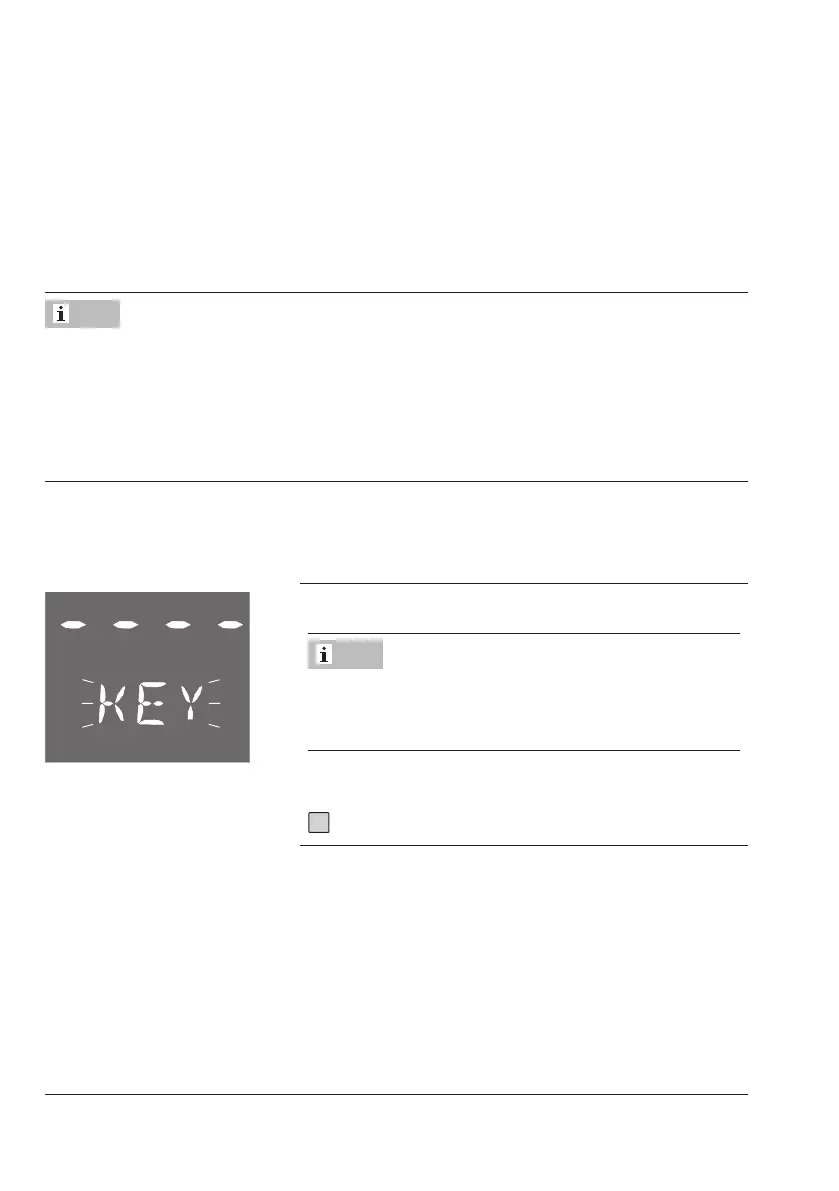
Prompt for key number
Every time you go to the rst function or parameter after opening the conguration level, you
are prompted to enter the key number:
KEY blinks.
When this reading appears, you can change the us-
er-dened key number (see 'Activate/deactivate opera-
tion with key number').
Operation without key number
Î Exit prompt for key number.
Note
Note



 To Next Page