8-4 EB 6493 EN
Start-up and conguration with TROVIS-VIEW
8.2 Folders in TROVIS-VIEW
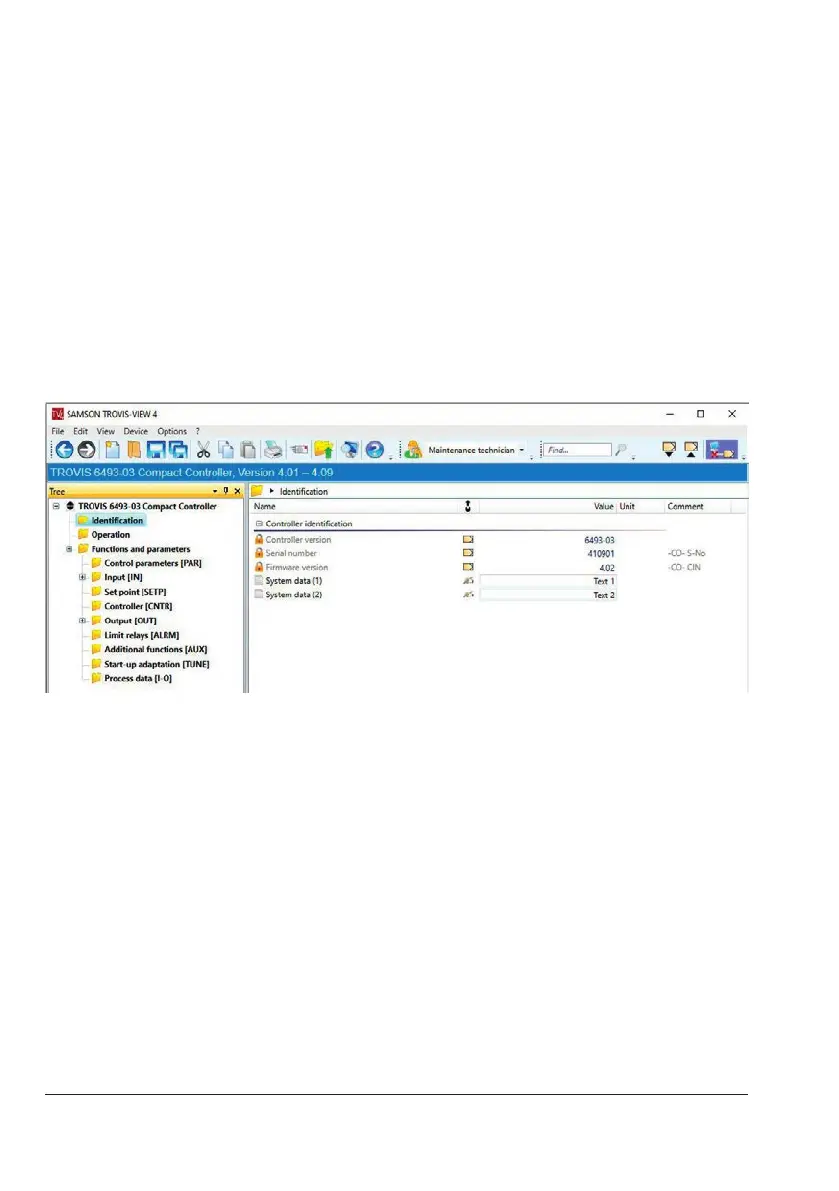
8.2.1 Identication
The 'Identication' folder contains device-specic data read from the TROVIS6493 Compact
Controller and transferred to the software. The System data(1) and System data(2) elds al-
low you to describe a controller by entering short texts comprising a maximum of 30 charac-
ters per eld (a to z, A to Z, 0 to 9, -).
These texts can be saved on the controller. Edited texts are only displayed on the TROVIS-
VIEW software and printed on any associated documentation.
8.2.2 Operation
The 'Operation' folder contains all parameters and operating states also displayed in the
controller’s operating level. If an online connection has been established, current operating
data are read from the controller and displayed in this folder. The values of the internal set
points and the manual output value are set in the 'Operation' folder. Additionally, a set point
switchover and manual/automatic switchover can be performed in this folder.



 To Next Page