8-6 EB 6493 EN
Start-up and conguration with TROVIS-VIEW
An infrared connection must exist during the switchover of the Current set point. Switchover
only functions in ofine mode.
Manual/automatic switchover
To change from manual to automatic operation, set Manual/automatic switch to 'Auto' and
transfer the new setting to the controller.
Either transfer the Manual/automatic switch data point or the 'Operation' folder to the con-
troller. The controller does not switch to automatic operation if the entire data record is trans-
ferred to the controller.
Internal error
Î Internal error data point (see the 'Malfunctions' section).
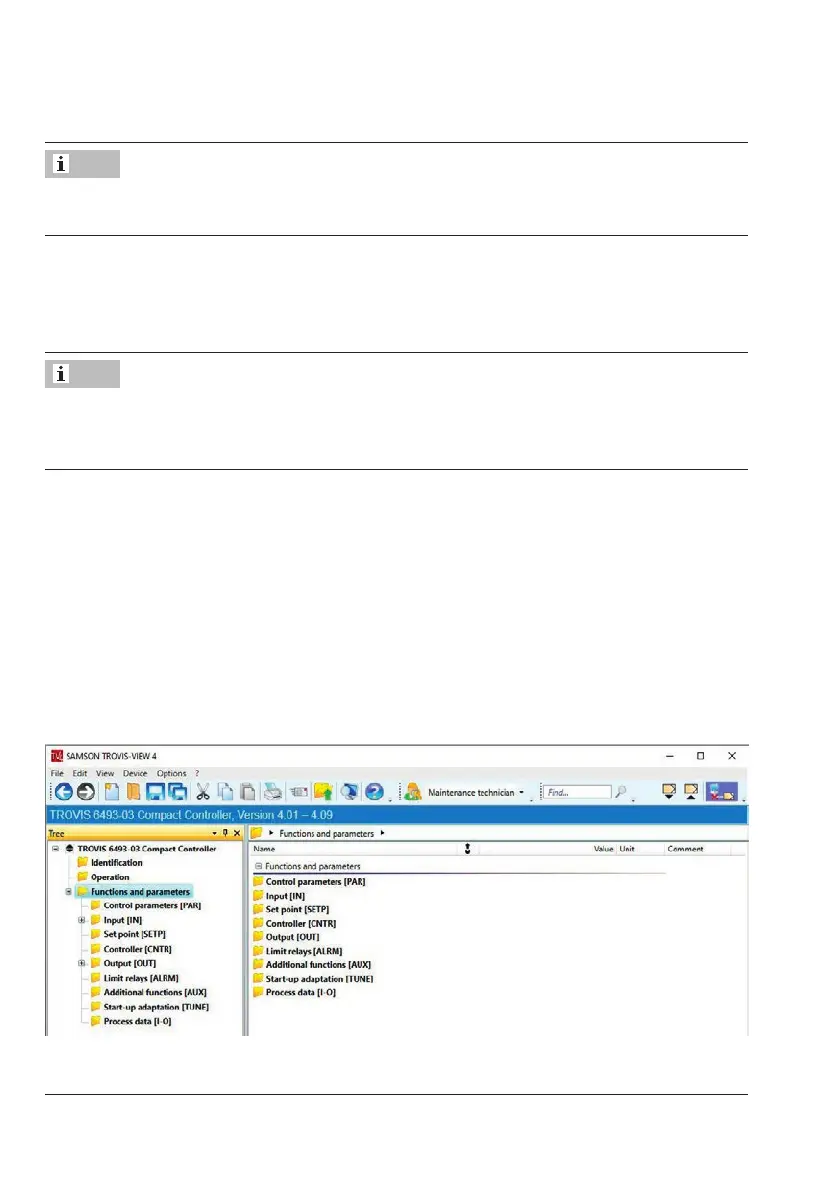
8.2.3 Functions and parameters
The 'Functions and parameters' folder and its subfolders contain all functions of the control-
ler's operating level. The subfolders correspond to the main groups in the controller. Func-
tions and parameters are listed in the folder. Functions are marked with the prex CO (con-
guration) and parameters with the prex PA (parameter). Parameters are listed below the
function to which they belong.
Note
Note



 To Next Page