EasyManua.ls Logo

Sanding STS-752RC - Page 112

Sanding STS-752RC
152 pages
Print Icon
To Next Page IconTo Next Page
To Previous Page IconTo Previous Page
Loading...
111
6.1.1 Selecting Job
STEPS
DISPLAY
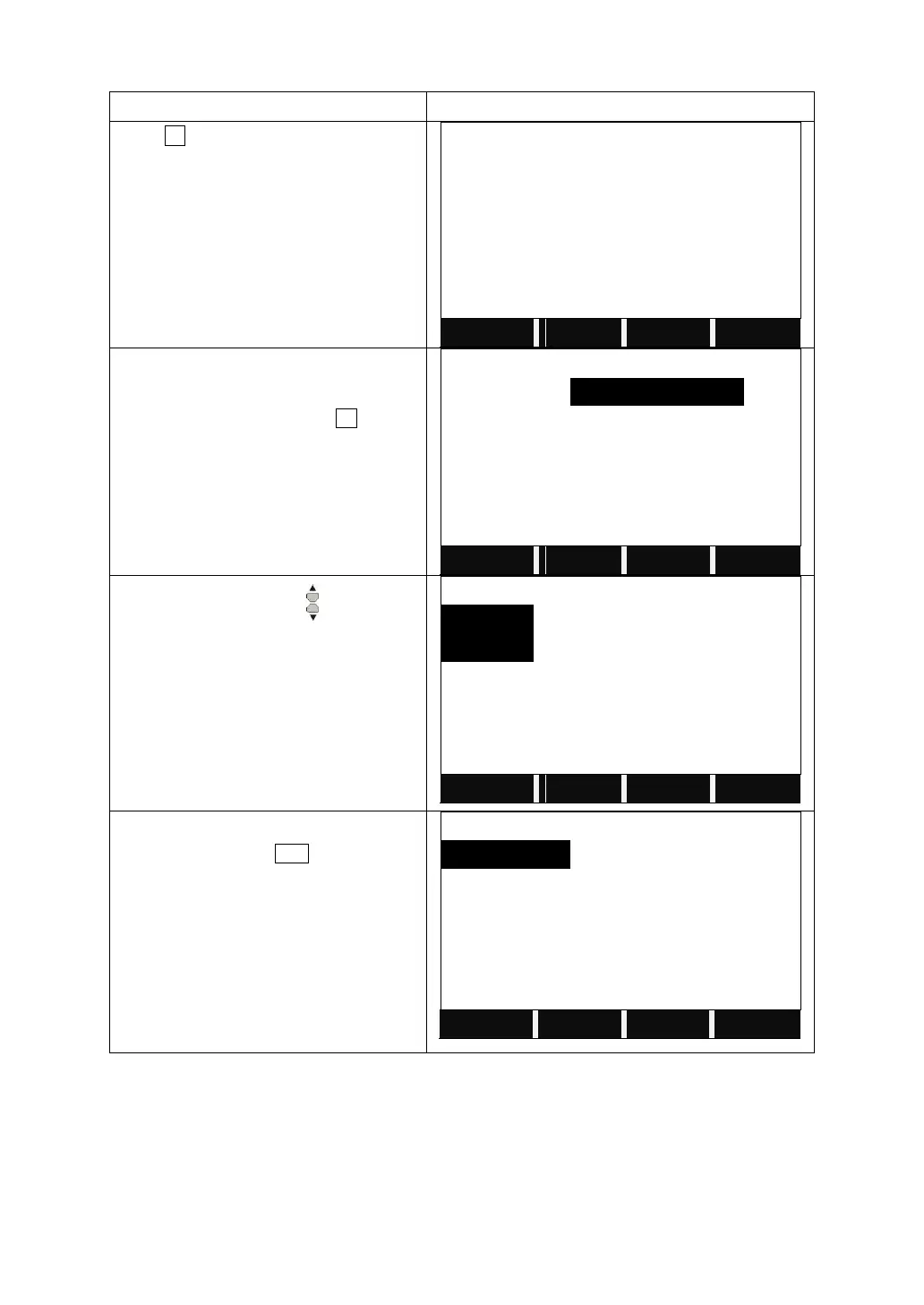
Press F1.
File Management 1/3
F1 Job
(1)
F2 Known points
(2)
F3 Measurements
(3)
F4 Codes
(4)
F1
F2
F3
F4
It displays the information of the current
job.
To select another job, press F1 to view
the memory
View Job 1/17
Job
:
SANDING
Name
:
------
Date
:
2011.4.11
Time
:
14:44:12
Note 1
:
------
Note 2
:
------
LIST
OK
Press the navigation key to select the
disk.
Disk A: the internal memory
Disk B: the SD card memory
View Job
Disk:A
Disk:B
Attr.
FORMAT
OK
The screen shows the file list. Select the
right Job and Press ENT. Then the job
will be set to the current job.
View Job
DEFAULT.RAW
1.82KB
02-03
SANDING.RAW
1.26KB
02-04
12.RAW
1.20KB
02-12
Attr.
PrevPG
NextPG
6.1.2 Establishing New Job
There are 16 characters in a job. They may be letters of A-Z, or numbers of 0-9
and_, #, $, @, %, +, -, etc. But the first character should not be spaced.


Table of Contents

Related product manuals