32
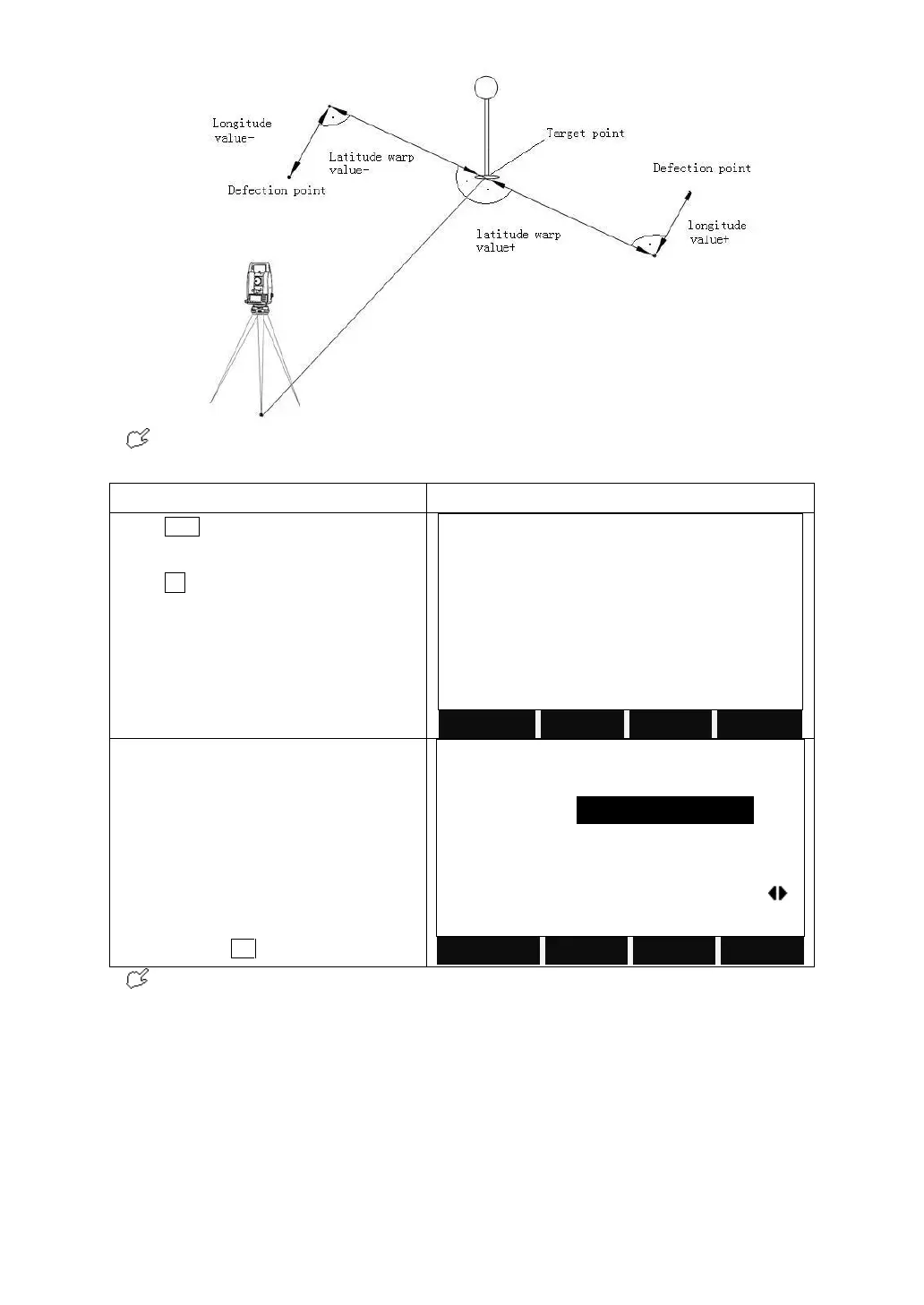
If the height offset value is positive, it indicates that the offset point is higher
than the measurement point.
Press FNC on the keyboard.
Press F2 to enter to enter to Target Offset
function.
Input the offset values.
T_offset: cross (horizontal) offset
L_offset: longitude offset
H_offset: height offset
Mode: choose the validity duration of this
function: all offsets reset to 0m after
recording, or permanent activating this
function. Press OK after the settings.
The offset values are always reset to 0 when the application is 0set After REC. If
the setting is Permanent, then the measuring will always be the offset result.
4.3 DELETING LAST RECORD
This function deletes the last recorded data block, which can be either a
measurement block or a code block.
Deleting the last record is irreversible!
Only data recorded during the measurement can be deleted.



 To Next Page