134
Turn to Face II, collimate the same target
and press MEAS.
It shows the difference.
Press SET. to correct the difference.
Press BACK to quit without saving the
correction.
B. Optics Adjustment (professional technician only)
1. Use the tangent screw to adjust the horizontal angle to the right reading which
has been eliminated C, R+C=190°13′40″-15″=190°13′25″
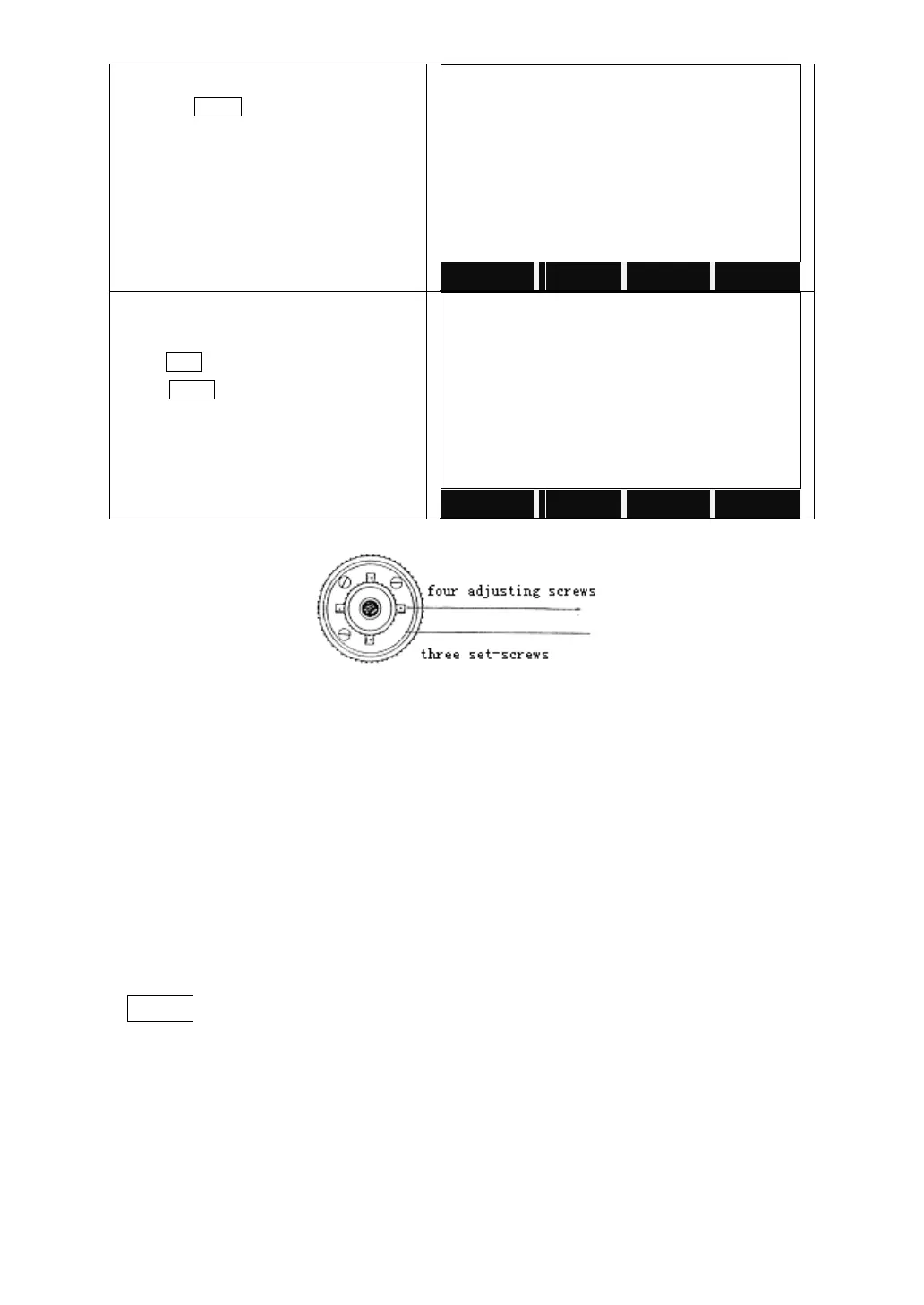
2. Take off the cover of the reticle between the eyepiece and focusing screw.
Adjust the left and right adjusting screws by loosening one and tightening the
other. Move the reticle to sight object A exactly.
3. Repeat inspection and adjustment until|2C|<20".
4. Replace the cover of the reticle.
Note: After adjustment, need to check the photoelectricity coaxiality.
10.5 VERTICAL INDEX DIFFERENCE COMPENSATION
Check
1. Mount and level the instrument and make the telescope parallel with the line
connecting the center of the instrument to any one of the screws. Lock the
horizontal clamp screw.
2. After turning on the power, zero the vertical index. Lock the vertical clamp
screw and the instrument should display the vertical angle value.
3. Rotate the vertical clamp screw slowly in either direction about 10mm in
circumference, and the error message “b” will appear. The vertical axis inclination



 To Next Page