44
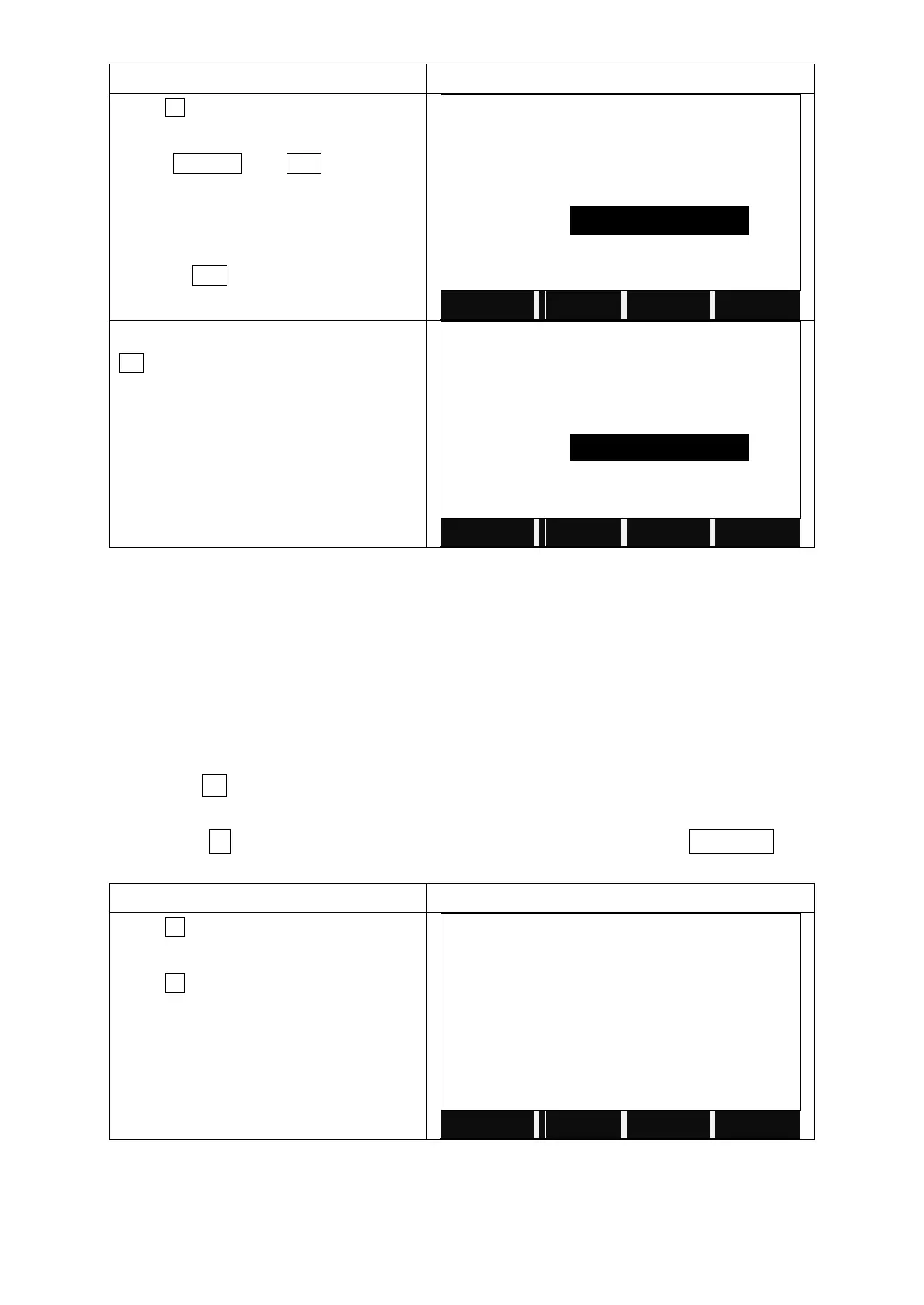
Press F2 to enter to Setting Station.
Press SEARCH, or LIST to find an
existed (known) point from internal
memory.
Or press ENH to input the PtID and its
coordinates and save it in the job.
Enter the instrument height, and press
OK to save the station setting.
5.3 SETTING ORIENTATION
With the orientation, Hz-direction can be input manually or set by points with
known coordinates can be set.
5.3.1 Manually Inputting
STEPS:
1) Press F1 to input a random HZ-orientation.
2) Input Hz-direction, reflector height and PtID.
3) Press All to start measurement and set orientation. Or press RECORD to
record HZ-direction and set orientation.
Press F3 to enter to Set Orientation.
Press F1 to set the orientation manually.



 To Next Page