42
5. PROGRAMS
APPLICATION PRE-SETTINGS
There are programs that precede the application programs and are used to set
up and organize data collection. They are displayed after selecting an application.
Users can select the start programs individually.
[*]: Settings made.
[ ]: Settings not made.
Find further information about individual start-up programs on the subsequent
pages.
5.1 SETTING JOB
All data is saved in JOBS, like directories. Jobs contain measurement data of
different types (e.g. measurements, codes, fixed points, stations, etc.) and are
individually manageable and can be readout, edited, or deleted separately.
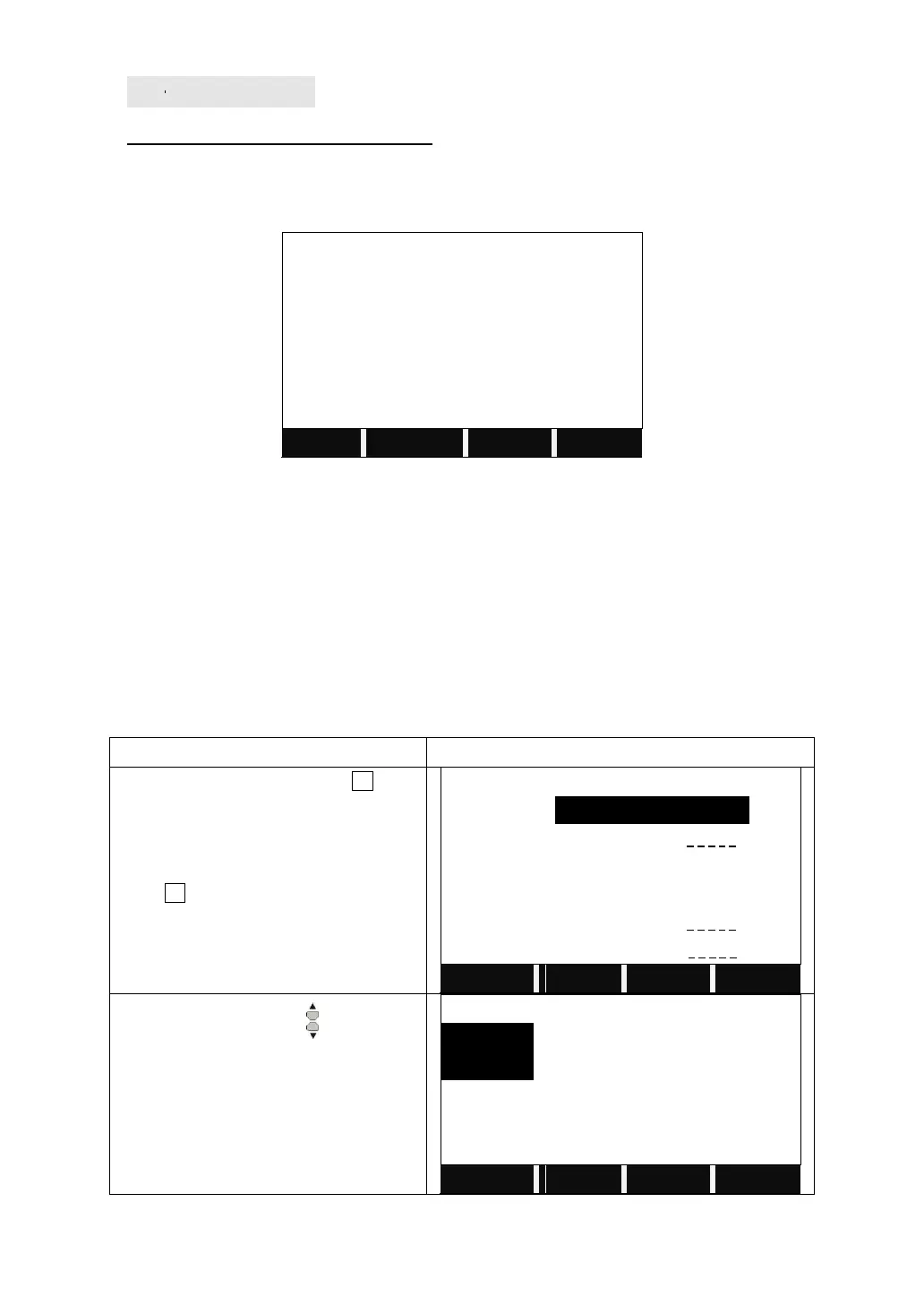
Enter to Setting Job by pressing F1.
Choose the job.
Press F1 to enter the Disk list
Press the navigation key to select the
disk.
Disk A: the internal memory
Disk B: the SD card memory



 To Next Page