43
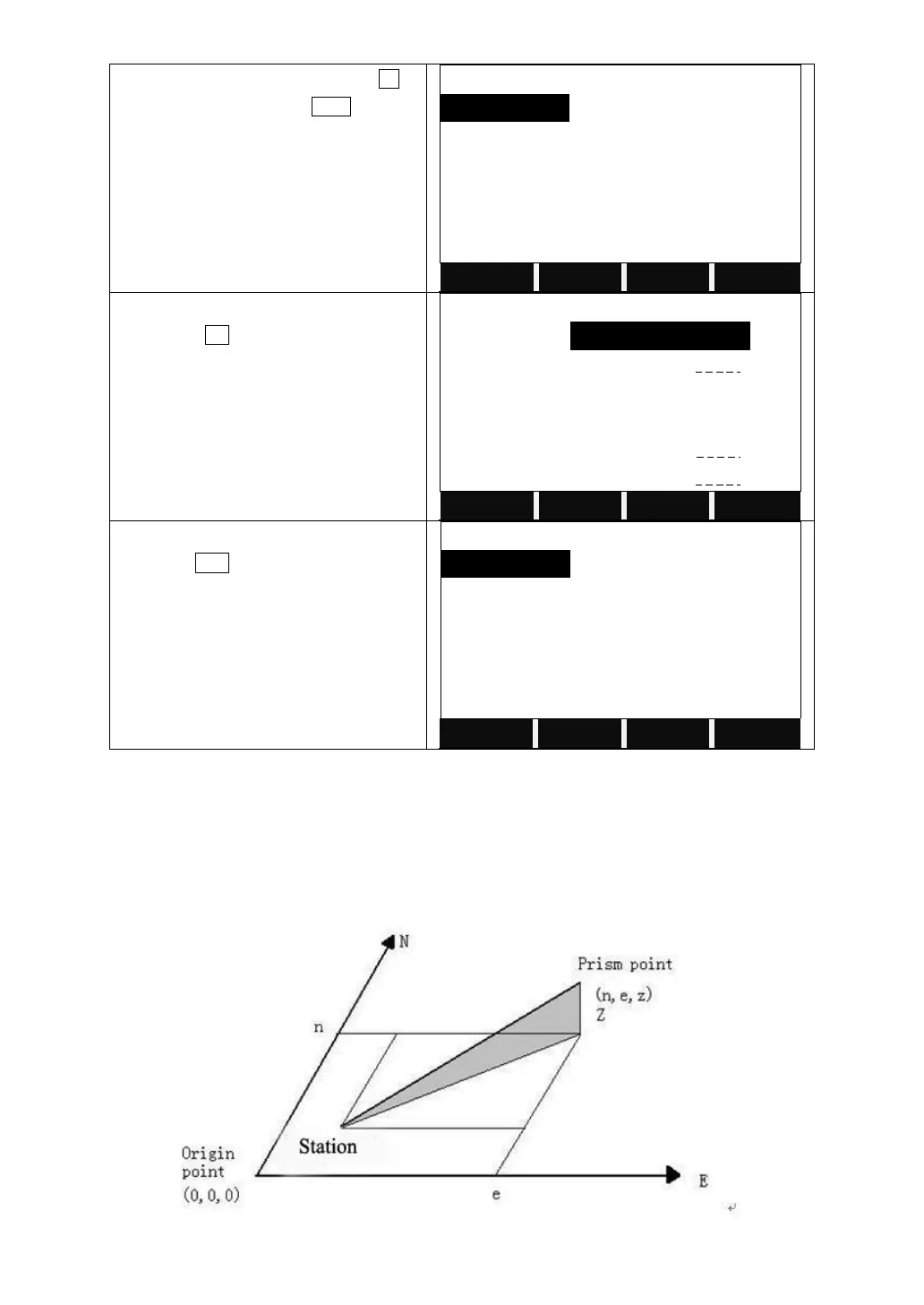
The screen shows the file list. Press F4 to
the next page, then press NEW to add a
new job.
Enter the job name, operator name, etc.
Then press OK to save and set the job.
Or select an existing job as the current
job. Press ENT.
5.2 SETTING STATION
Each coordinate computation relates to the currently set station.
At least plan coordinates (E, N) are required for the station. The station height
can be entered. The coordinates can be entered either manually or read from the
internal memory.



 To Next Page