31
4. FUNCTIONS
Several functions can be called up via [FNC] key.
Functions can also be started directly from different applications.
Each function from the FNC menu can be assigned to the [USER] key.
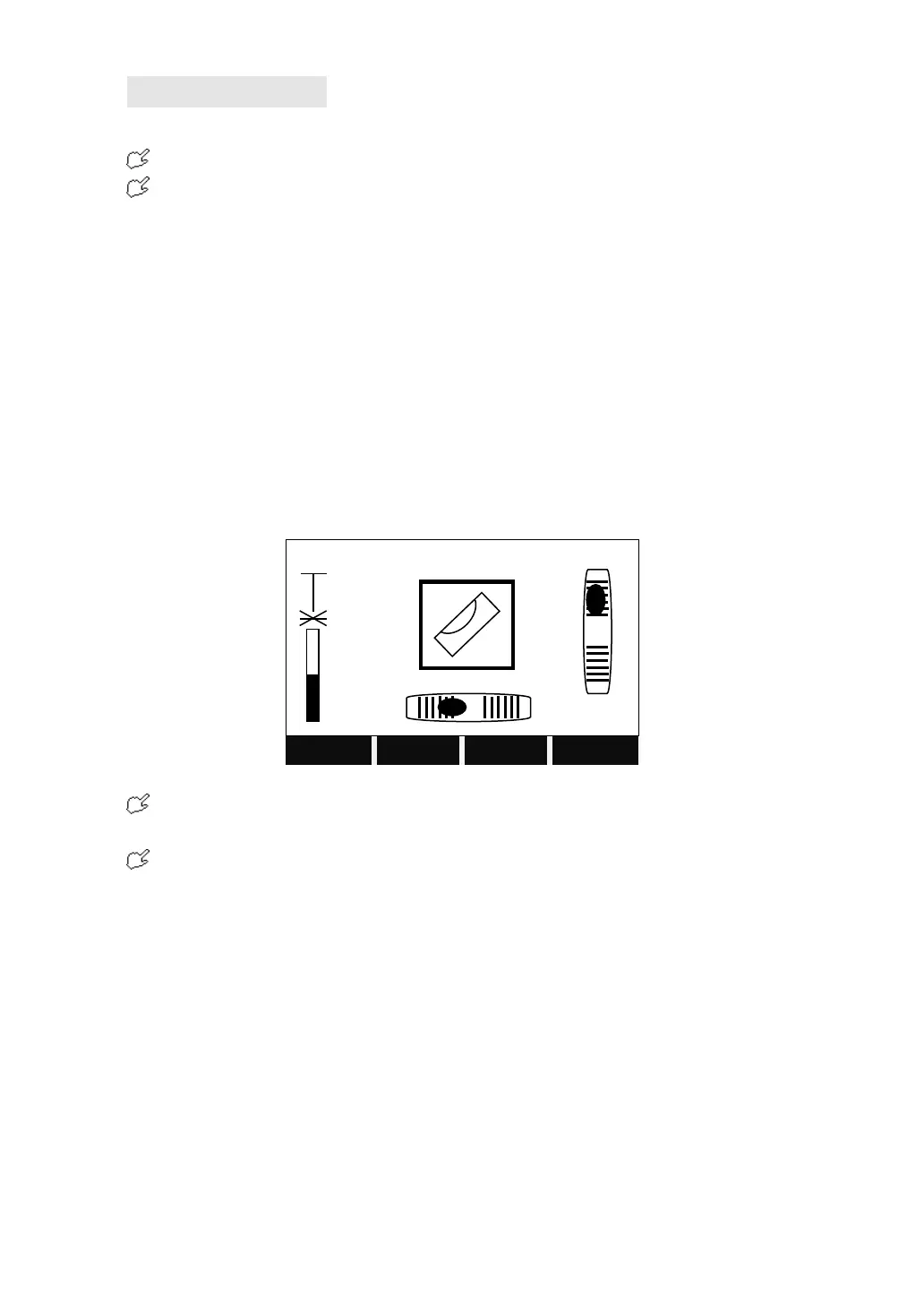
4.1 LEVELING
This function enables the electronic bubble and the range of intensity setting of
the laser plummet.
To ensure a precise leveling, the electric bubble must be activated.
If the total station over tilts, the screen displays will display the Tilt Adjustment
screen automatically. Please refer to “2.2 Instrument Setup” for detailed leveling
instruction.
Total Station STS-750 Series compensates the vertical angle reading due to
inclination of the vertical axis in the X directions.
When the instrument is placed on an unstable stage or in a windy condition, the
display of vertical angle is unstable. You can switch off the compensator.
When the compensator is switched on, in the condition that the total station is not
leveled, the program will demand that the total station must be leveled at first, so as
to enter other functions.
4.2 TARGET OFFSET
When it is not possible to set up the reflector or aim the target point directly, this
function will be a solution. Enter the offset values (length, cross and/or height
offset). The values of the angle and distance can be calculated directly for the
target point.



 To Next Page