30
measurement will be triggered and the measured data and code will be saved.
A total of 100 codes can be assigned; you may create codes with “Codelist
Manager” included in the software CD, and transfer the code list to the total
station. Each code can be assigned a unique two- digit number in the “Codelist
Manager”.
If no number is allocated to the codes in “Codelist Manager”, the code is selected
in accordance with the order in which the codes were entered in the code list
(e.g.: 01->: first code in the code list. 10-> tenth code in the code list). About the
coding format please refer to appendix A.
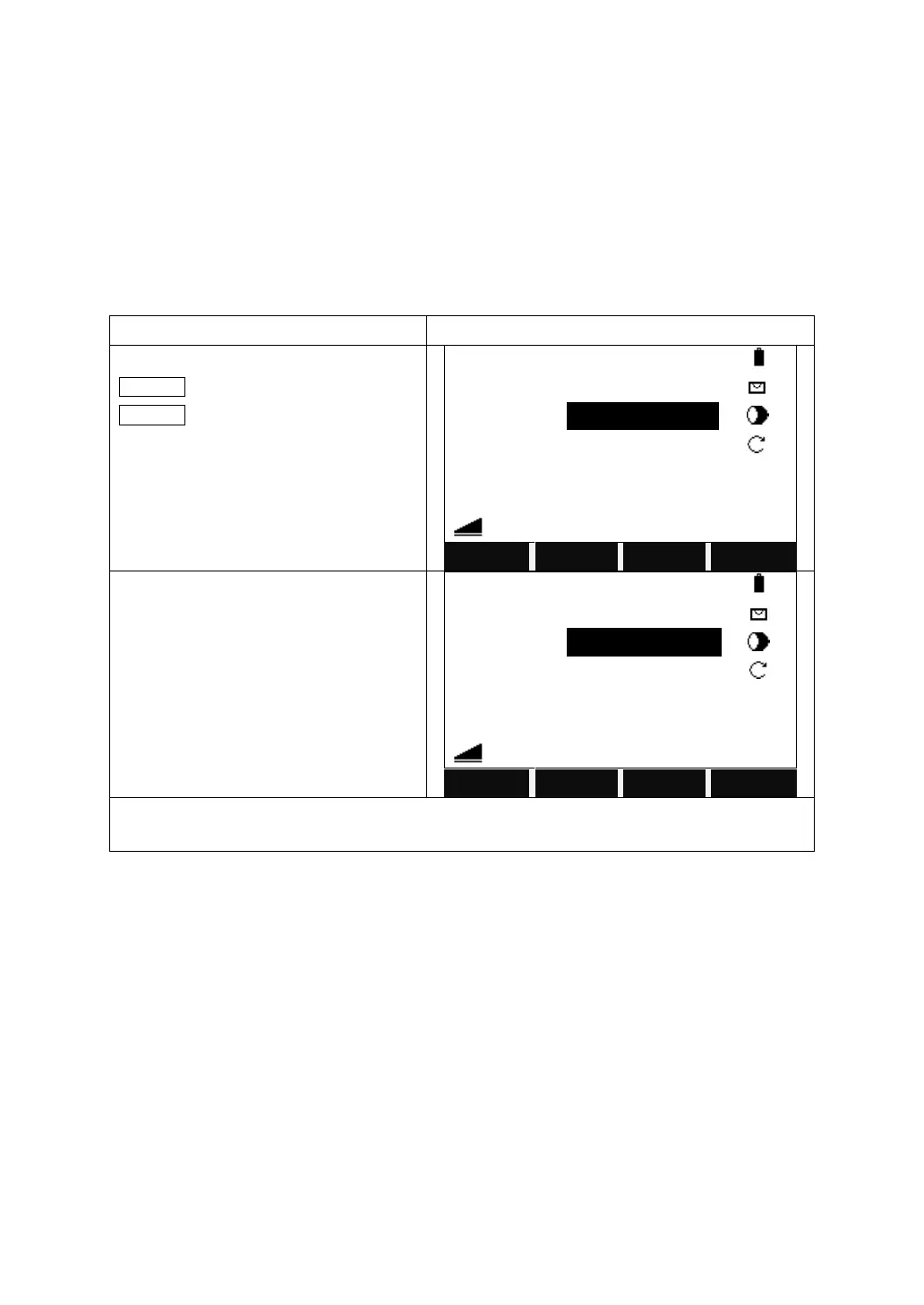
Turn the page of function key bar until
Q-CODE is shown on the bar, and press
Q-CODE.
Input the 2-digit number which is
predefined to call up the corresponding
code.
Notice:
1. Single digit number like “3” will be considered as “03” in the Codelist Manager”.



 To Next Page