137
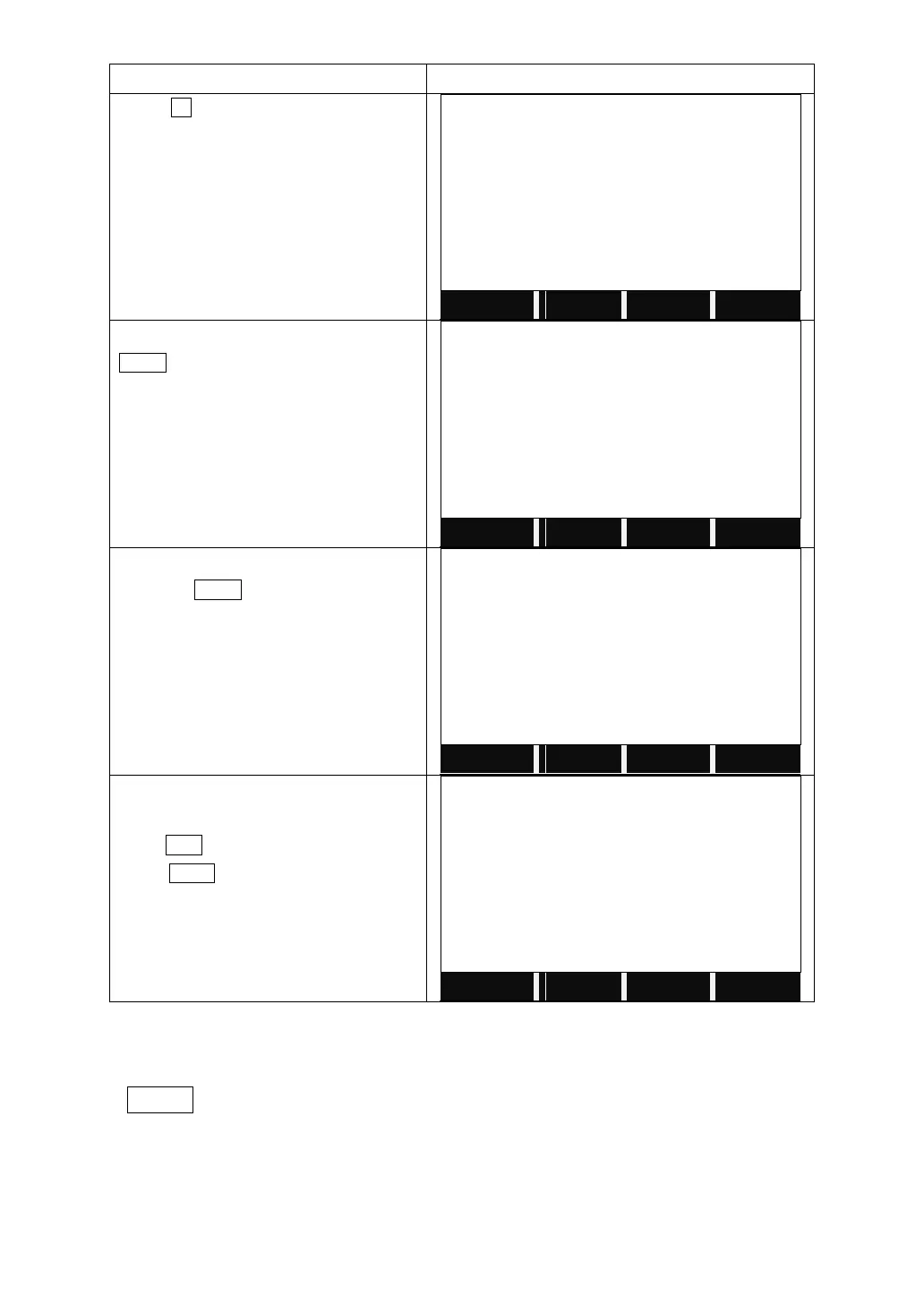
Press F3 to start to adjust Horizontal
Axis.
In Face I, collimate the target, and press
MEAS 10 times.
Turn to Face II, collimate the same target
and press MEAS.
It shows the difference.
Press SET. to correct the difference.
Press BACK to quit without saving the
correction.
10.8 OPTICAL PLUMMET
Check
1. Set the instrument on the tripod and place a piece of white paper with two
crisscross lines on it right below the instrument.
2. Adjust the focus of the optical plummet and move the paper so that the
intersection point of the lines on the paper comes to the center of the field of



 To Next Page