33
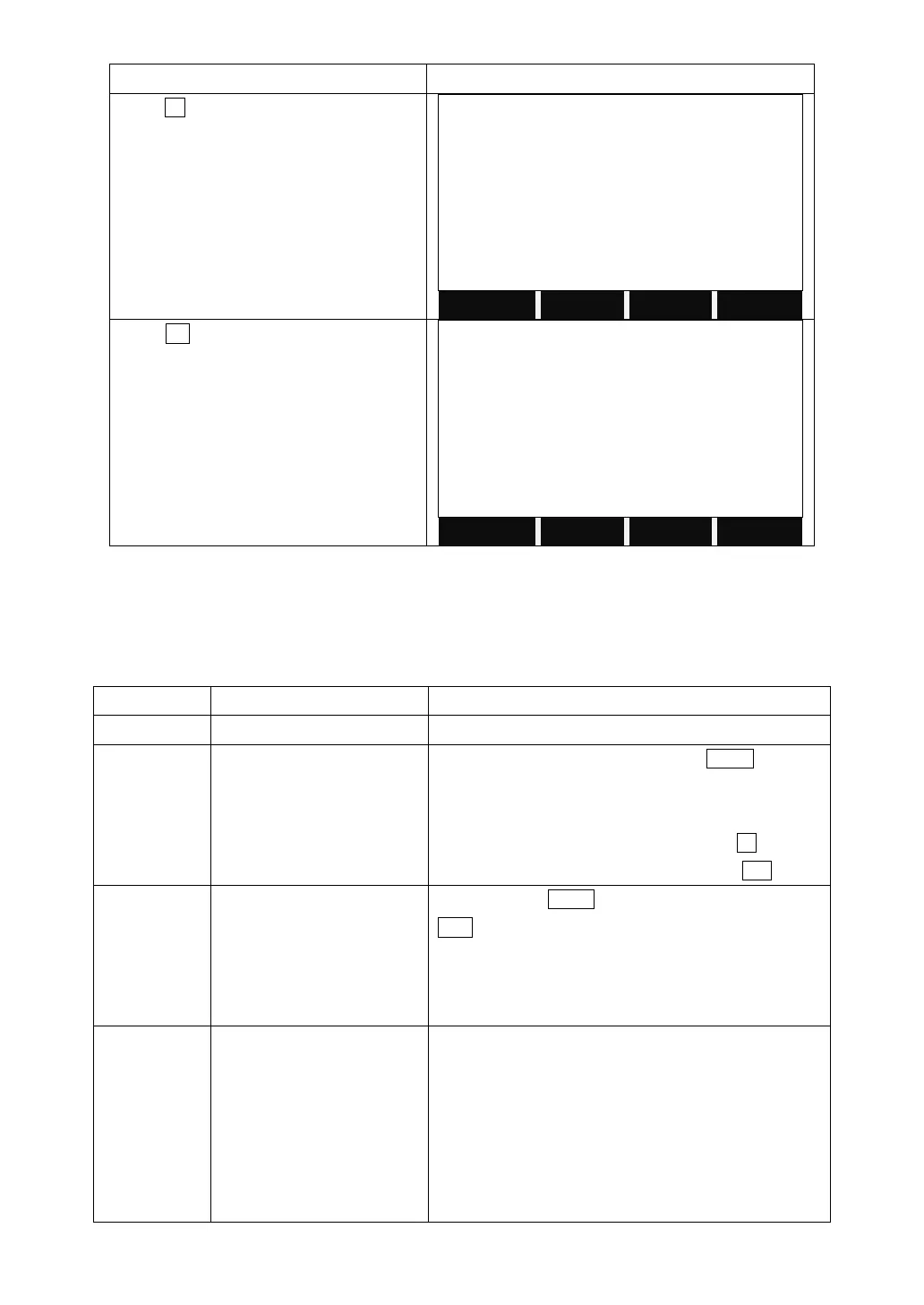
Press F3 to enter to Delete Last Record.
Press OK to confirm to delete last record.
Sure delete final record?
4.4 MAIN SETTINGS
This enables to change the most important settings, which is the same as
[MENU] > [Settings].
Setting the display contrast in 10% steps.
Configuration of the trigger key MEAS on the
keyboard.
OFF: Trigger key deactivated.
All: Trigger key with same function as the All key.
Dis: Trigger key with same function as the Dist key.
Tracking/Check Tie/
Settings/Pointer/Light/Level
/Ht Transfer/ Offset/
Code/Dist.Unit/Angle
Unit/Hidden Pt/Delete Rec.
Configure the USER key with a function from the
FNC key.
The “0” orientation of the vertical circle can be either
selected for the zenith, the horizontal plane or in %.
Zenith: Zenith=0°; Horizon=90°
Horizon: Zenith=90°; Horizon=0°
V-(%): 45°=100%; Horizon=0°
If the V-% value increases rapidly and exceed 300%,
it displays as “--.--%”.



 To Next Page