EasyManua.ls Logo

Sanding STS-752RC - Start Survey

Sanding STS-752RC
152 pages
Print Icon
To Next Page IconTo Next Page
To Previous Page IconTo Previous Page
Loading...
25
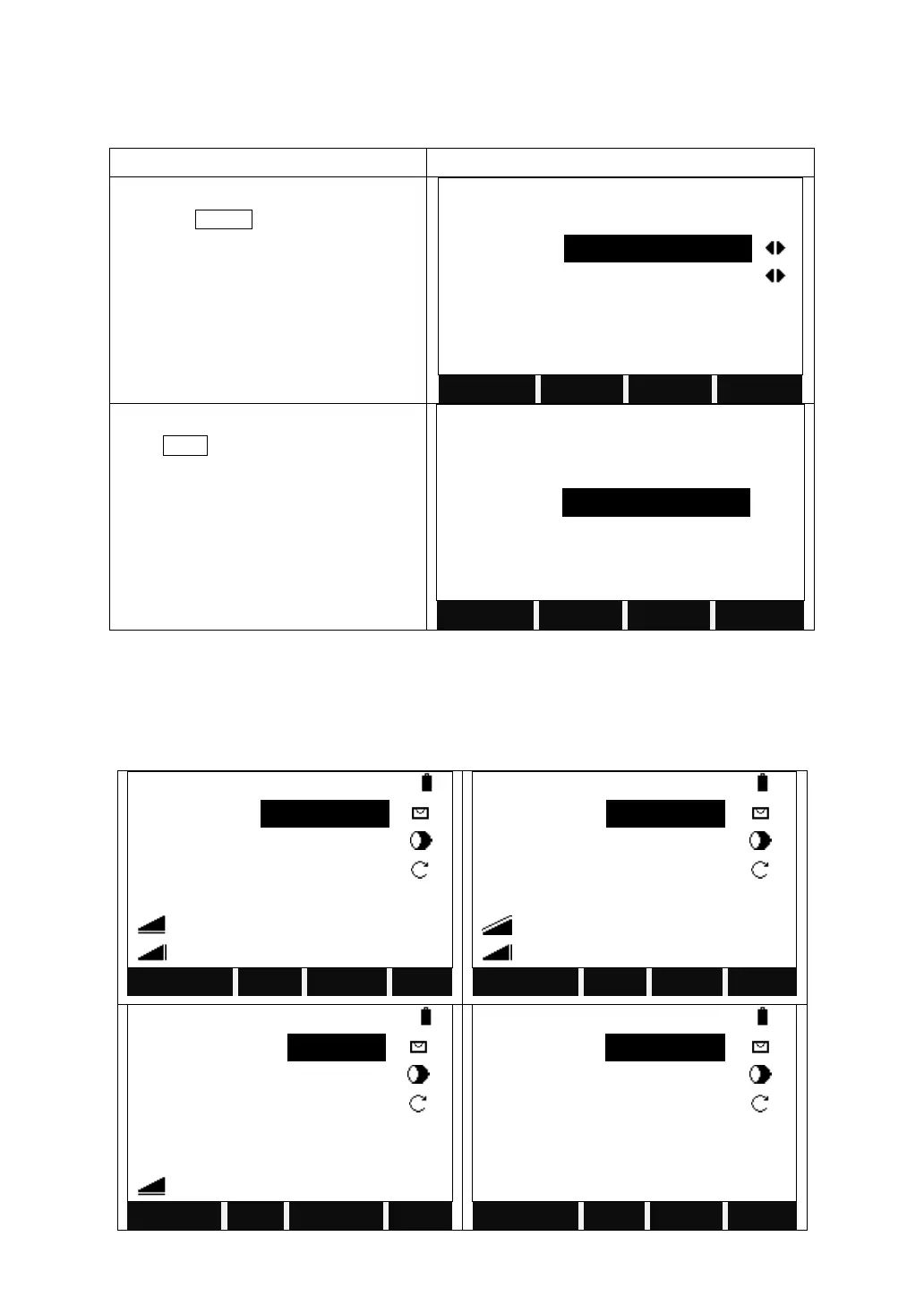
3.2.5 Setting Multiplication Constant
Set the multiply constant. Do not change this setting without indication by your
service provider.
STEPS
DISPLAY
In the second page of the function key
bar, press MulCon.
EDM Settings
EDM Mode
:
Fine [r]
Reflect
:
Prism
Prism
:
-30.0 mm
SIGNAL
MulCon
│←
Input the Multiplication constant, and
press SAVE.
Multiplication Cons.
Mul-Cons
:
0.0
ppm
SAVE
3.3 START SURVEY
The routine survey is divided into four pages of menu, including all routine
measurement functions, such as angle measurement, distance measurement
and coordinate measurement, which are shown as the pictures below:

Measure
1/4
PtID
:
A1
R.HT
:
1.000 m
HZ
:
34°4009
V
:
55°0 654
:
20.546 m
Mem.
:
1.254 m
All
DIST
RECORD
Measure
2/4
PtID
:
A1
R.HT
:
1.000 m
HZ
:
34°4009
V
:
55°0 654
:
21.866 m
Mem.
:
1.254 m
Set Hz
TILT
BEEP
│←
Measure
3/4
PtID
:
A1
Code
:
SANDING
R.HT
:
1.000 m
HZ
:
34°4009
V
:
55°0 654
Mem.
:
20.546 m
All
CODE
EDM
Measure
4/4
PtID
:
A1
R.HT
:
1.000 m
HZ
:
34°4009
X/N
:
125.056 m
Y/E
:
98.114 m
Mem.
H/Z
:
2.335 m
SetStn
EDM

Table of Contents

Related product manuals