26
3.3.1 Setting Horizontal Circle
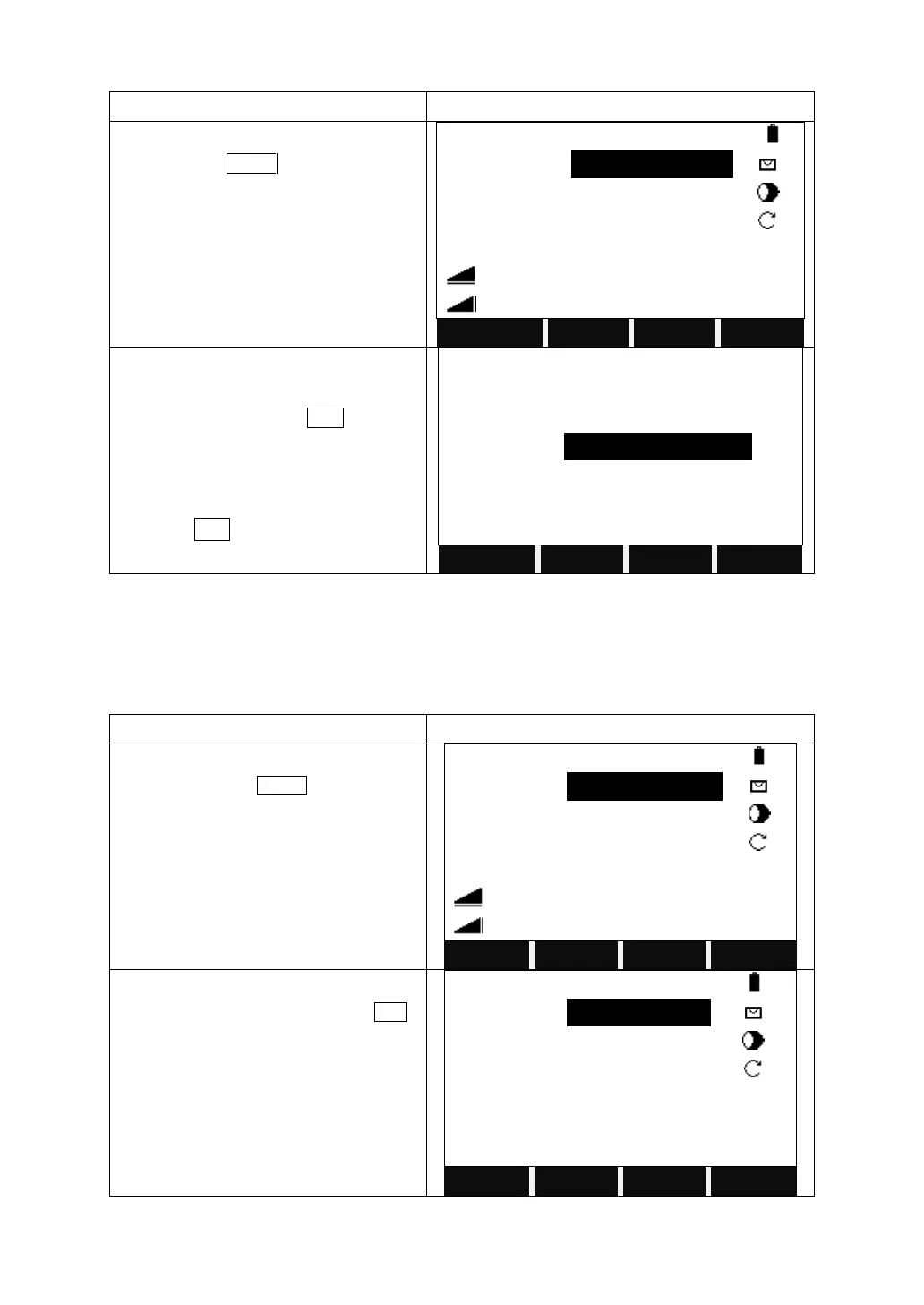
Turn to the third page of the function key
bar, and press Set Hz.
Current horizontal angle will be displayed.
a. To set the current horizontal angle as
the orientation, press SET.
b. To set other value as the orientation,
press ENT to input an angle value.
c. To set the orientation to 0°0 0’00”,
press 0SET.
3.3.2 Setting the Instrument Height and Prism Height
After setting the relative coordinate of the occupied point according to origin point,
the instrument automatically converts and displays the prism point Coordinate
based on the origin and occupied point.
Turn to the second page of the function
key bar, and press SetStn.
Input the PtID, instrument height,
description, coordinates, and press SET.



 To Next Page