27
3.3.3 Measurement
As all settings are finished, you can start survey now. The survey result has four
pages including all general survey data, press PAGE to check.
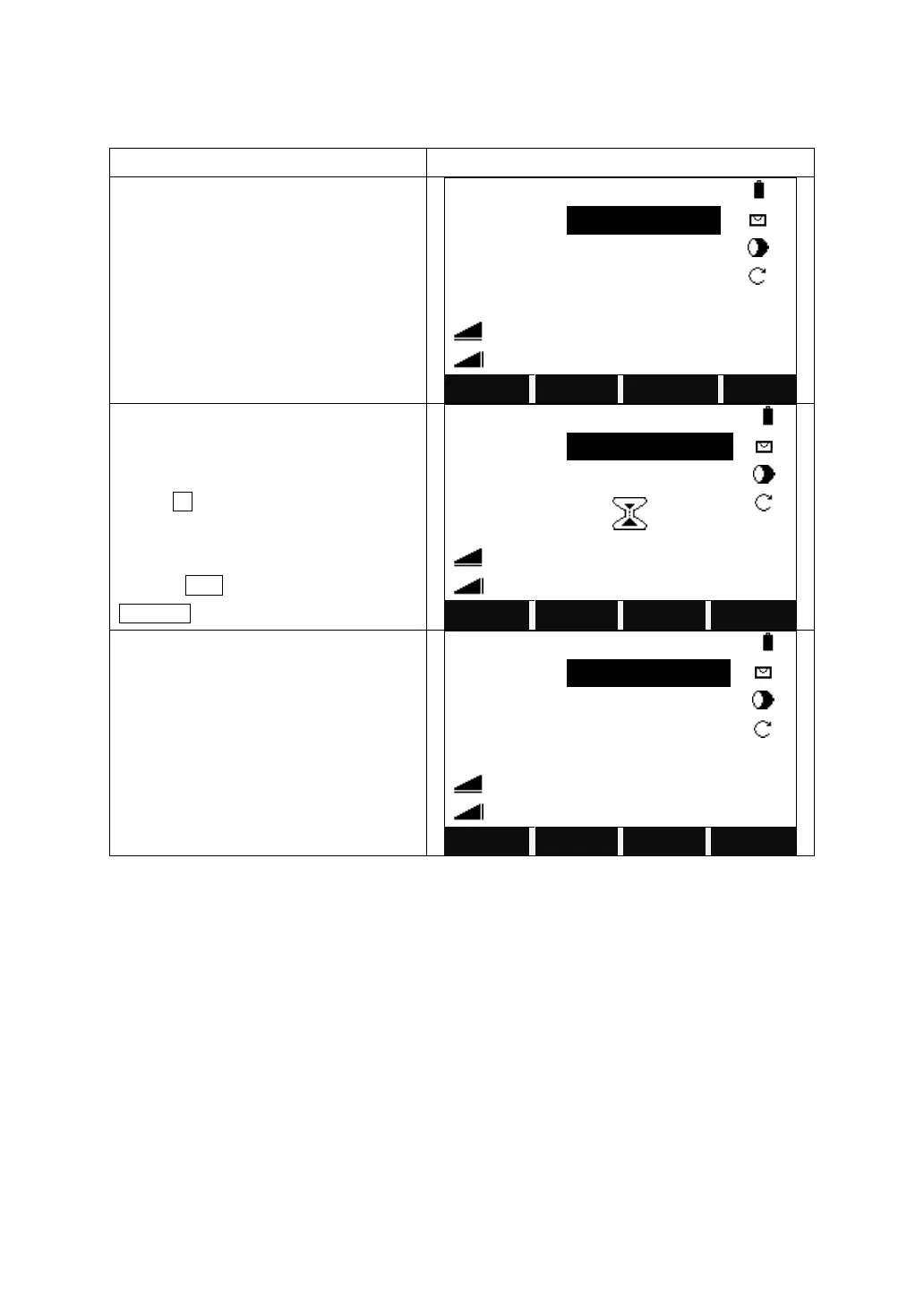
Input the PtID, reflector height, and code
if necessary.
Collimate the center of the prism, or the
objective surface you need to measure.
Press All to measure the angel and
distance, and save the results aftermath.
Or press DIST to measure first, and press
RECORD to save the results.
After the measuring, the point name will
automatically plus by 1.
The other soft keys in function key bar:
TILT: Sets the compensator, with options of 1-axis, 2-axis and OFF.
Sector Beep
Sector Beep sounds at right angles (0º, 90º, 180º, 270º or 0gon, 100gon, 200gon,
300gon)
Sector Beep Example: From 175°30’00” to 179°30’00”, a fast beep sounds. From
179°30’01” to 180°00’00” a “permanent beep” sounds.
As shown in the picture below:



 To Next Page