121
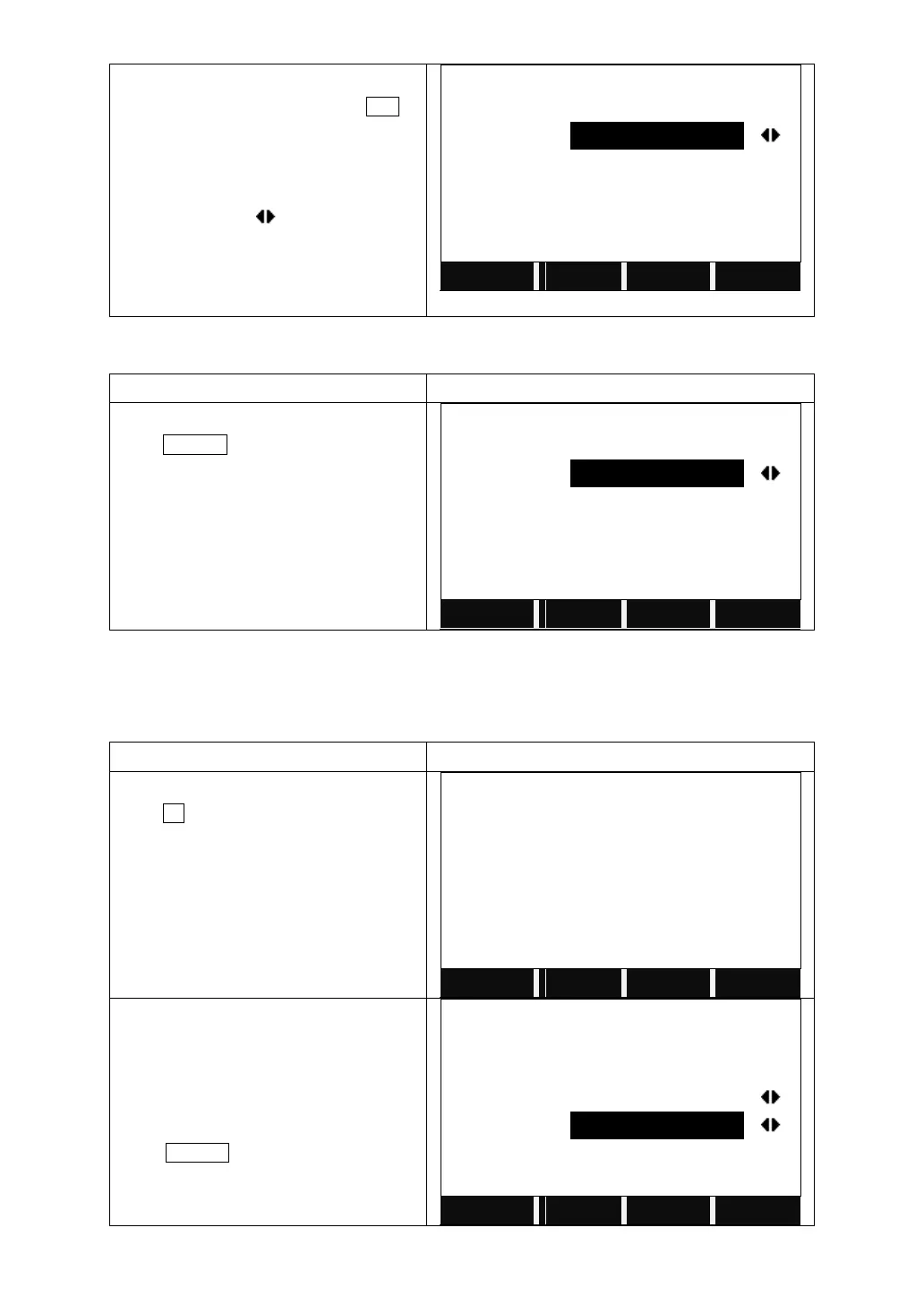
B: Move the cursor to "Find", and insert
the code or the wildcard "*", press ENT
1: If the code exists, the code will be
displayed on the screen
2: For wildcard "*", all the code can be
viewed by pressing .
3: If the code does not exist, the cursor
will stay on "Find", then insert another
code to be viewed.
6.4.3 Deleting Code
Choose the code you want to delete and
press DELETE.
6.5 INITIALIZING INTERNAL MEMORY
Deletes jobs, single data areas of a job or all data.
In Page 2/2 of the File Management,
press F1 to start to Initialize Memory.
Choose the job where you want to delete
the data, and choose the type of data you
want to delete, such as measurement
values, known points, and the entire job.
Press DELETE.



 To Next Page