114
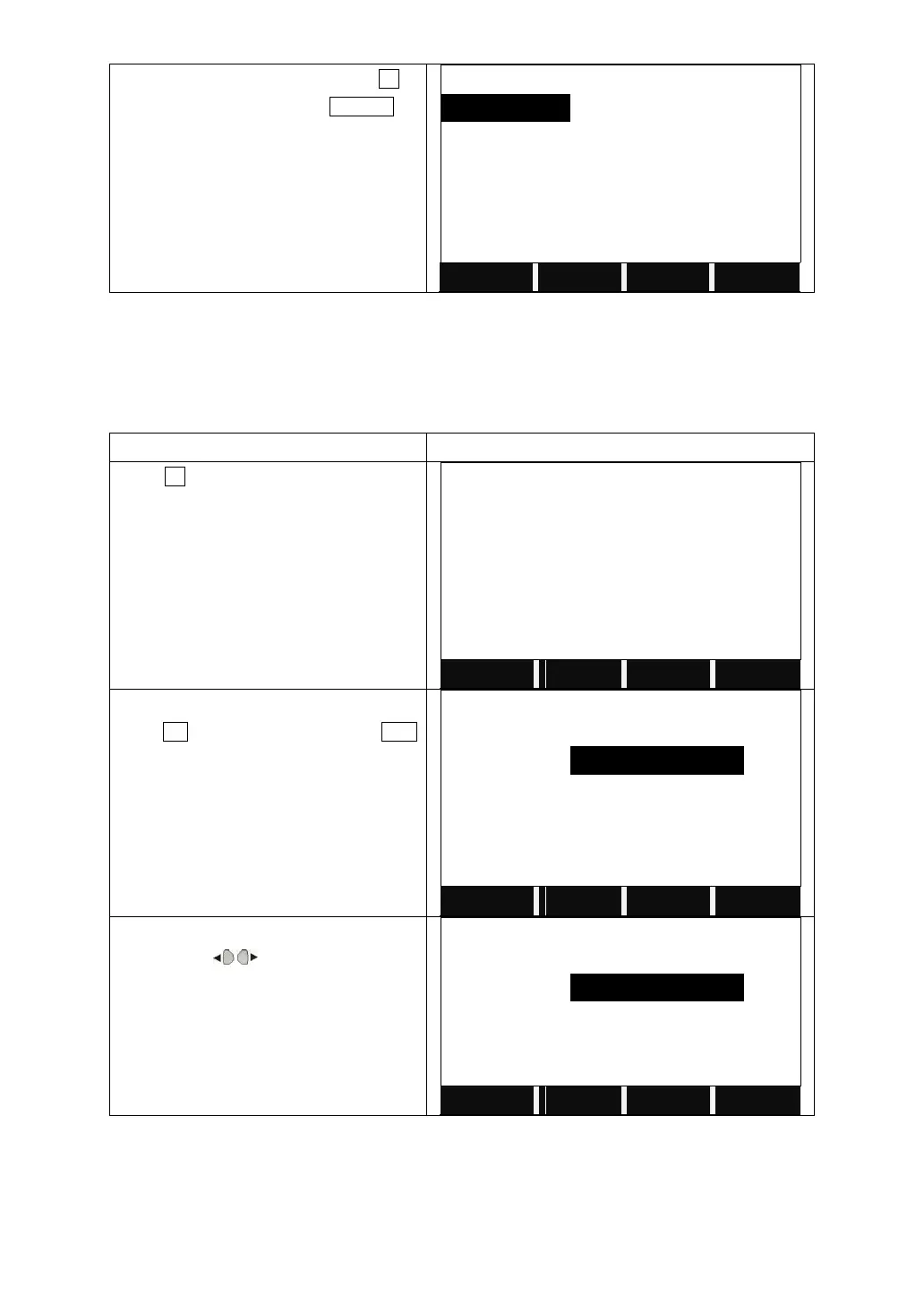
The screen shows the file list. Press F4 to
the next page, then press DELETE to
delete the selected job.
6.2 KNOWN POINT
This application allows user to launch operations of searching, editing, and
deleting known point in each job in internal memory. Valid known points contain
at least the PtID and the coordinates (E, N) or height (H).
Press F2 to manage the known points.
Insert the job name to be checked, then
press OK to enter the job. (Or press LIST
to select the job in the memory).
The screen shows the information of the
point. Press to view all the known
points in the job.



 To Next Page