113
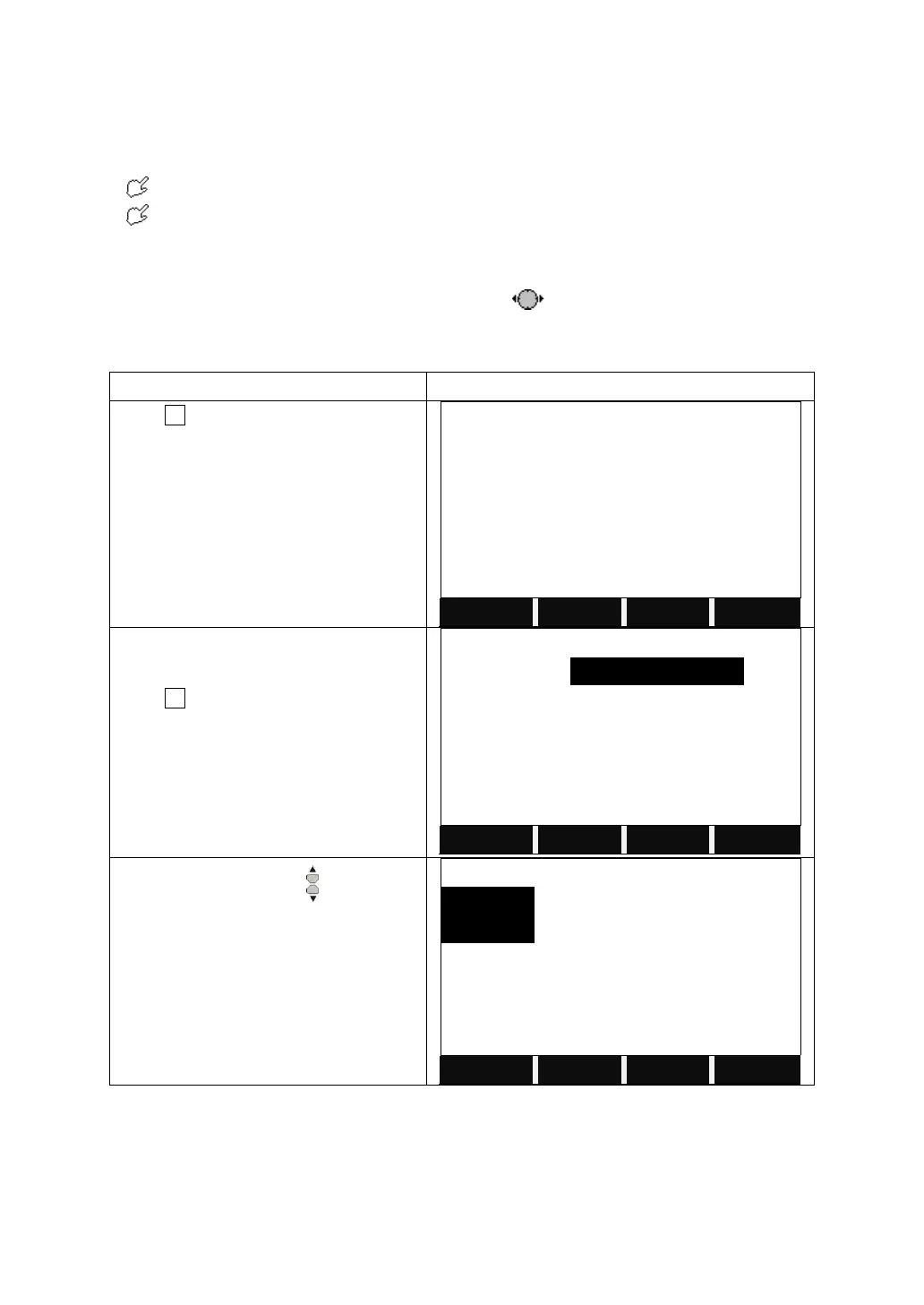
[Job]:If the document name of job is input randomly by operator, hereafter the
data are stored in this job.
[Name]:Name of operator. (Can be default)
[Note 1] and [Note 2] describe a rough condition of this project. (Can be default)
The system will automatically add the date and time of establishment.
The newly-established job is defaulted as the present job. If this job name
exists, the procedure will indicate “JOB EXIST!” Therefore, if it is not assured
whether the newly-established job name exists in internal memory, you may view
the job names existing in internal memory via before setting a new job.
6.1.3 Deleting Selected Job
It displays the information of the current
job.
Press F1 to view the files in the disk.
Press the navigation key to select the
disk.
Disk A: the internal memory
Disk B: the SD card memory


 To Next Page