28
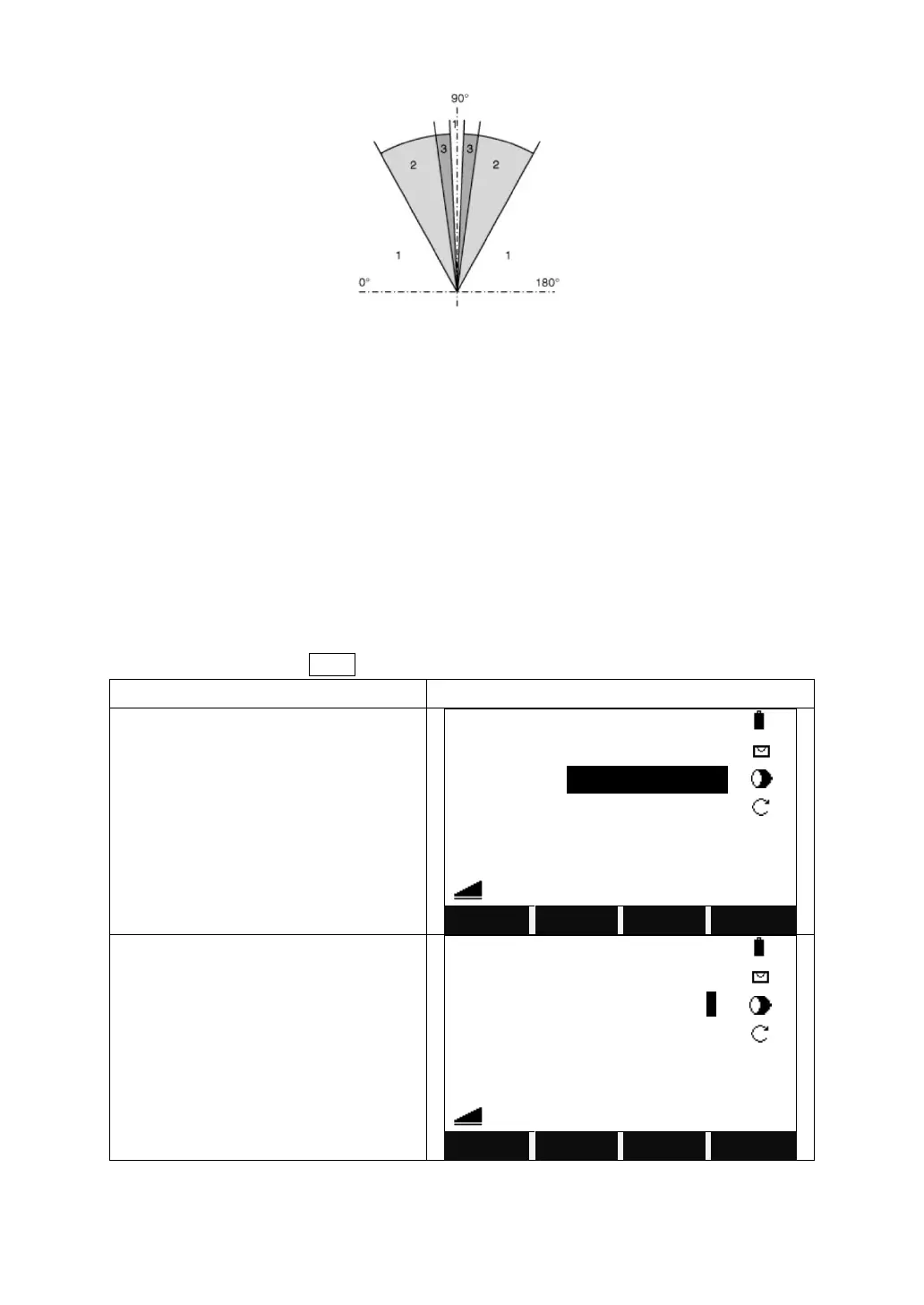
1) No beep
2) Fast beep
3) Permanent beep
3.3.4 Coding
Codes contain information about recorded points. With the help of coding, points
can be assigned to a particular group simplifying later processing. More
information on coding can be found under “File Management”.
The operational steps of simple coding:
1) Move the cursor to the “Code” column.
2) Input coding name.
3) Press [All] to start distance measure and record the code and measurement
result together. Press Code to search the code entered and modify the attributes.
Turn to Page 3/4 of the measure screen.



 To Next Page