45
Input the backsight PtID, reflector height,
and a random AZ value.
Press All to trigger the measurement.
Or press SET. to set the orientation
without activating the measurement.
Aftermath, it shows “Orientation!”, and
return to the highest level.
5.3.2 With Coordinates
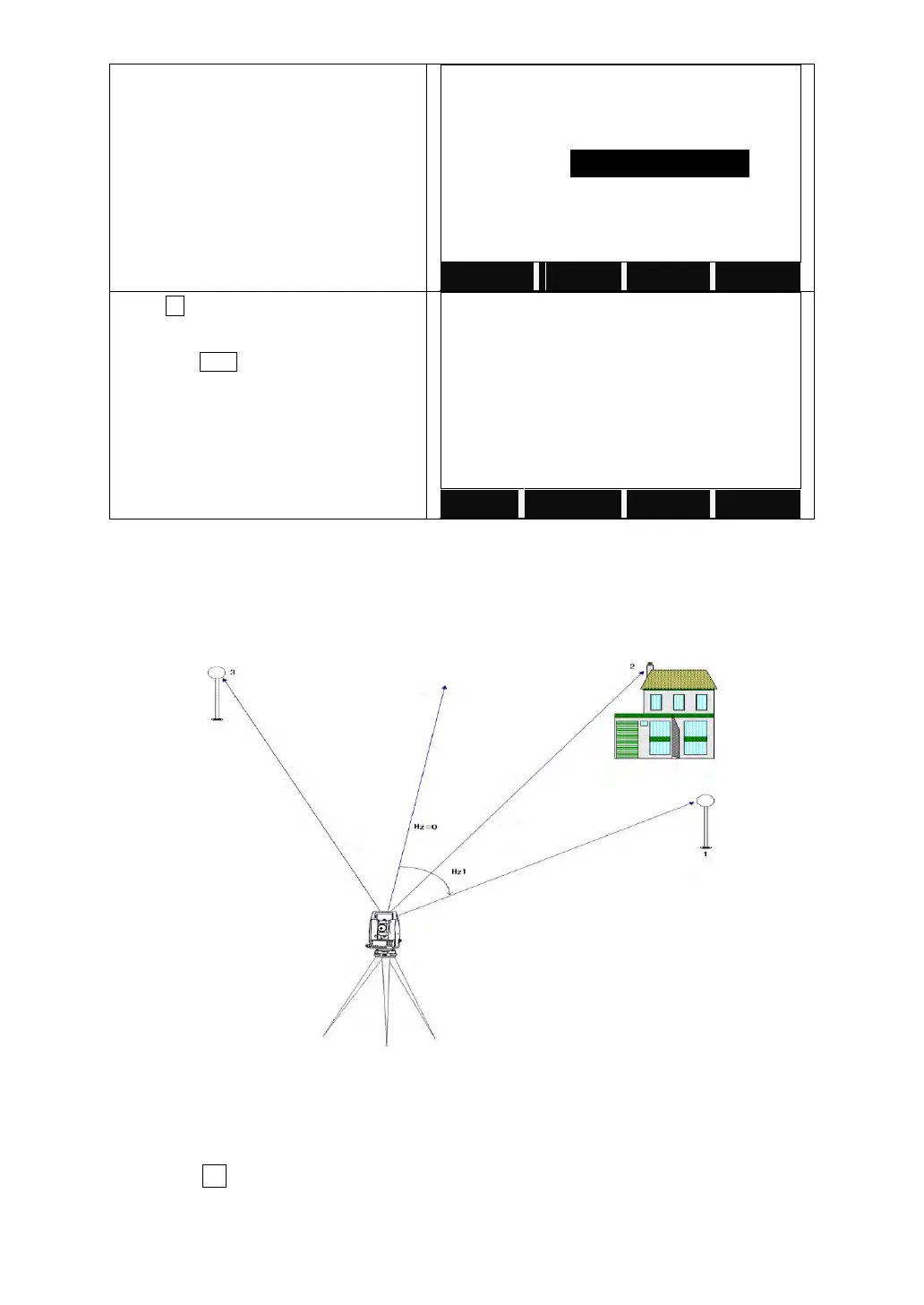
A target with known coordinates can also be used to determine the orientation.
For determine the orientation, a maximum of 5 target points with known
coordinates can be used.
1. Backsight Point 1
2. Backsight Point 2
3. Backsight Point 3
STEPS:
1) Press F2 to set the orientation with coordinates.
2) Input the orientation PtID and to determine the point found.



 To Next Page