46
3) Input and confirm the reflector height.
Orientation coordinates can be either obtained from the internal memory or
entered manually.
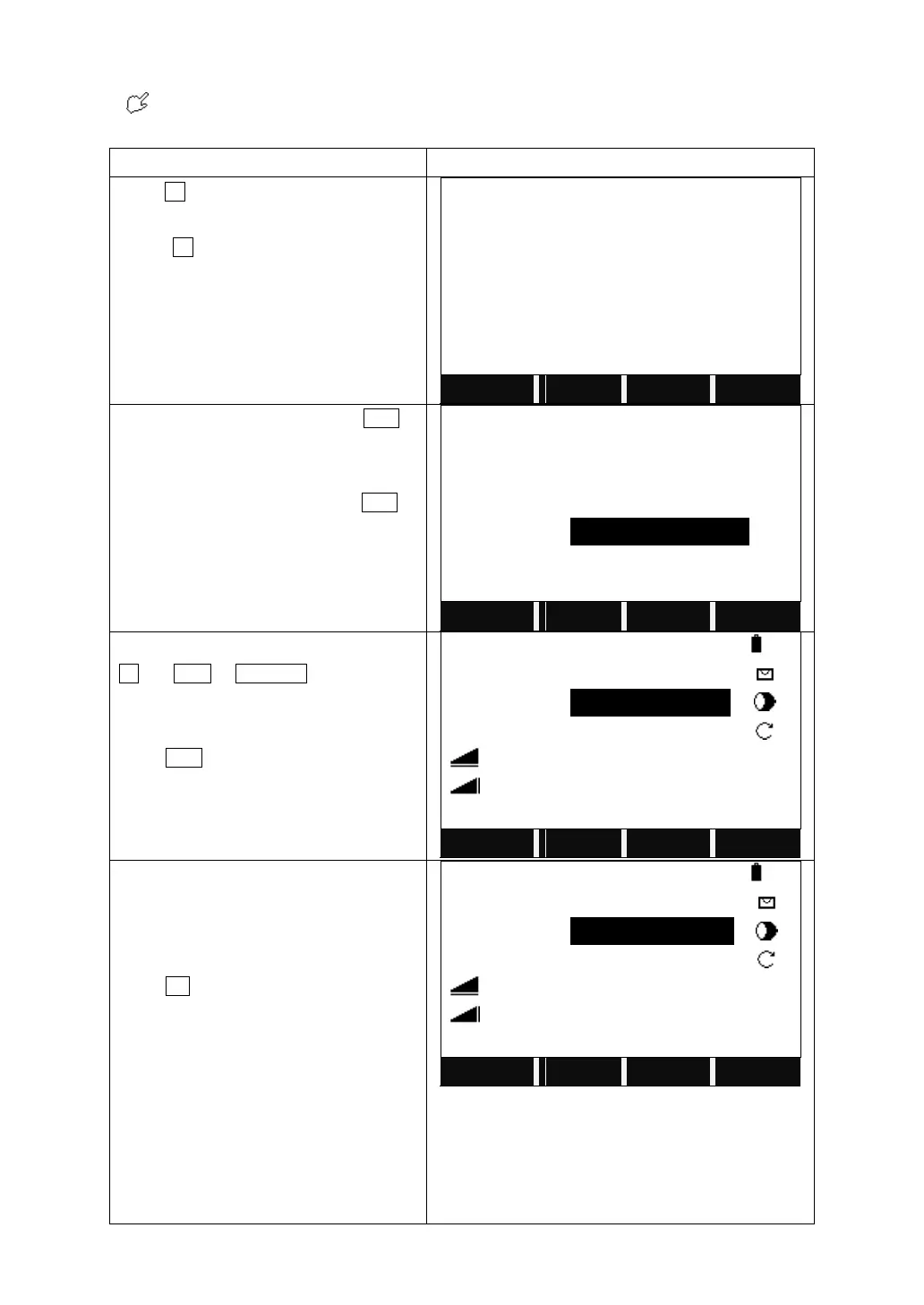
Press F3 to enter to Set Orientation.
Press F2 to set the orientation with
coordinates.
Input the backsight PtID. Or press LIST to
select the point from the list.
If the point does not exist, press ENH to
input the PtID and its coordinates.
If necessary, input the reflector height
before entering the BsPt.
Collimate the backsight point, and press
All (or DIST + RECORD) to trigger the
measurement.
Press EDM to change the EDM setting.
Then a dialog saying “Want More
Measurement?” pops up.
Press OK to start another measurement.
Or if you want to measure basing on Face
Ⅰ or Face Ⅱ, enter the same backsight
point you just measured, and turn to Face
Ⅰ or Face Ⅱ to proceed the
measurement.



 To Next Page