133
2. Sight object A in Face I and read the horizontal angle value. (e.g.: Horizontal
angle L=10°13′10″).
3. Loosen the vertical and horizontal clamp screws and rotate the telescope.
Sight object A in Face Ⅱ and read the horizontal angle value. (e.g.: Horizontal
angle R= 190°13′40″).
4. 2C=L-R±180°=-30″≥±20″, adjustment is necessary.
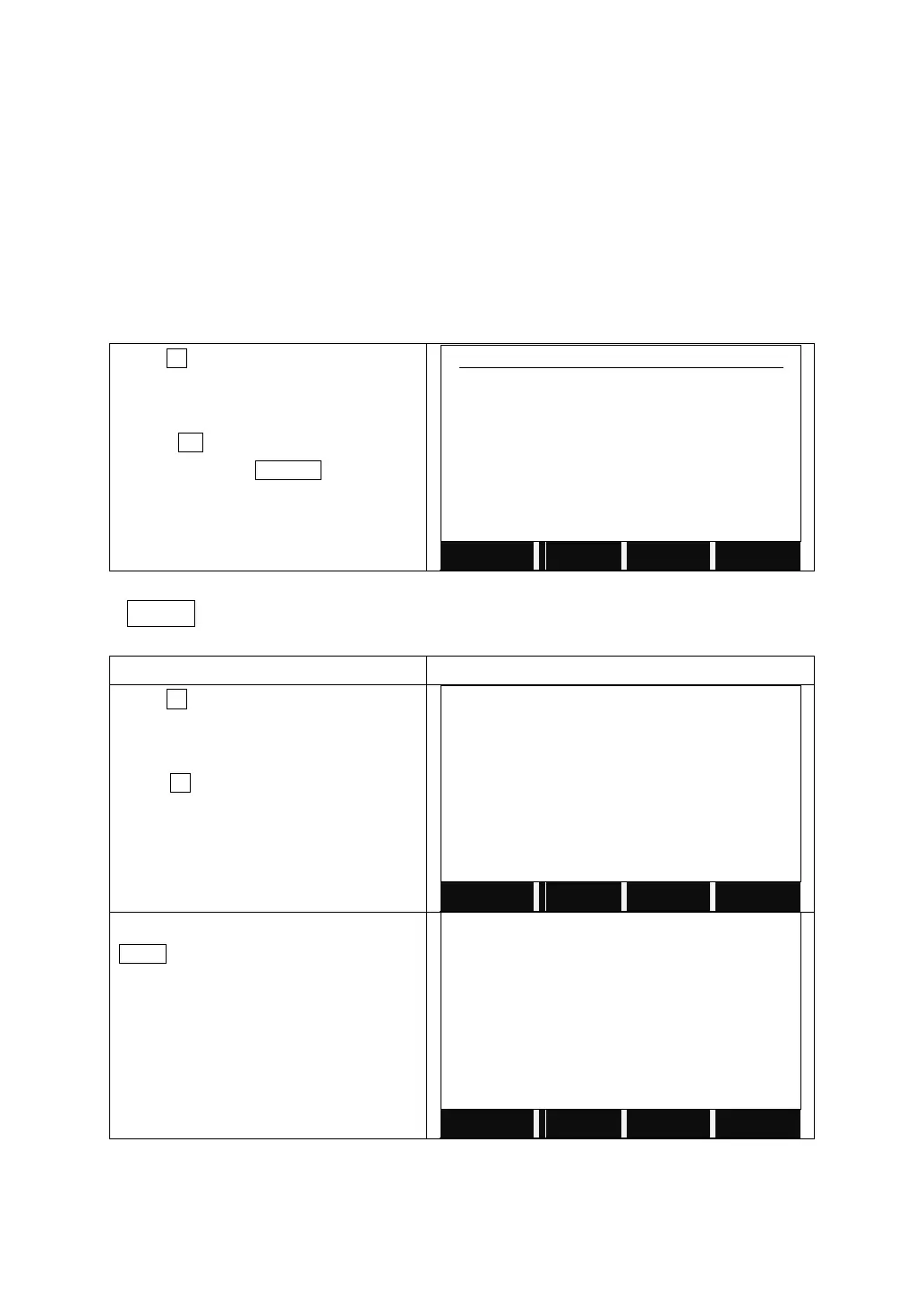
Before entering the Adjustment, the screen will show as below, we don’t
suggest users modify any parameter without permission. And please
contact your local dealer for support if there is problem with the parameter.
Press F1 on Page 2/2 of the main menu
to enter to Adjustment.
Press OK to enter the menu of
Adjustment. Press CANCEL to quit.
Please don't modify any
parameter without permission.
Adjust
A. Electronic Adjustment Operation Steps:
Press F1 on Page 2/2 of the main menu
to enter to Adjustment.
Press F2 to start to check and adjust
Hz-collimation.
In Face I, collimate the target, and press
MEAS.



 To Next Page