116
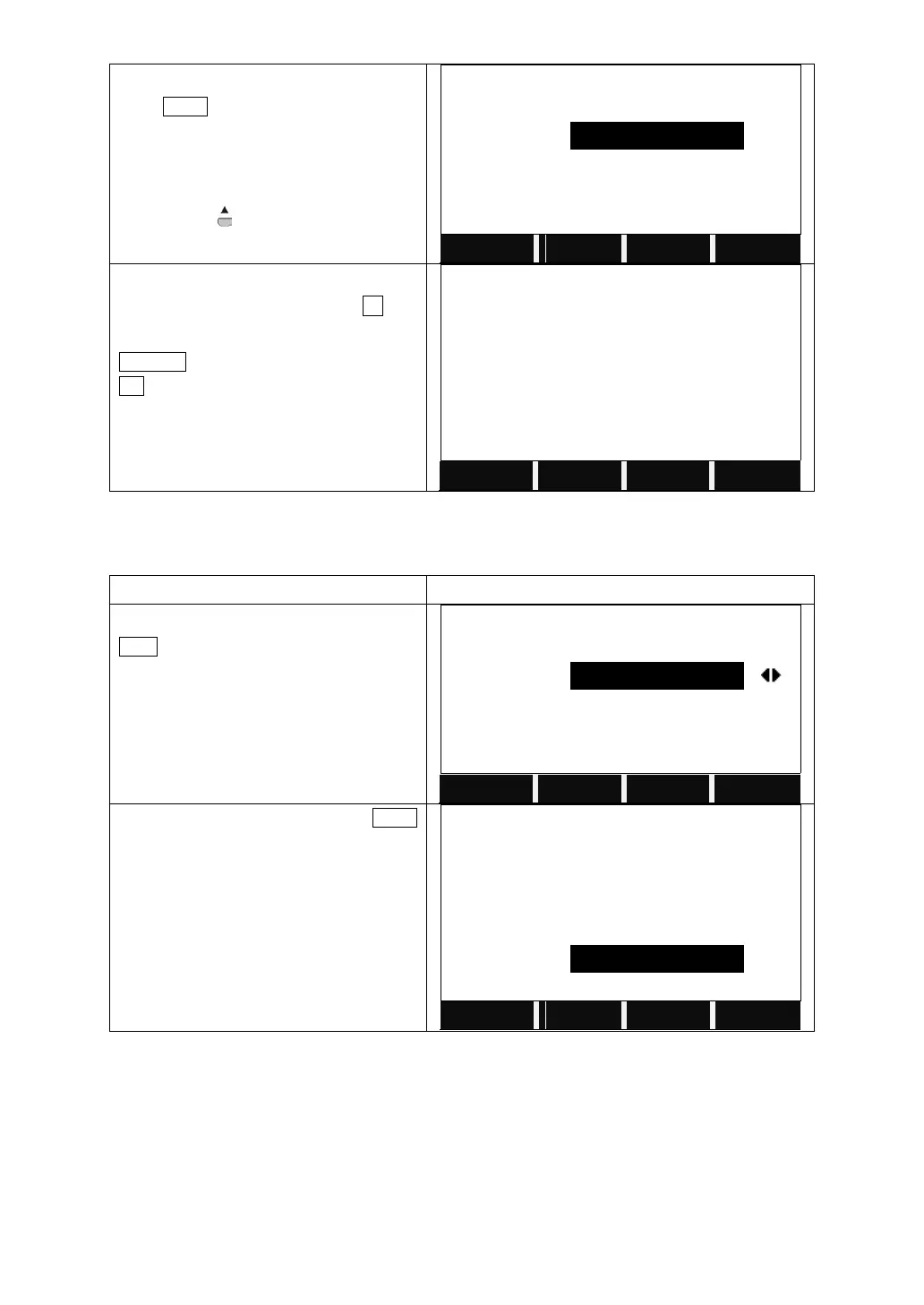
Input the information of a new point and
press SAVE.
If the PtID exists, the program will call the
that point. If need to save as another
point, press to input the new point
name.
If no need to save as another point, after
insert the new coordinate, press F4, the
system will ask whether to cover the data.
CANCEL: input a new point name
OK : cover the existed point
Pt . exist !
Want to cover the data ?
6.2.3 Editing the Known Points
This function allows editing known points in internal memory.
Choose the job and the point and press
EDIT.
Edit the point selected and press SAVE
to save the point.
6.2.4 Deleting Known Points
Deletes the selected known points in internal memory


 To Next Page