Home
Sanding
Measuring Instruments
STS-752RC
Page 128 (COMMUNICATION SETTING)
Sanding STS-752RC - COMMUNICATION SETTING
152 pages
Manual
Save Page as PDF
To Next Page
To Next Page
To Previous Page
To Previous Page
Loading...
127
For exampl
e: USB
R
eceive Known
Point Data
STEPS
DISPLAY
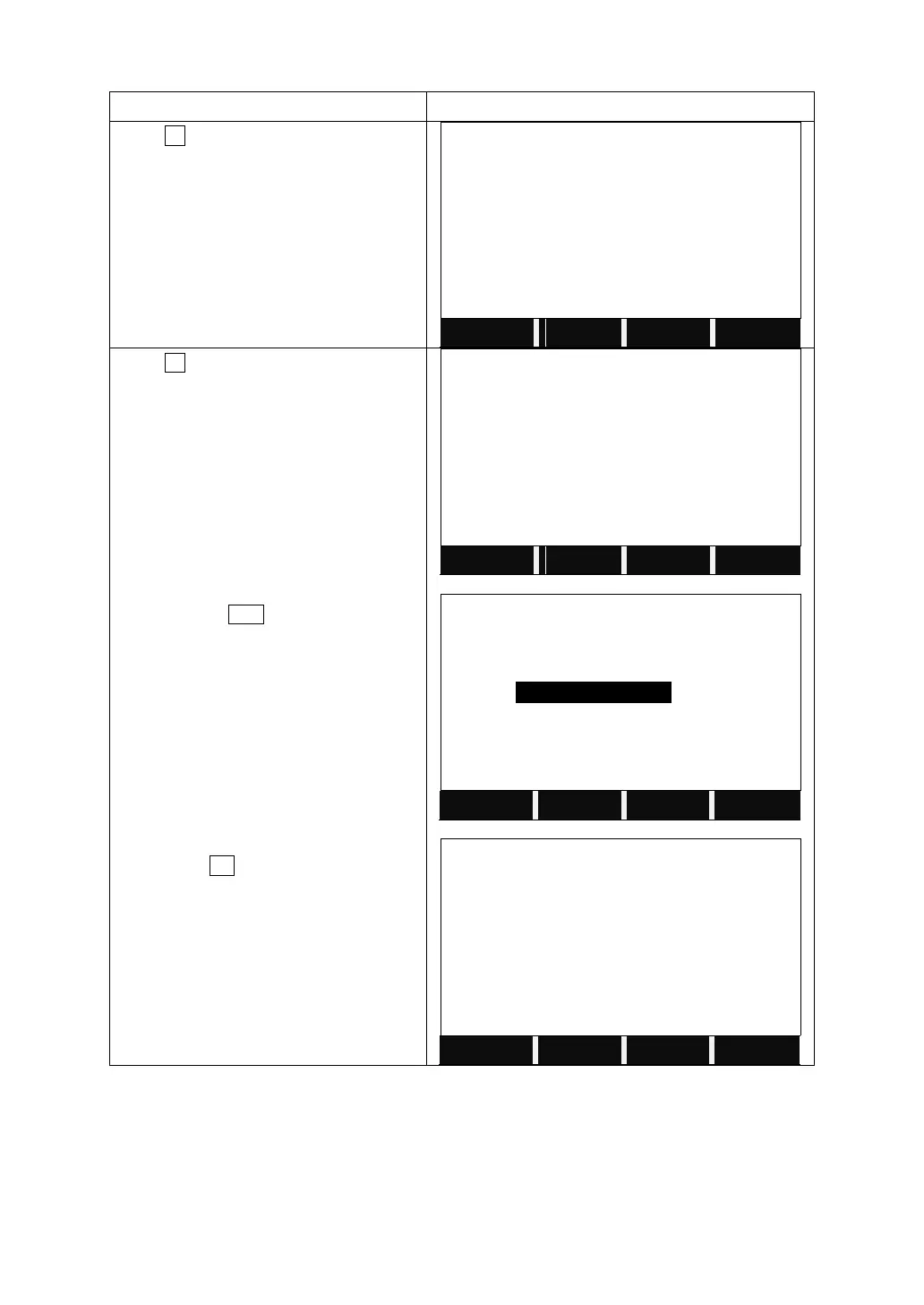
Press
F4
to enter to
USB Receive.
【
File Management
】
3/3
▲
F1
Data Outpu
t
(8)
F2
Data
Import
(9)
F3
USB
Send
Data
(10)
F4
USB
Recei
ve
(11)
F1
F2
F3
F4
Press
F1
to receive the known point data
from a PC through SANDING SURVEY
OFFICE.
Choose
the
job
to
receive
the
known
point. Or
press
LIST
to select
the job from
the disk.
Then
p
ress
OK
.
After
USB
initializing,
it
starts receiving the known point.
【
USB Send Data
】
F1
KnownPt
(1)
F2
Code
(2)
F3
HZ
Alignment
(3)
F4
VT
Align
ment
(4)
F1
F2
F3
F4
【
KnownPt Job
】
Job
:
DE
FAULT
LIST
OK
【
Receive Known Point
】
Transfer: USB
A:
\DEFAULT.PTS
Receiving...
*
12
BACK
127
129
Table of Contents
Main Page
Default Chapter
2
Table of Contents
2
Forewords
5
1 Important Parts and Functions
8
Important Parts
8
Display
9
Keypad
9
Fixed Keys
10
Trigger Key
10
Soft Keys
10
Symbols
11
Menu Tree
12
2 Preparation for Measurement
13
Unpacking and Store of Instrument
13
Instrument Setup
13
Battery Power Remaining Display
15
Reflector Prisms
16
Mounting and Dismounting Instrument from Tribrach
17
Eyepiece Adjustment and Collimating Object
17
Inputting Mode
17
Pointsearch
18
Wildcard Search
20
3 Routine Measurement
21
Distance Survey Cautions
21
Edm Settings
21
Start Survey
26
4 Functions
32
Leveling
32
Target Offset
32
Deleting Last Record
33
Main Settings
34
Height Transfer
36
Hidden Point Measurement
39
Free-Coding
40
Checking Tie
40
Edm Tracking
41
Light On/Off
42
Laser Pointer on
42
Reticle Illumination On/Off
42
5 Programs
43
Setting Job
43
Setting Station
44
Setting Orientation
45
Surveying
49
Staking out
50
Free Station
58
Cogo
61
Tie Distance
71
Area Measurement (Plane)
74
Remote Height Measurement (Rem)
76
Reference Line / Arc
78
Road
93
Construction Site Stake out
106
6 File Management
111
Job
111
Known Point
115
Measurement Data
118
Coding
121
Initializing Internal Memory
122
Memory Statistic
123
U Disk Mode
123
Data Output/Data Import
125
Usb Send Data/Usb Receive
126
7 Communication Setting
129
8 Data Transfer
130
9 System Information
131
10 Check and Adjustment
132
Plate Vial
132
Circular Vial
132
Inclination of Reticle
133
Perpendicularity between Sight Axis and Horizontal Axis (2C)
133
Vertical Index Difference Compensation
135
Vertical Index Difference (I Angle) & Setting Vertical Index 0
136
Transverse Axis Error Compensation Adjustment
137
Optical Plummet
138
Instrument Constant (K)
139
Parallel between Line of Sight and Emitting Photoelectric Axis
141
Reflectorless Edm
141
Tribrach Leveling Screw
142
Related Parts for Reflector
142
11 Specification
143
12 Accessories
145
[Appendix-A] Calculating Road Alignment
146
Road Alignment Elements
146
Calculation Road Alignment Elements
147
Related product manuals
Sanding STS-755RC
152 pages


 To Next Page
 Loading...
