18
[MENU]
[Programs]
[Surveying]
[Setting Station]
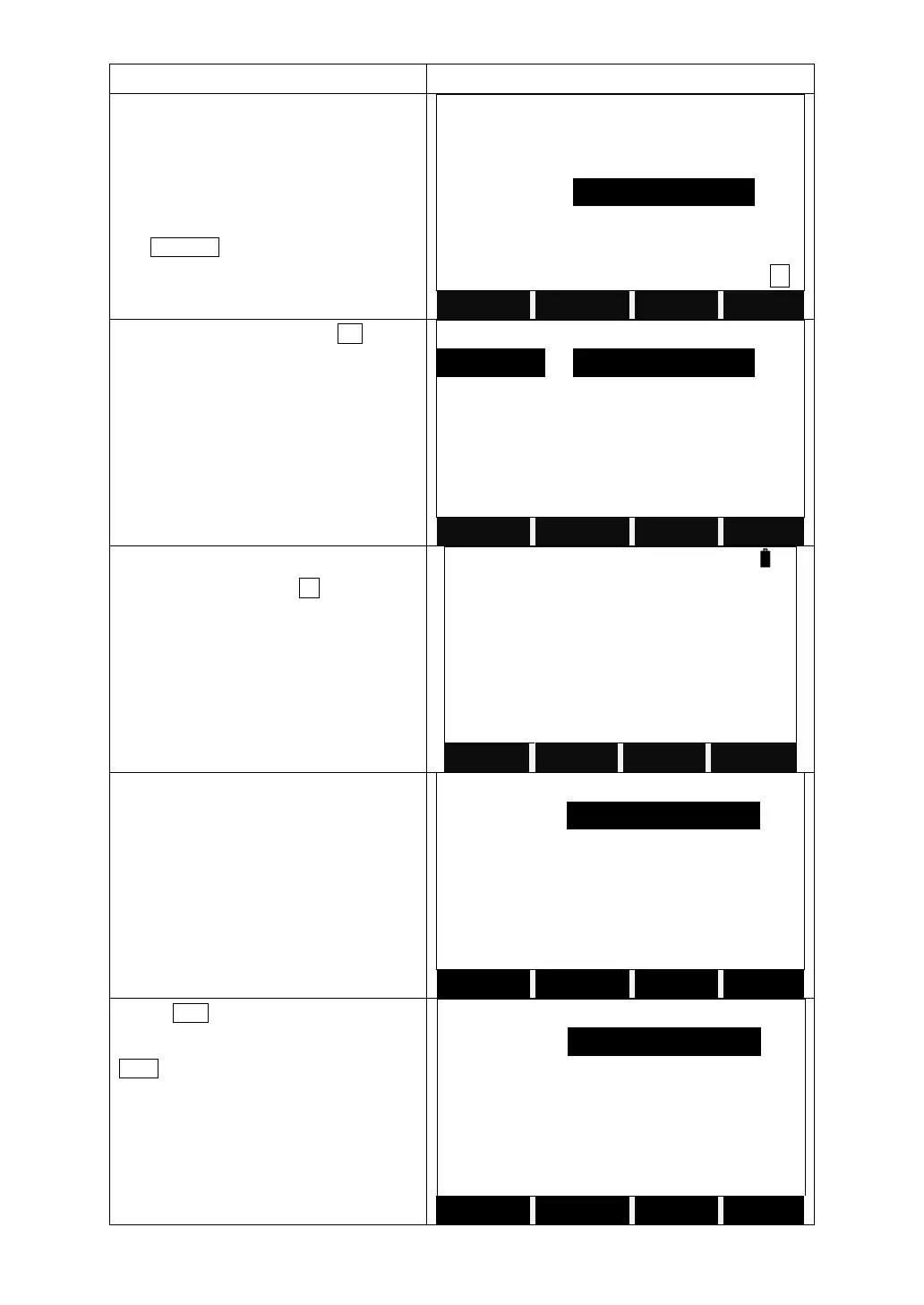
Input PtID: A12
SEARCH
Select job/input Pt coord
Select the right one and press OK.
If there is no existing point, after inputting
the point name, press F3 to manually
input the coordinates.
If the point doesn't exist in the current job,
then after pressing ENT, it will display
another screen. User can search the point
from other job.
Select job/input PT coord
Press LIST to view the disk of the
instrument and select the job. Then press
FIND, it will show the point list of the job.
Select job/input PT coord



 To Next Page