74
a: Start point
b: Perimeter, polygonal length from start point to
c: Calculated area always closed to the start point P1, projected onto the
horizontal plane.
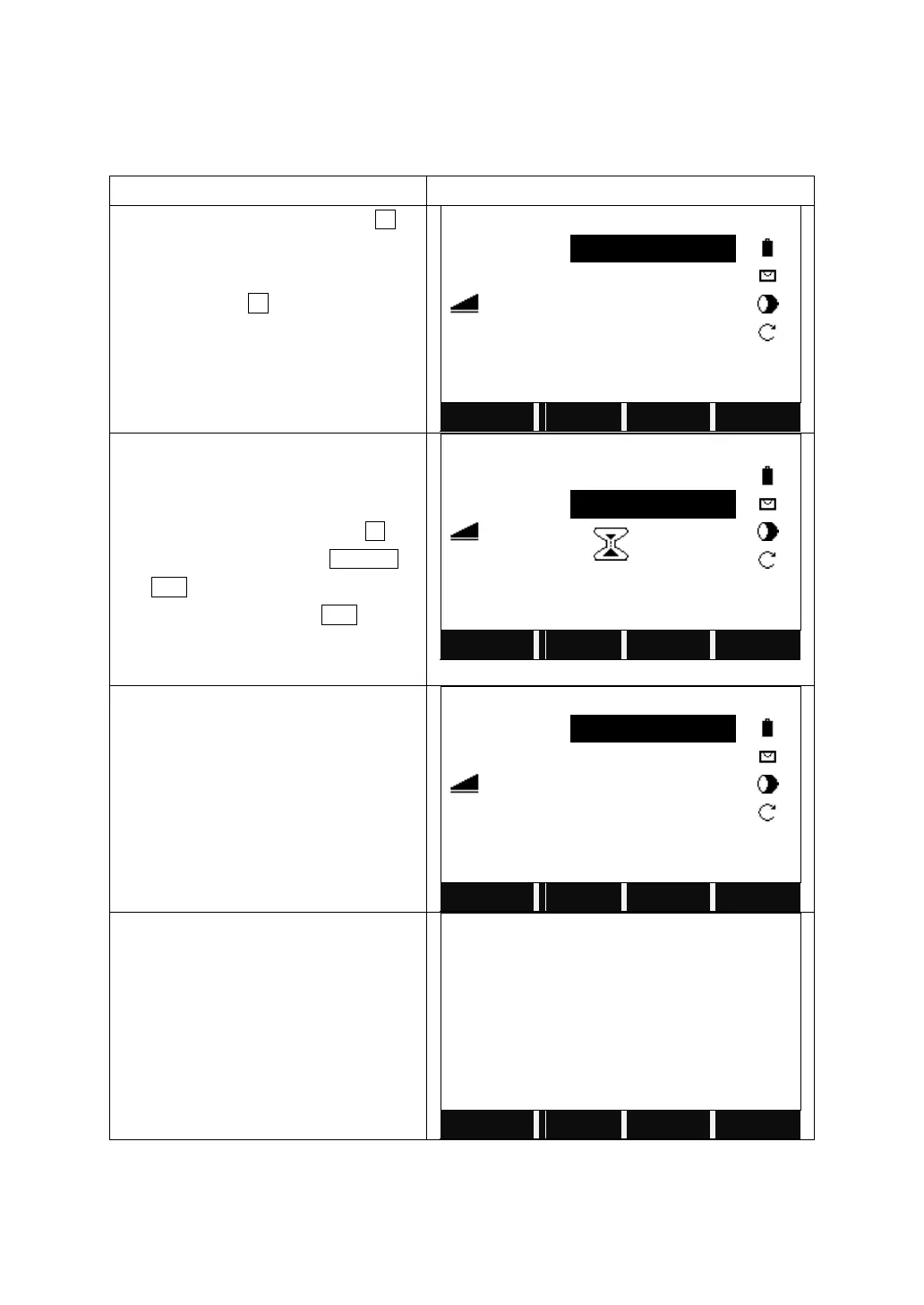
On Page 2/3 of Programs, press F2 to
start Area (Plan).
After setting the job, station and
orientation, press F4 to start.
Enter the first PtID.
You can set the point via following ways:
1. Input a PtID and prism height,
collimate the prism and press All
2. Call up a known point by SEARCH or
LIST.
3. Input a PtID and press ENH to input
the coordinates if the point does not
exist.
Enter the other points through the ways
above.
The areas will be displayed automatically
according to the points that are employed
to calculate the area.
When at least 3 points are employed to
calculate the area, you can press
RESULT to view the result.
Soft keys:
[F1]([NEW]): To start new area measurement. Point number counts from 0.
[F4]([AddPt]): To add new measurement based on current area measurement.



 To Next Page