76
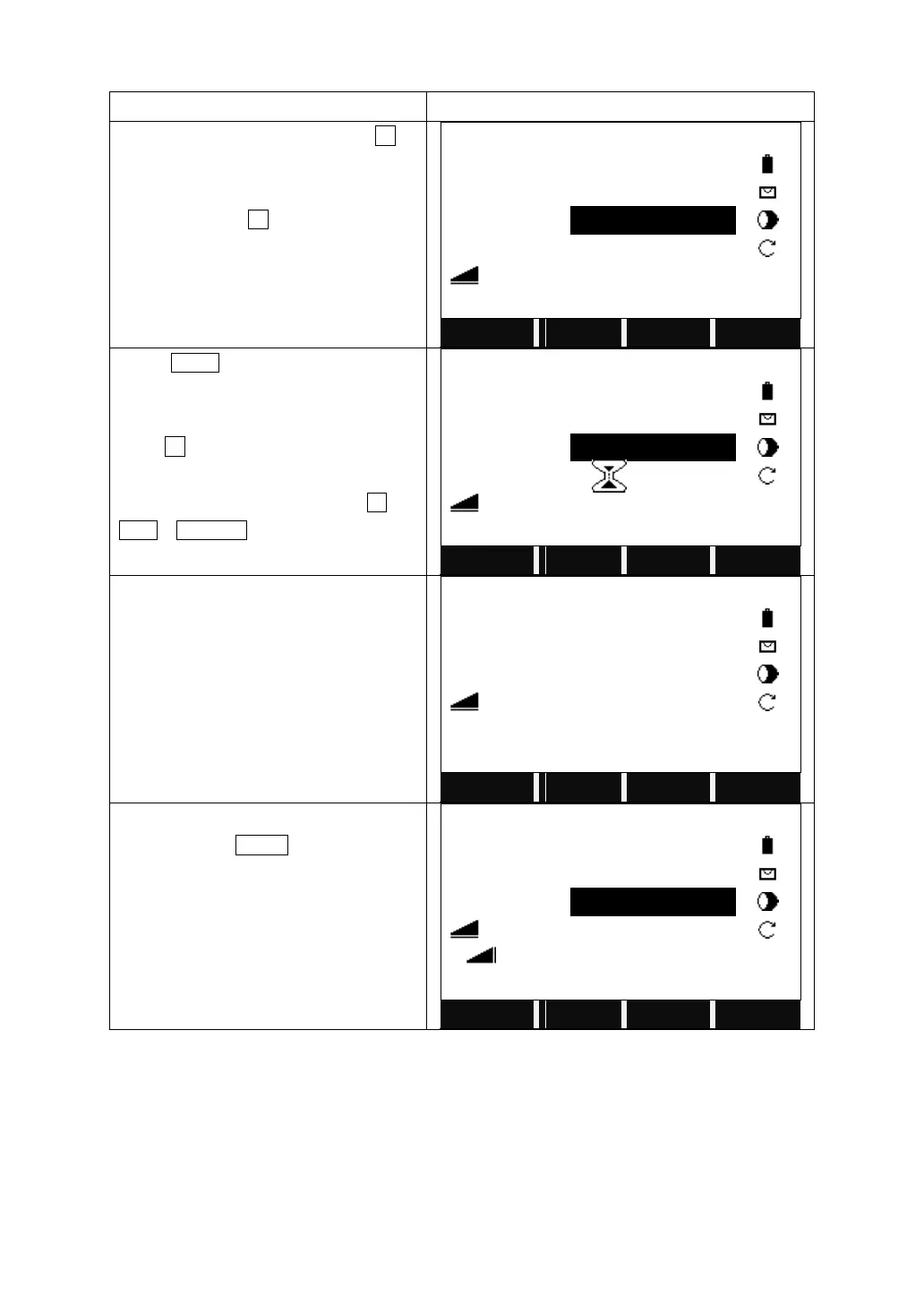
If the prism height is unknown:
On Page 2/3 of Programs, press F3 to
start Remote Height.
After setting the job, station and
orientation, press F4 to start.
Turn to the 2
nd
page of the function key
bar.
Press R.HT? to start to calculate the
Remote Height without a known prism
height.
Press F4 to turn the function key bar.
Input the PtID of the Base Point.
Collimate the prism and press All (or
DIST + RECORD) to start measurement.
It displays the horizontal distance
between the instrument and the prism.
Collimate the ground point of the base
point and press V-ANG, the base point is
confirmed.
Then rotate the telescope to shoot the
target point, the remote height will be
calculated and displayed.
Soft keys:
[F1]([BasePt]): Input and measurement of a new base point.
[F4]([SAVE]): Saves the measured data.



 To Next Page