Chapter 3: Installation
Getting Ready to Scan
72 Scantron
i
NSIGHT 20 Scanner
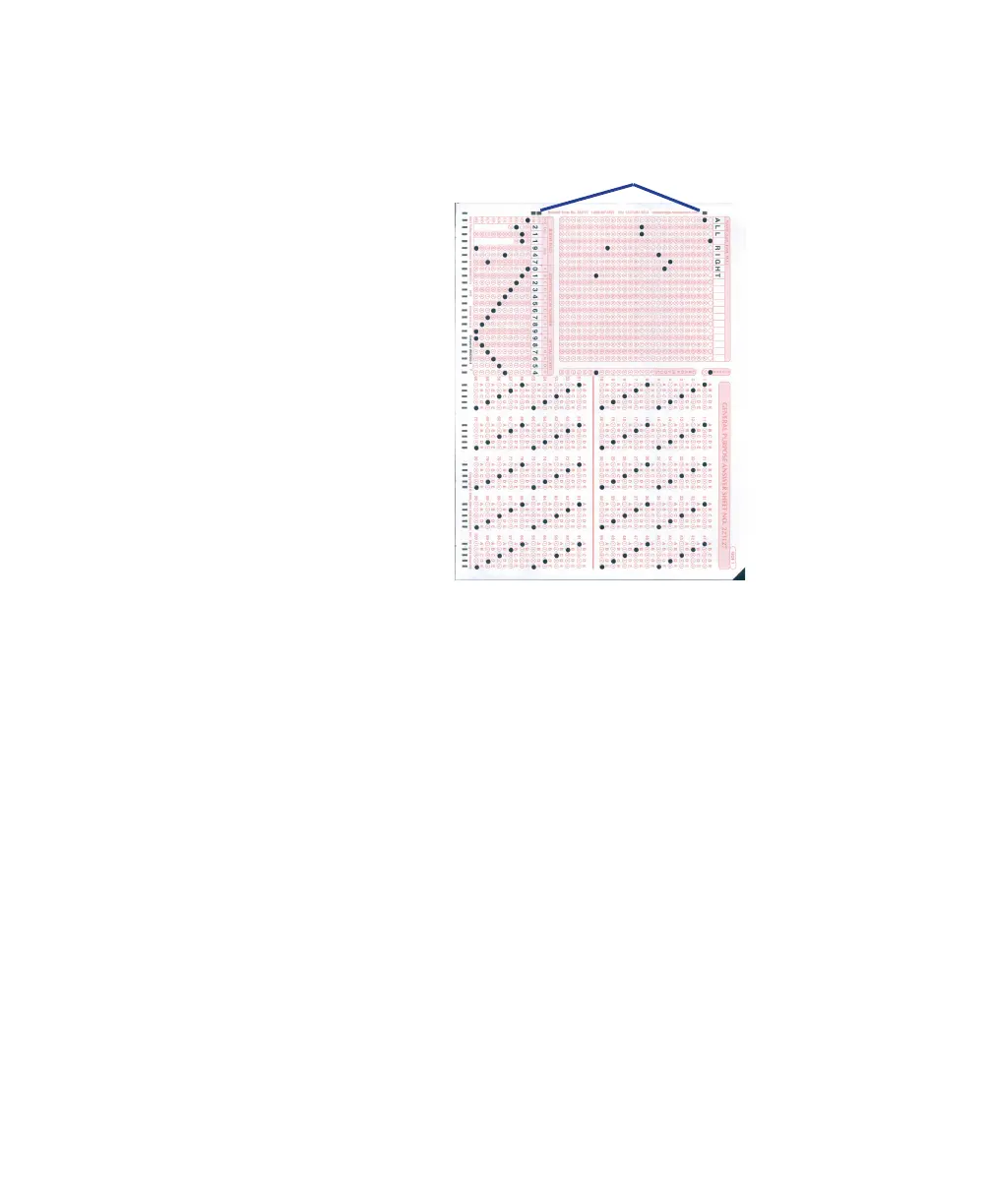
black rectangular (Form ID) marks enter the scan-
ner first.
4. Scan the sheets by clicking Scan in the ScanTools Plus
window.
The sheets should scan. If they do not, recheck your
scanner installation. If you are unable to resolve the
difficulty, contact Scantron Customer Support as
described in “Requesting Support” on page 125.
5. When the scanner is done scanning, the following
dialog box appears indicating that the input hopper is


 To Next Page
 Loading...
