Page 17
Operation 3
Operating Instruction Inserting printing paper 3.3
Art. no.: 2.510474 rev.: d
ARGUS LCM/PLUS
3.3 Inserting printing paper
Important
The device is delivered without printing paper installed. Only use original SCHILL-
ER printing paper. The thermo-paper is sensitive to heat, humidity and chemical va-
pours. Store the paper in a cool and dry area.
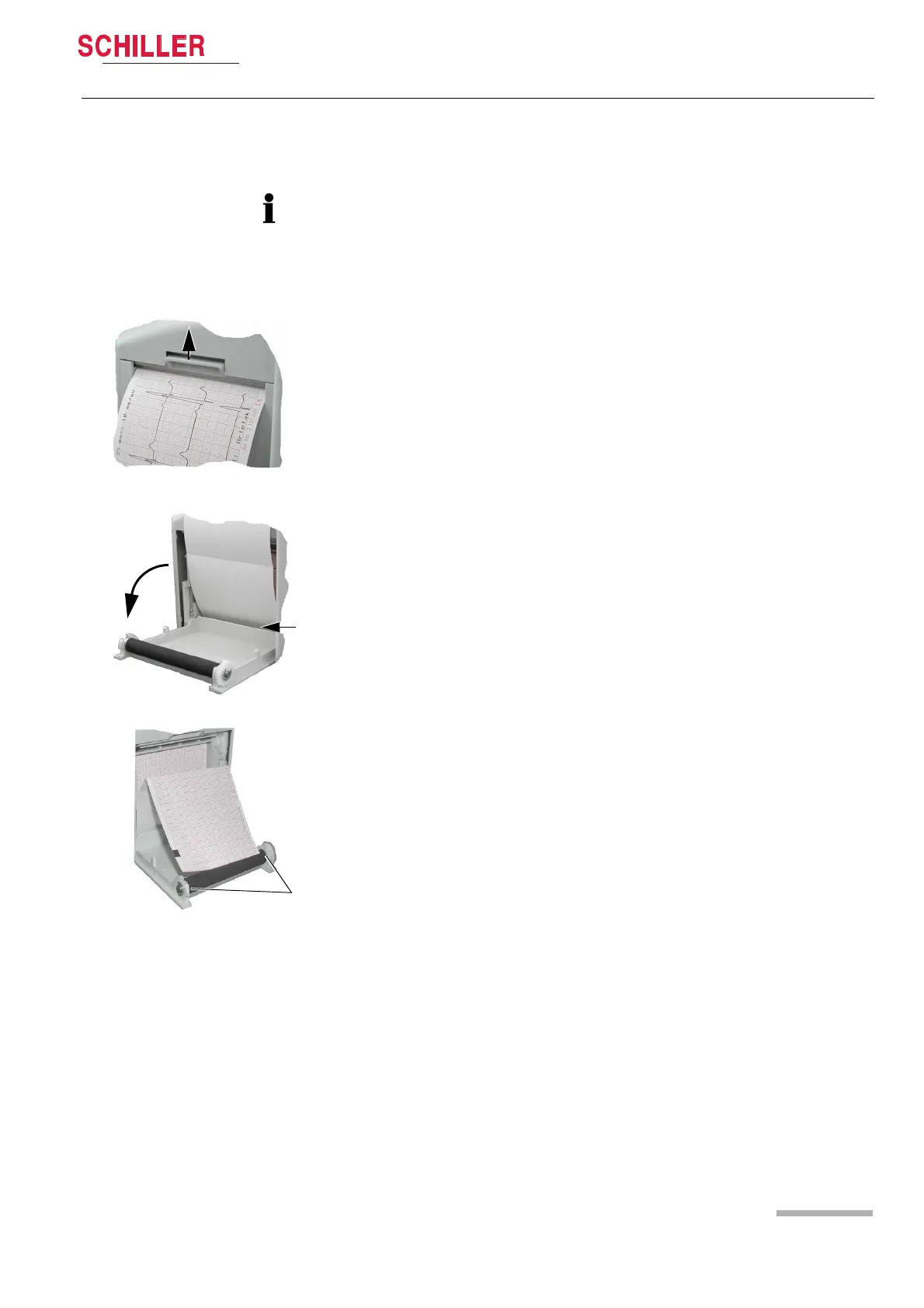
1. Press the locking catch (1) upwards. The printer door opens downward
2. Insert paper and pull it up. Be sure that the paper lies behind the cover (2).
3. Close the cover. Be sure that the paper lies exactly between the rails (3).
1
3
2













 To Next Page