3Operation
3.4 Initial settings
Page 18
Art. no.: 2.510474 rev.: d
ARGUS LCM/PLUS
3.4 Initial settings
This chapter details the most important and typical programming sequences.
3.4.1 Selecting the language
3.4.2 Saving and restoring default values
Changed values can be saved permanently and restored. See section 7.1.2.
1. Open the About+ panel and select Device.
2. Select Save as Default or Restore Defaults and confirm with
enter. The default values will then be saved or restored.
3. Press the menu button to exit the programming mode.
3.4.3 Load factory defaults
The SCHILLER factory defaults are listed in section 7.2. When you load these de-
faults, they will overwrite the user settings.
1. Open the About+ panel and select Device.
2. Select Factory Defaults and confirm with the enter button. The factory defaults
will be loaded.
3. Press the menu button to exit the programming mode.
V Only authorised personnel, trained in the operation of this device, are permitted
to do the setups in the following menu.
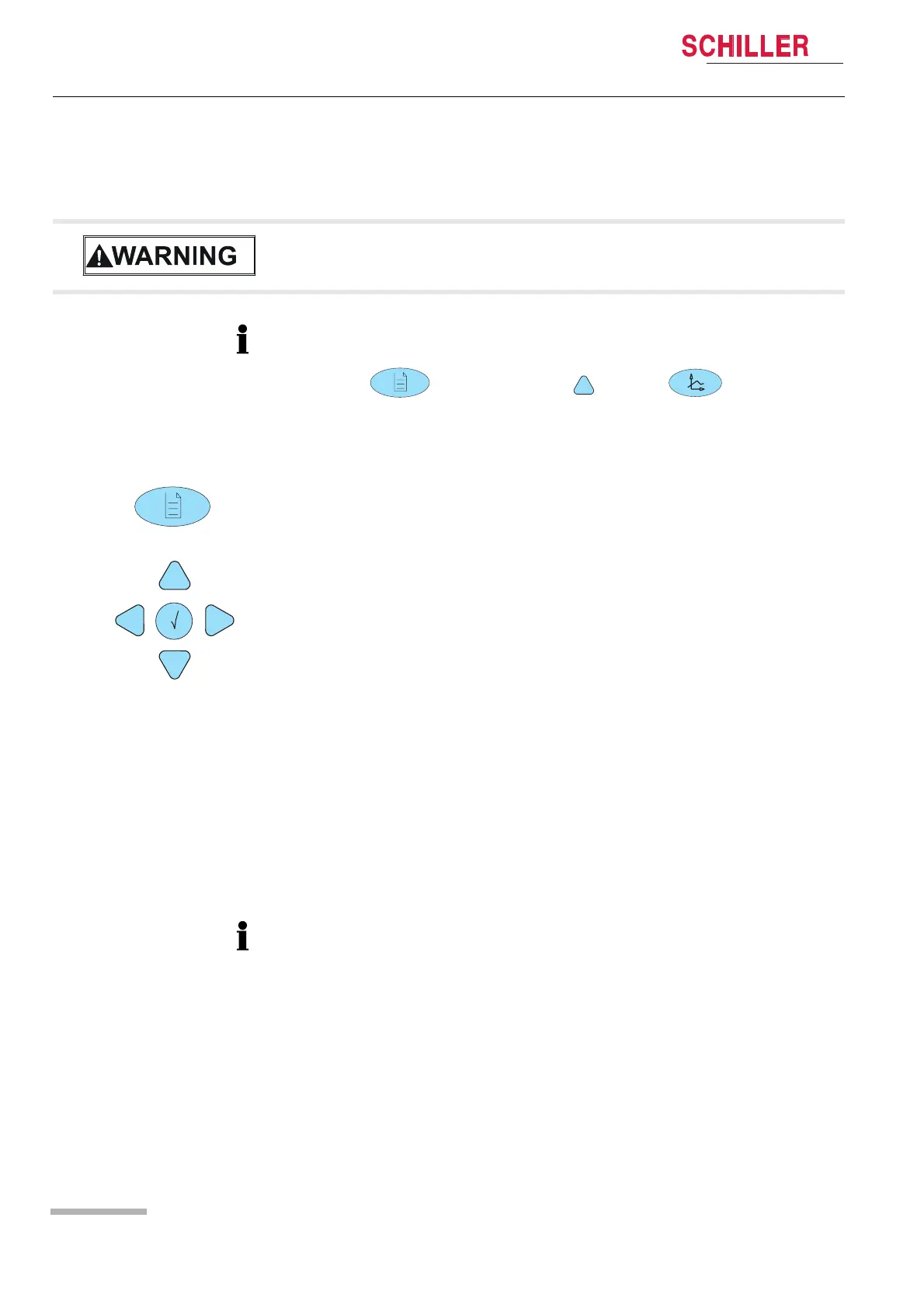
The extended menu is displayed by pressing the following button combination:
Press ; select About; press and then .
1. Open the menu About/Device.
2. Confirm with the enter button.
3. Press the down button and select the language.
4. Confirm with the enter button.
5. Press right/left to move to the next menu and continue with more setups.
6. Save the user settings. Open the Software panel, select Save as Default and
confirm with the enter button.
7. Return to the normal display mode by pressing the menu button.
For system settings, see detailed list in the sections 7.1.1and 7.1.2.
When the factory defaults are loaded, the system language will be German.













 To Next Page