Page 21
Operation 3
Operating Instruction Trend or alarm display 3.5
Art. no.: 2.510474 rev.: d
ARGUS LCM/PLUS
3.5 Trend or alarm display
3.6 Display of additional leads
1. Select the normal monitor mode. Press menu if in programming mode or trend
if in trend display.
2. Press the enter button to switch between the normal display mode containing
one lead and the 3-lead display.
3. By pressing the up/down buttons, the next leads are displayed.
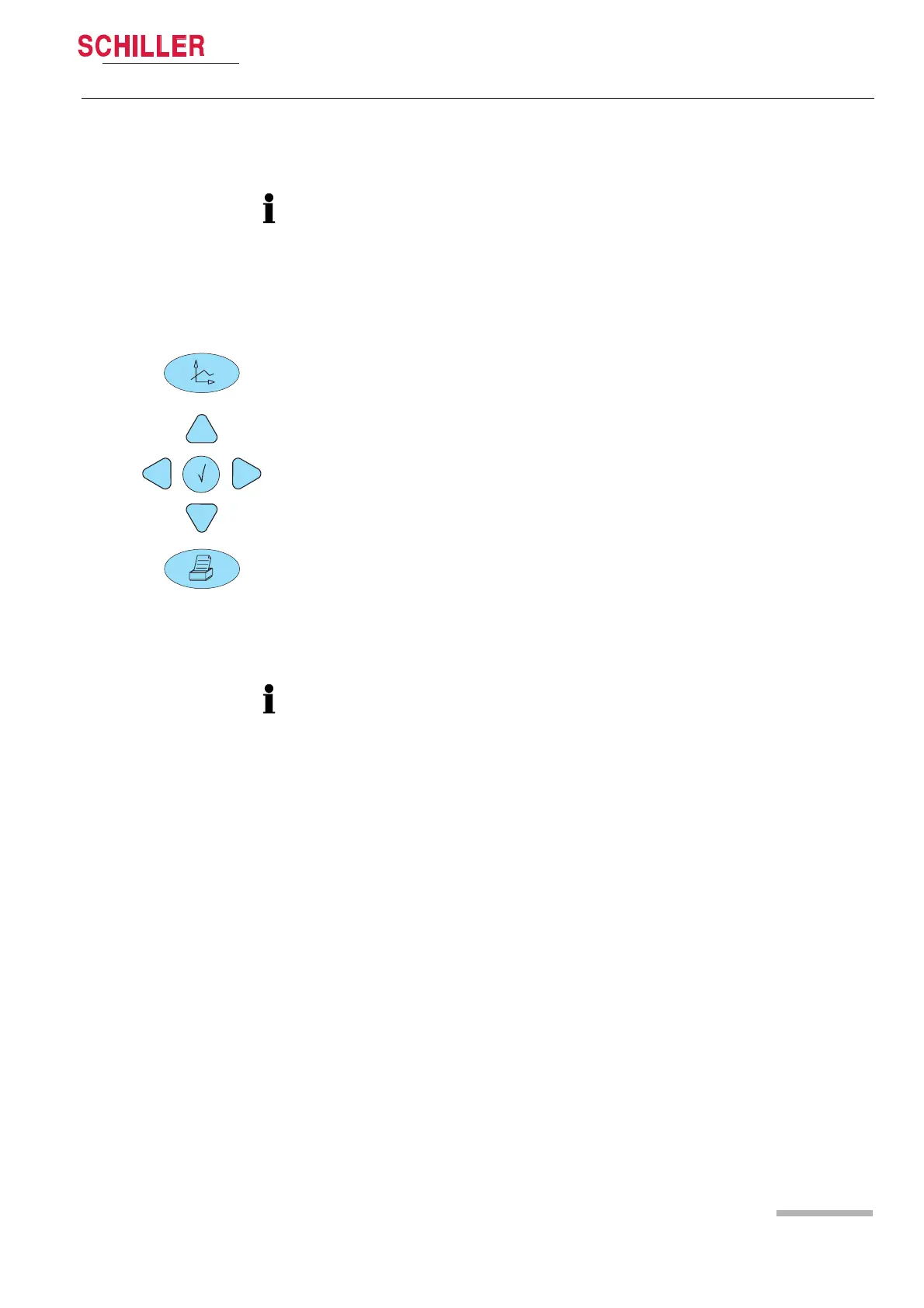
The trend values are measured every minute and additionally on every manual
NIBP measurement. The trends can be displayed in graphical or tabular form for all
parameters over 24 hours.
The display interval for the table can be selected in the menu About+/Trend. The
displayed trend table or not acknowledged alarms can be printed out by pressing
the print button. The displayed graph cannot be printed.
Table display
1. Press the trend button. The trend will be displayed in a table in 1, 5 ,15, 30, 60,
120 or 240 minute intervals. Change the displayed interval using the up/down
button. Move the display forward/backward on the time axis using the left/right
button.
Graph display (cannot be printed)
2. To display the graph, press the trend button once again. The graph's time frame
corresponds to 3 hours. Display the next 3 h by pressing the up/down button.
Move the cursor on the top right corner using the right/left button to display the
exact measured values for the selected position on the right. The cursor can be
positioned on the NIBP value by pressing ENTER .
Display of not acknowledged alarms
3. To display the last twelve not acknowledged alarms, press the trend button a third
time.
The basic LCM basic serial number 0-999 can only display one lead.













 To Next Page