7 General Description of Functions
40 / 86 EN-US · 30.30.00.00424 · 07 · 10/23
7.18Counters
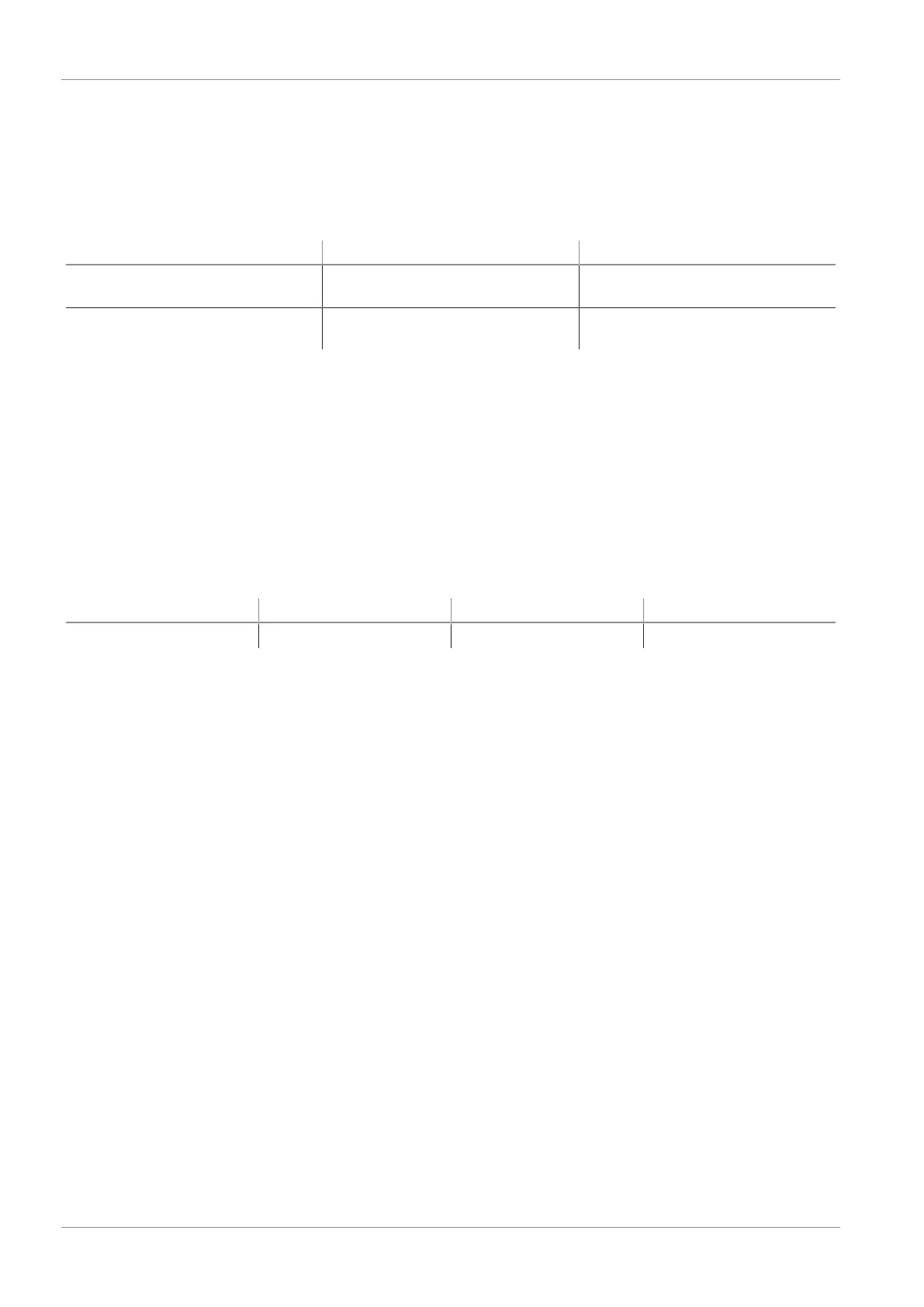
The ejector has two internal counters, [cc1] and [cc2], which cannot be erased:
Counter 1 increases with each valid pulse at the “suction” signal input, meaning that it counts all the suc-
tion cycles during the ejector’s service life. Counter 2 increases each time the “suction” valve is switched
on. As a result, the average switching frequency of the air saving function can be determined using the
difference between counters 1 and 2.
Designation Display parameter Description
Counter 1
[cc1]
Counter for suction cycles (“suc-
tion” signal input)
Counter 2
[cc2]
Counter for the “suction valve”
switching frequency
Displaying a counter on the operating panel of the ejector:
ü Select the counter you wish to see in the system menu.
4 Confirm the counter by pressing the MENU button.
ð The last three decimal places of the counter total are displayed (the digits x10
0
). This corresponds to
the least significant three digits. The decimal point at the far right lights up. This corresponds to the
least significant three digits.
Use the UP or DOWN button to display the remaining decimal places of the counter total. The decimal
points show which three-digit block of the complete counter value is shown on the display.
The counter total is comprised of the 3 number blocks together:
Displayed section
10
6
10
3
10
0
Digit block
0.48 61.8 593.
The current counter total in this example is 48 618 593.
7.19Displaying the Software Version
The software version indicates the software currently running on the internal controller.
1. If the menu is locked: Enter a valid PIN.
2. Use the UP or DOWN button to select the [ 5oc] parameter.
3. Confirm using the MENU button.
ð The value is displayed.
4 To exit the function, press the MENU button.
7.20Displaying the Part Number
The part number of the ejector is specified on the label and also stored electronically.
ü In the system menu, select the parameter Art.
1. Confirm using the MENU button.
ð The first two digits of the part number are displayed.
2. You can press the DOWN or UP button to display the remaining digits of the part number. The deci-
mal points shown are part of the part number.
The part number consists of 4 number blocks with a total of 11 digits.



 To Next Page