Revision: 3.0 Page 9 of 71
5.2. User interface
5.2.1. Tabs
The main menu bar, which allows selection of the various tabs at all times, is located at the top of the Home
screen. As a general rule:
Tabs are identified by a symbol or text in the menu bar.
Active tabs are colour-highlighted.
5.2.2. Symbols
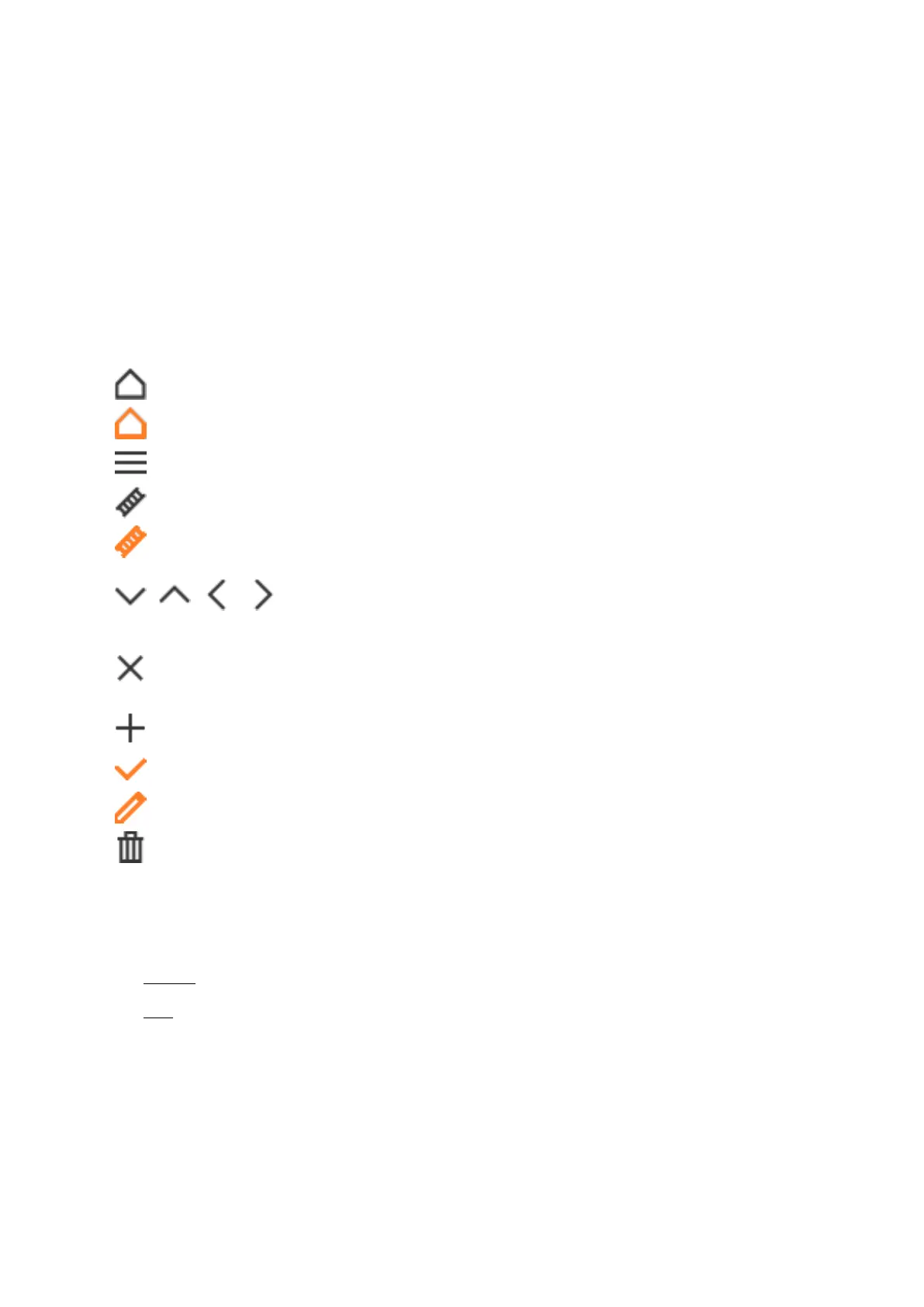
Settings [entire control unit]
Chimney sweep mode [active for at least one control unit]
Step-by-step navigation
Change values
Close window
Disable options
Reject change
Reset values [security prompt Yes / No]
5.2.3. Settings
The SchwankControl offers two types of setting menus:
Without confirmation = The change is accepted directly. To close the menu, select the black X at the
top right.
With confirmation = Select the orange check mark to confirm the entry. To cancel / reject the
change, select the black X. The menu is closed automatically in both cases.


 To Next Page