Revision: 3.0 Page 65 of 70
12.5. Remote control [webapp]
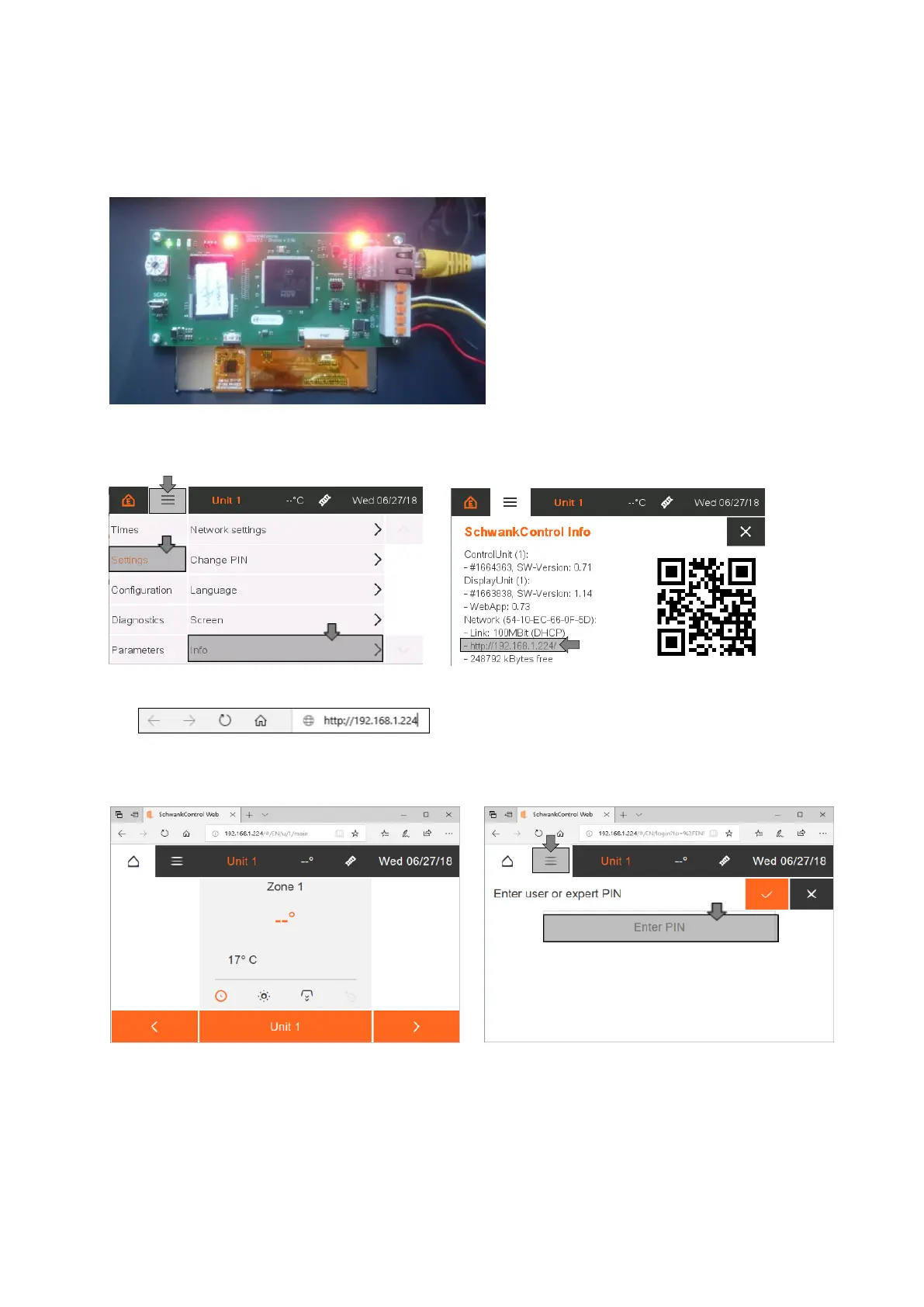
The SchwankControl must be connected to a computer or the local network via a LAN cable. The
connector for the LAN cable is located on the board of the control unit.
Figure 36: LAN connection
1. Setting the SchwankControl IP address
2. Entering the SchwankControl IP address in the web browser
3. Opening the webapp in the web browser


 To Next Page