Revision: 3.0 Page 15 of 71
5.4. Times menu
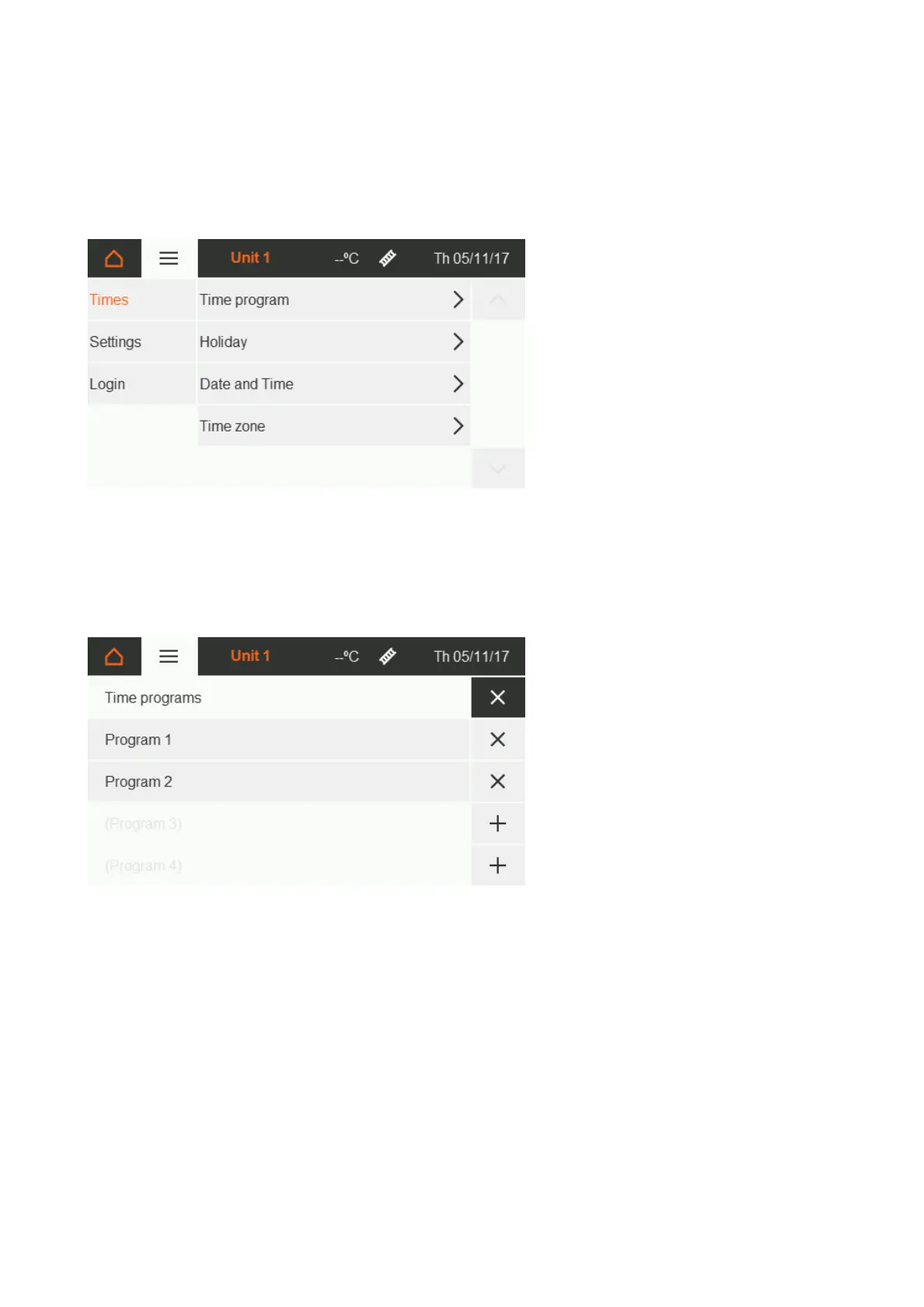
You can set and edit times under the Settings menu item on the Home screen [section 5.1].
5.4.1. Time program
The ON time period is set within the time program. Outside of this period, operation changes to the OFF state.
Programming is only carried out for automatic mode and each zone must be assigned separately in the Zone
details menu item [section 5.3]. Each time program can be activated / deactivated separately.
Up to 4-day heating phases can be set within each time program.


 To Next Page