Revision: 3.0 Page 13 of 71
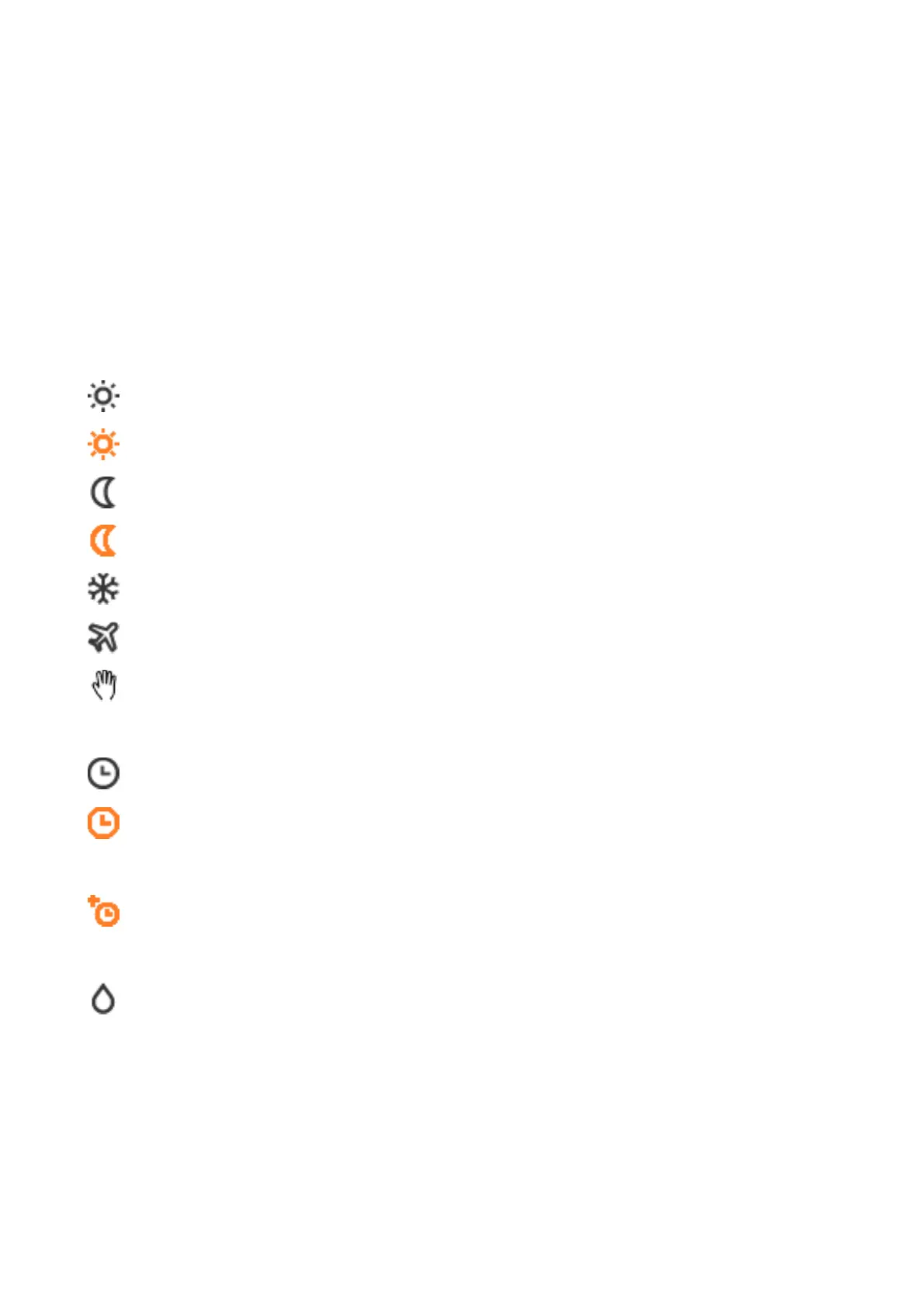
5.3.3. Info bar - status flags
All symbols are in fixed positions and indicate the current status of the symbol [active / inactive]. Active
symbols are colour-highlighted.
Switch-on optimisation [section 5.6.2]
Heaters are switched on earlier so that by switch-on time the setpoint
temperature has already been reached.
Current regulated temperature [section 5.3]
Day activated by digital input, only in automatic mode
Night activated by digital input, only in automatic mode
Automatic mode [section 5.3.1]
Inactive, i.e. all time programs are in the OFF state
Active, i.e. at least one of the assigned time programs is in the ON state
Heating time extension [section 5.6.1]
Heating time extension is active.
Heater request due to excessive humidity
Minimum times [section 8]
No request due to minimum times
Minimum pause time is active
Minimum runtime is active


 To Next Page