Revision: 3.0 Page 19 of 71
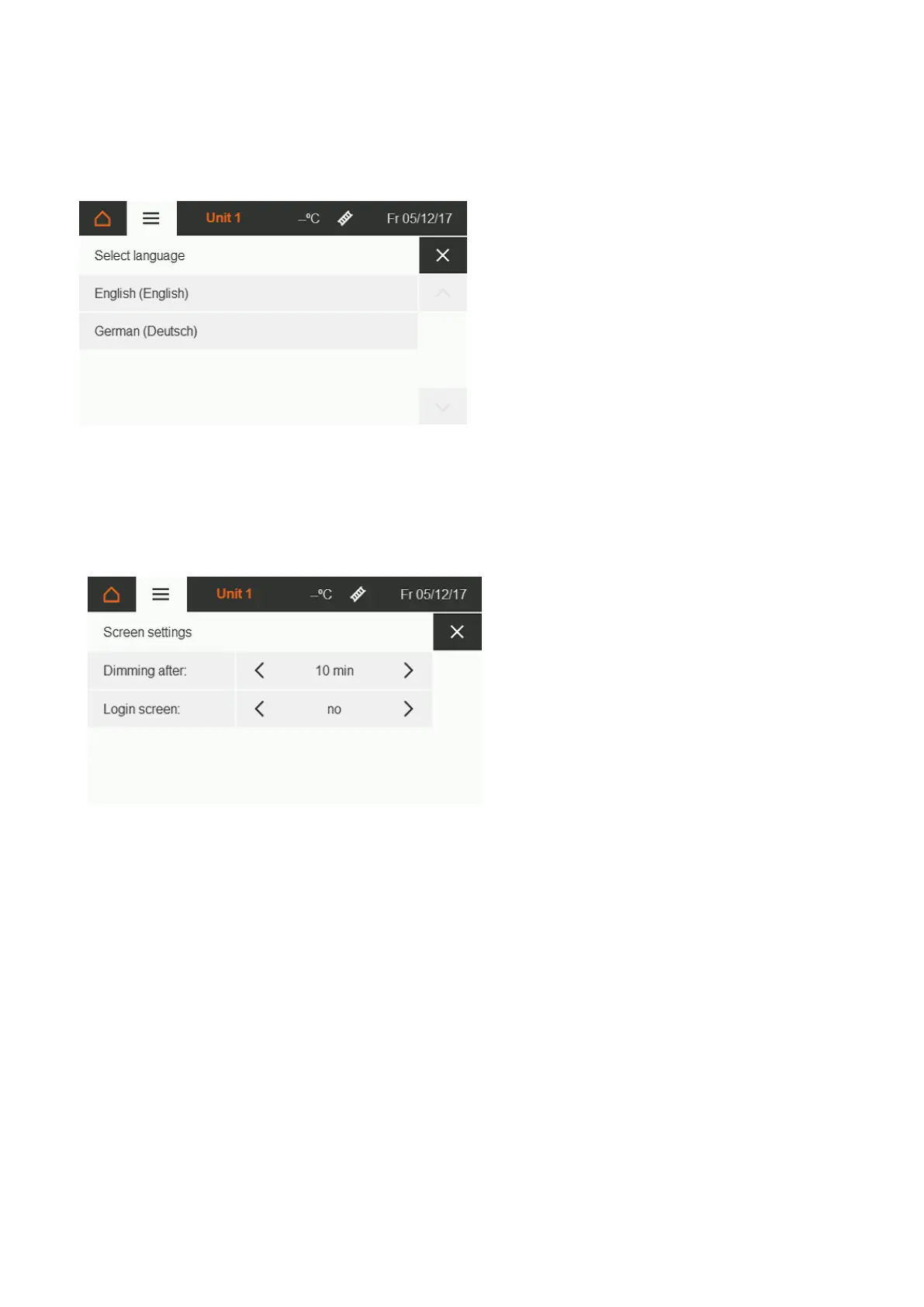
Figure 22: Language selection
A wide range of languages can be
selected.
If your desired language is not
available, please contact us.
Figure 23: Screen settings
After the specified time has elapsed,
the user interface automatically
switches to the idle screen; the PIN
request is active.
5.6. Special functions
5.6.1. Heating time extension
Function:
The day temperature is activated for the parameterised time period.
Premise:
The overtime button for the corresponding zone must be installed.
Execution:
By pressing the overtime button for at least three seconds, the setpoint changes to day temperature for the
time period defined by the parameters, regardless of the current operating mode of the zone. As soon as this
time has elapsed, the zone automatically returns to the previous operating mode. The activated heating time
extension is displayed in the info bar [section 5.3.3].
A permanent actuation of the overtime button causes a sensor fault, which prevents further control. This results
in full load heating.


 To Next Page