Revision: 3.0 Page 61 of 70
12.2. Updating firmware
A firmware update can only be carried out by Schwank customer service.
The update has to be done always for both SchwankControl Touch parts separately,
for the Control Unit and for the Operating Unit. Each part has its own firmware for update.
Adhere to the sequence of the following steps:
1. Download the desired update.
2. Switch off the device at the main switch
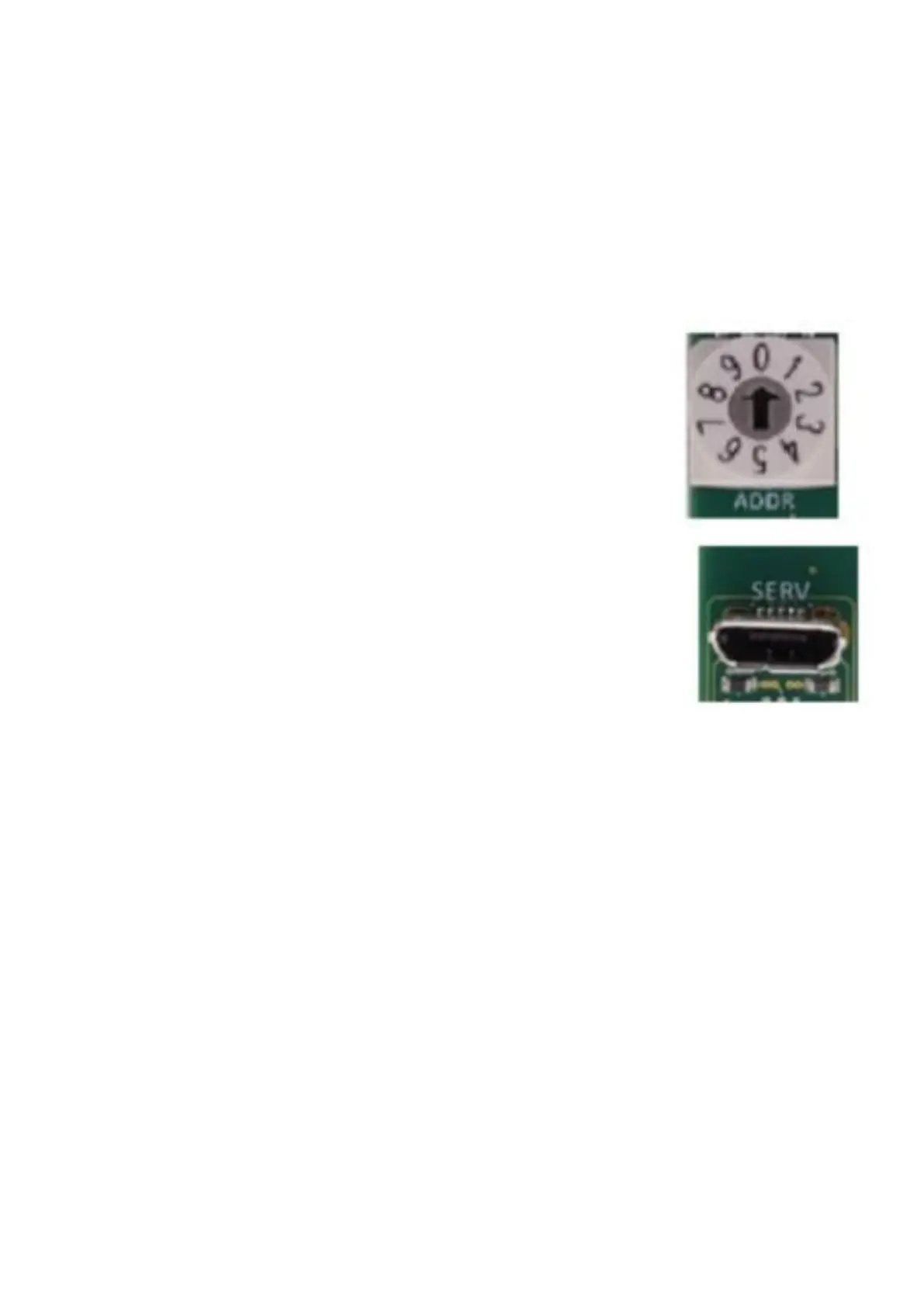
3. Remember the pre-setting/original position at the address switch.
Then turn address switch to address 0.
4. Connect with PC using a standard Micro-USB [cell phone] cable.
Now, the red LED on the board lights up permanently
5. Start the update for
- Control Unit “Schwank-HeatControl-2017_V**exe and
- Operating unit “Schwank-TouchControl-2017_V**exe
Wait for the flash to finish. The message appears “Programming complete”
6. Disconnect USB cable.
7.Restore address switch to original position.
8.Turn power back on by using the main switch.


 To Next Page