3-36 Communications Date Code 20011026
SEL-321/321-1 Instruction Manual
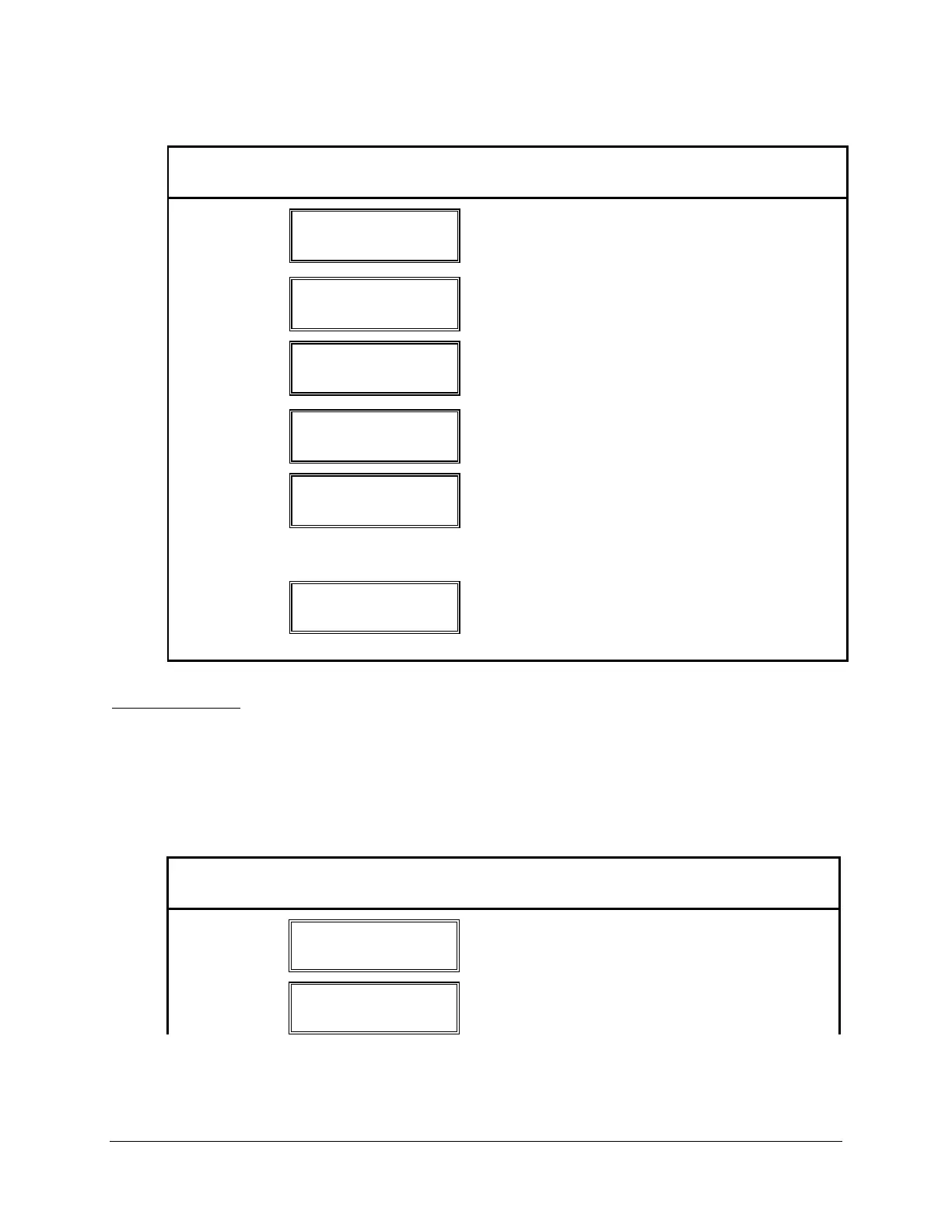
Table 3.15: Target Command Description
Button
Pushed
Results Displayed
Comment
TARGET
TAR 1 ↑↓
EN
Target strings shown from TAR Row 1 in Logic
Description Section 2: Specifications. EN
(enabled) is displayed.
↓
TAR 0 ↑↓
TAR Row 0 displayed.
↓
TAR 43 ↑↓
The last target row is displayed. (↓) starts
counting down from the last target. (
↑) counts up
from target 0.
↑
TAR 0 ↑↓
Pressing (↑) with target 45 displayed returns to the
TAR 0 display.
SELECT
TAR 9 ↑↓ MORE→
50Q4 50Q3 50Q2
(↑) was pressed until TAR 9 was displayed.
Second line displays elements picked up. Scroll
right to display more elements. Pressing CANCEL
or EXIT while in this display causes selected target
to revert to default display of TAR 1.
EXIT
DEFAULT
DISPLAY
Defaults to display seen before TARGET button
was pushed unless an event occurred that would
normally update the display, in which case the
updated information will be displayed.
Fault Command
Push the FAULT button to display event history records. Use the (↑) and (↓) buttons to scroll
between event records, and the (←) and (→) buttons to scroll between fields within a record.
Push the EXIT or CANCEL button to return to the default display. The SELECT button has no
effect in this mode. Table 3.16 shows a typical FAULT command dialog.
Table 3.16: Fault Command Description
Button
Pushed
Results Displayed
Comment
FAULT
1 DATE 12/01/92
TIME 2342:51.732
Displays Date/Time of first event record.
→
1 DATE 12/01/92
TYPE: 1ABC
Displays second field of first event record,
showing event faulted phase and type.



 To Next Page