Portable X-ray Units
Service Manual
SM-1076R2
100
5.3.16 REPLACEMENT PARTS IN THE CENTRAL SUPPORT
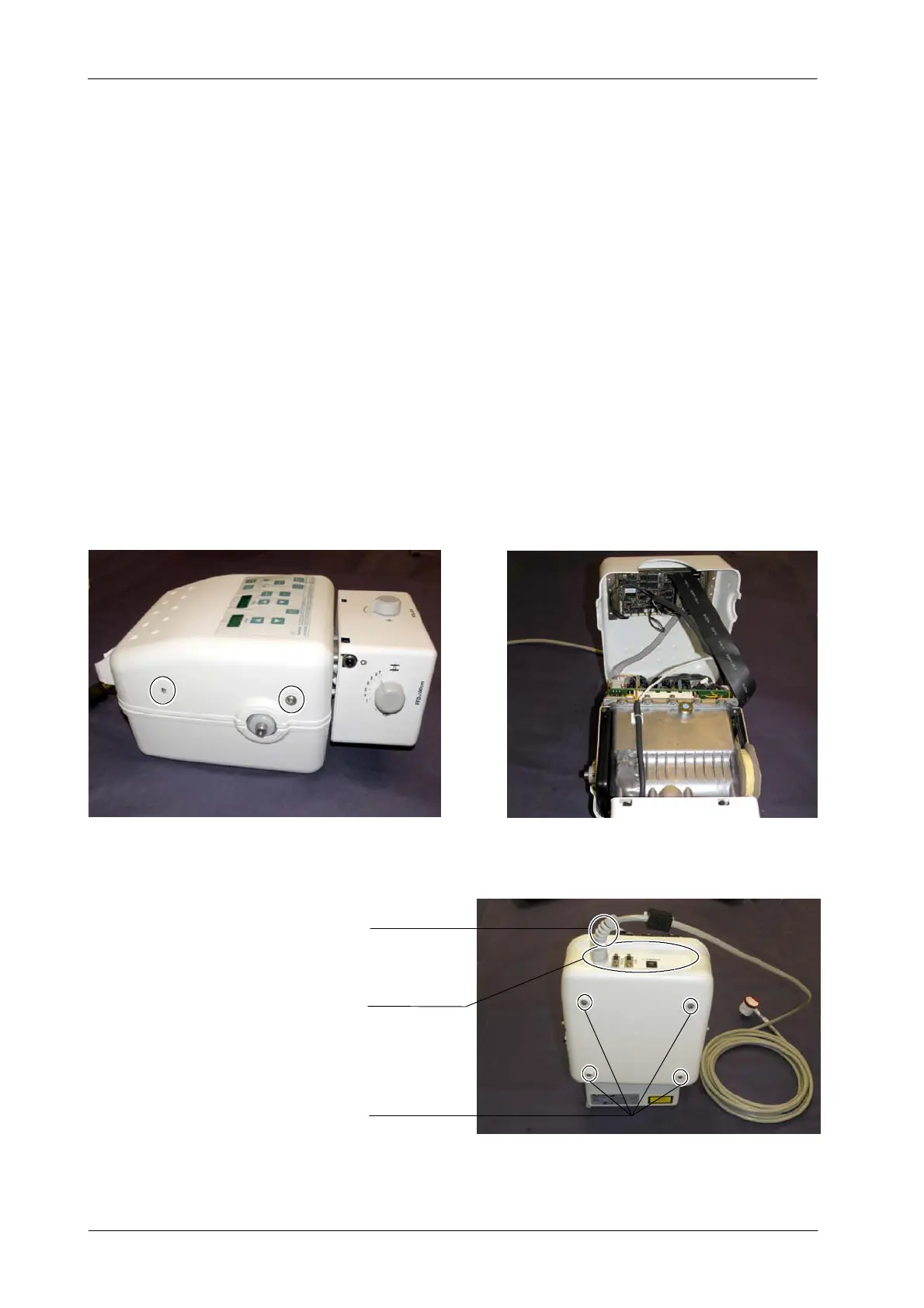
5.3.16.1 ACCESS INSIDE THE CENTRAL SUPPORT
This section only describes the previous steps to carry out the
component replacement inside the Central Support.
1. T urn the Unit Off and Disconnect it from mains.
2. Place the Unit on a table.
It is not necessary to remove the Handle to access inside the
Central Support..
3. Remove the Upper Cover screws and carefully lift the Upper Cover . It is
not necessary to unplug any cable.
4. Remove the four legs located at the Lower Cover.
Four legs
Connectors Panel
Power cable
Note .
Note .



 To Next Page