Portable X-ray Units
Service Manual
SM-1076R2
85
5.3.10 KEYBOARD
1. T urn the Unit Off and Disconnect it from mains.
2. Place the Unit on a table.
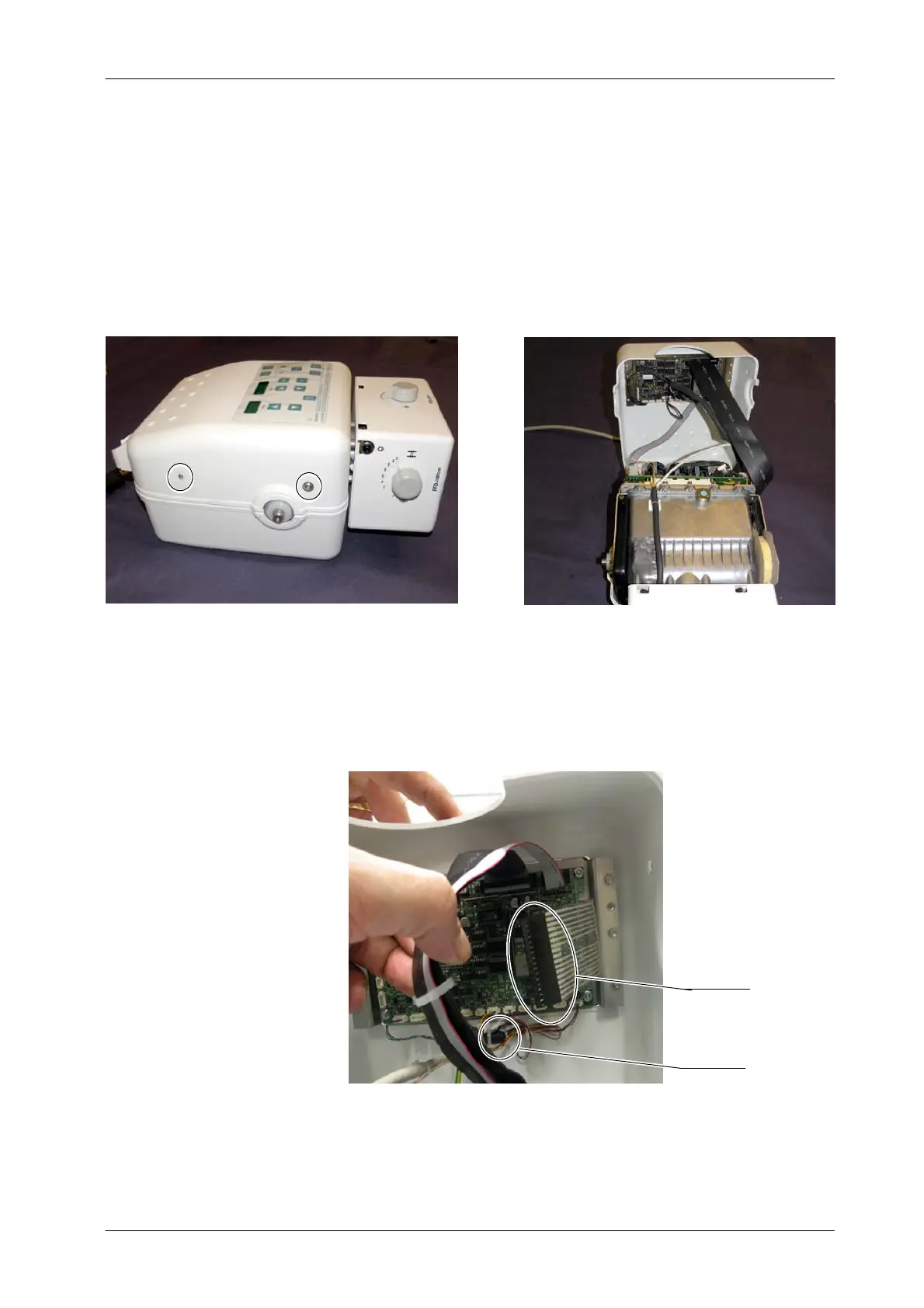
3. Remove the Upper Cover screws and carefully lift the Upper Cover .
4. Disconnect the Keyboard cable (J13) from the Portable Control Board
(A3175--03).
5. Cut the tie wrap of the inner part of the Cover. It is not necessary to
disconnect the rest of cables from the Portable Control Board for
Keyboard replacement.
Tie Wrap
J13



 To Next Page