Portable X-ray Units
Service Manual
SM-1076R2
39
SECTION 5 TROUBLESHOOTING
The Generator contains many self-diagnostic routines which greatly facilitates
troubleshooting. The self-diagnostic functions require proper operation of the
microprocessor.
As a general rule, the first step in any troubleshooting procedure is to verify
correct power supply voltage.
If Portable Control Board, Control Driver Board or the High
Voltage Transformer are replaced or the EEPROM memory is
re-initialized, Configuration and Calibration procedures
should be performed.
5.1 GENERAL PROCEDURES
5.1.1 RE-INITIALIZATION O F EEPROM (U25)
Calibration data and some configuration data are stored in the extended
memory area of the non-volatile memory U25-EEPROM Microcontroller. It is
located on the Portable Control Board (A3175--03).
In case the EEPROM memory has to be re-initialized, perform the following
steps:
1. With the Unit power “OFF” and the Dip-switch SW1-1 in “OFF” position
on the Portable Control Board, press and hold “Reset”, “kVp Increase”
and “mAs Increase” push-buttons at the same time.
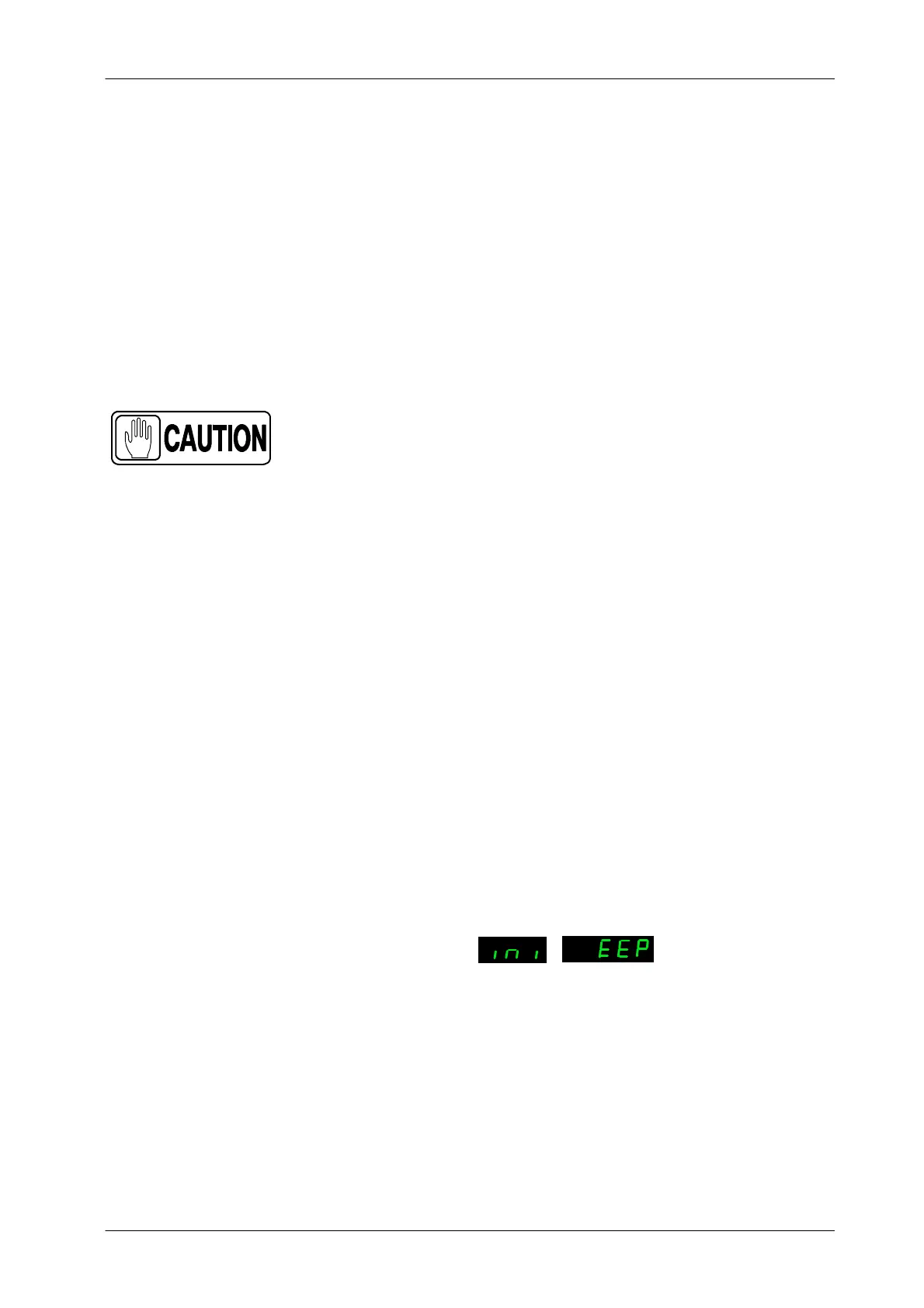
2. T urn the Unit ON and wait until the message “ini EEP” is shown in the kVp
and mAs Displays.
kVp mAs
3. Release the “Reset”, “kVp Increase” and “mAs Increase” push-buttons.
4. W ait until the message “ini EEP” disappears from the kVp and mAs
Displays (it will take 30 seconds approx.).
5. After that, the EEPROM memory has been re-initialized and it is
necessary to perform the complete Configuration (refer to Section 2) and
Calibration process (refer to Section 3).



 To Next Page