Portable X-ray Units
Service Manual
SM-1076R2
42
5.1.2.2 SOFTW ARE UPDATE
1. T urn the Unit OFF.
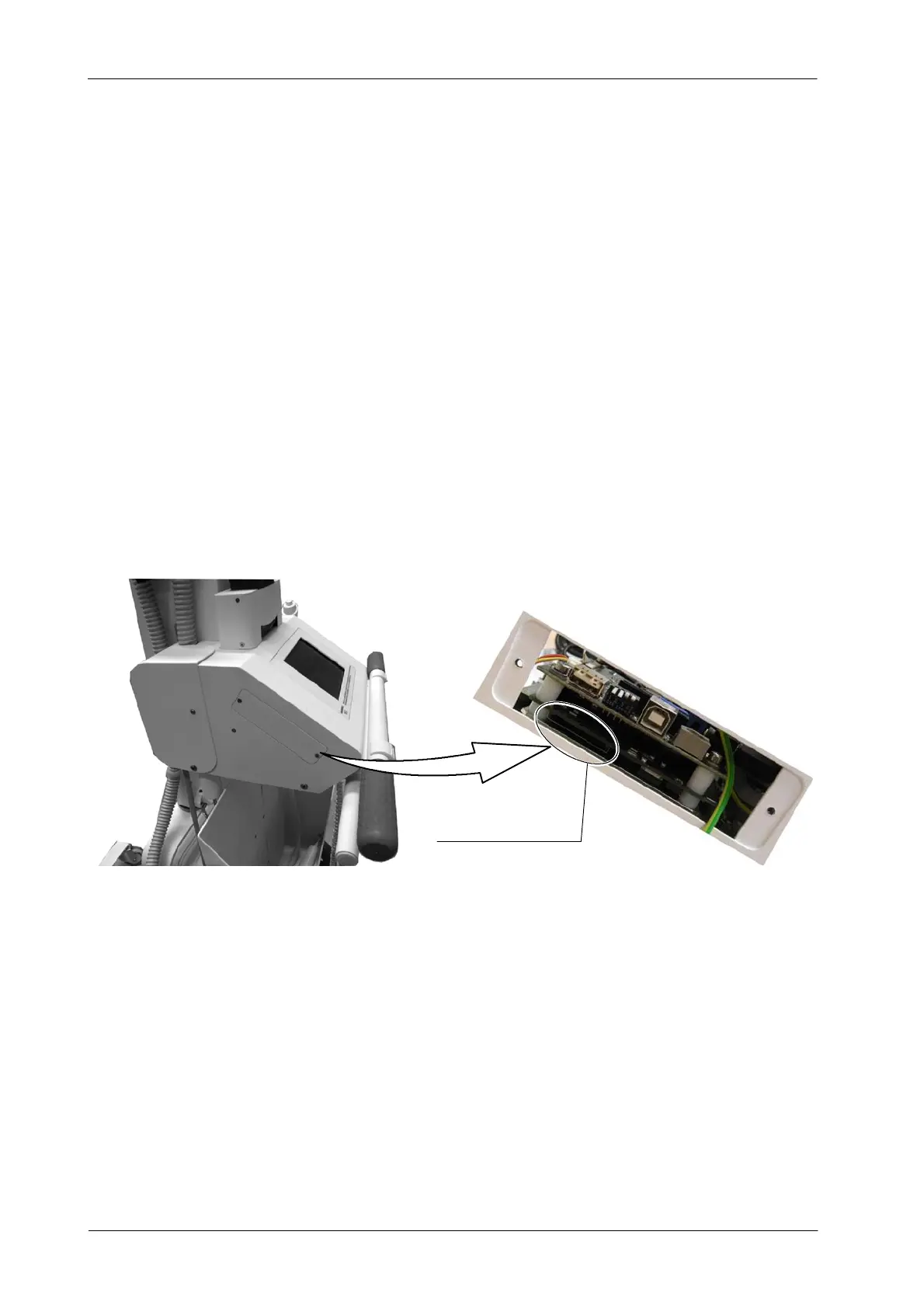
2. Open the lateral window located at the Control Module of the Unit.
3. Insert a SD Memory Card with the new software in the slot.
4. T urn the Unit ON.
5. The system automatically detects the “exe. file” or a file with an “APR”
and requests a YES/NO confirmation to overwrite the corresponding
files. Press YES.
6. Once finished, turn OFF the Unit, remove the SD Memory Card from the
slot and reinstall the Window cover.
Slot for SD Memory Card



 To Next Page