Portable X-ray Units
Service Manual
SM-1076R2
34
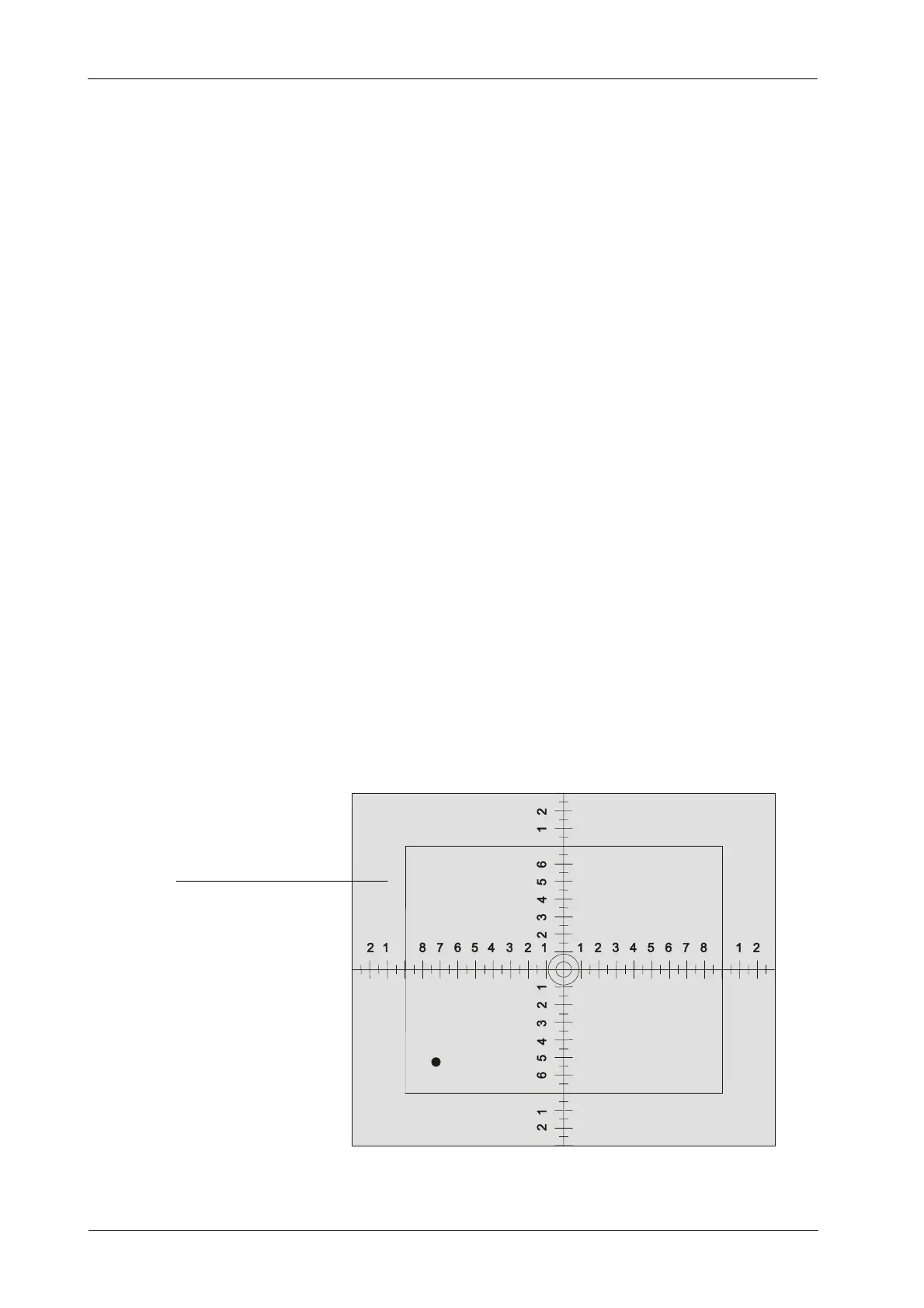
6. Adjust the Light Field of the Collimator Light to the rectangle drawn inside
the Collimator Test Tool.
7. Place centered the Beam Alignment Test Tool (RMI model 162A) on the
Collimator Test Tool.
8. Load Cassette Film with a Film of 24 x 30 cm.
9. Make an exposure at 60 kVp / 5 mAs.
10. Process film and check that the X-ray Field falls just within the image of
the inner rectangle of the Collimator Test Tool.
If an edge of the X-ray Field falls out of the inner rectangle means a
misalignment of the Light Field respect to the X-ray Field. The maximum
misalignment allowed is 2% of SID (for SID 1m = 2 cm tolerance).
Refer to Section 4.1.1 for alignment of Light Field with X-ray Field.
4.1.1 ALIGNMENT OF LIGHT FIELD WITH X-RAY FIELD
1. Place the Portable Unit in vertical position. The Unit has to be perfectly
aligned with a Cassette Film for a Cassette of 24 x 30 cm. Check with a
level correct horizontal position of both parts.
2. Place SID at 1 meter.
3. Position the Collimator Test Tool (RMI model 161B) on the Cassette Film.
COLLIMATOR TEST TOOL



 To Next Page