Portable X-ray Units
Service Manual
SM-1076R2
83
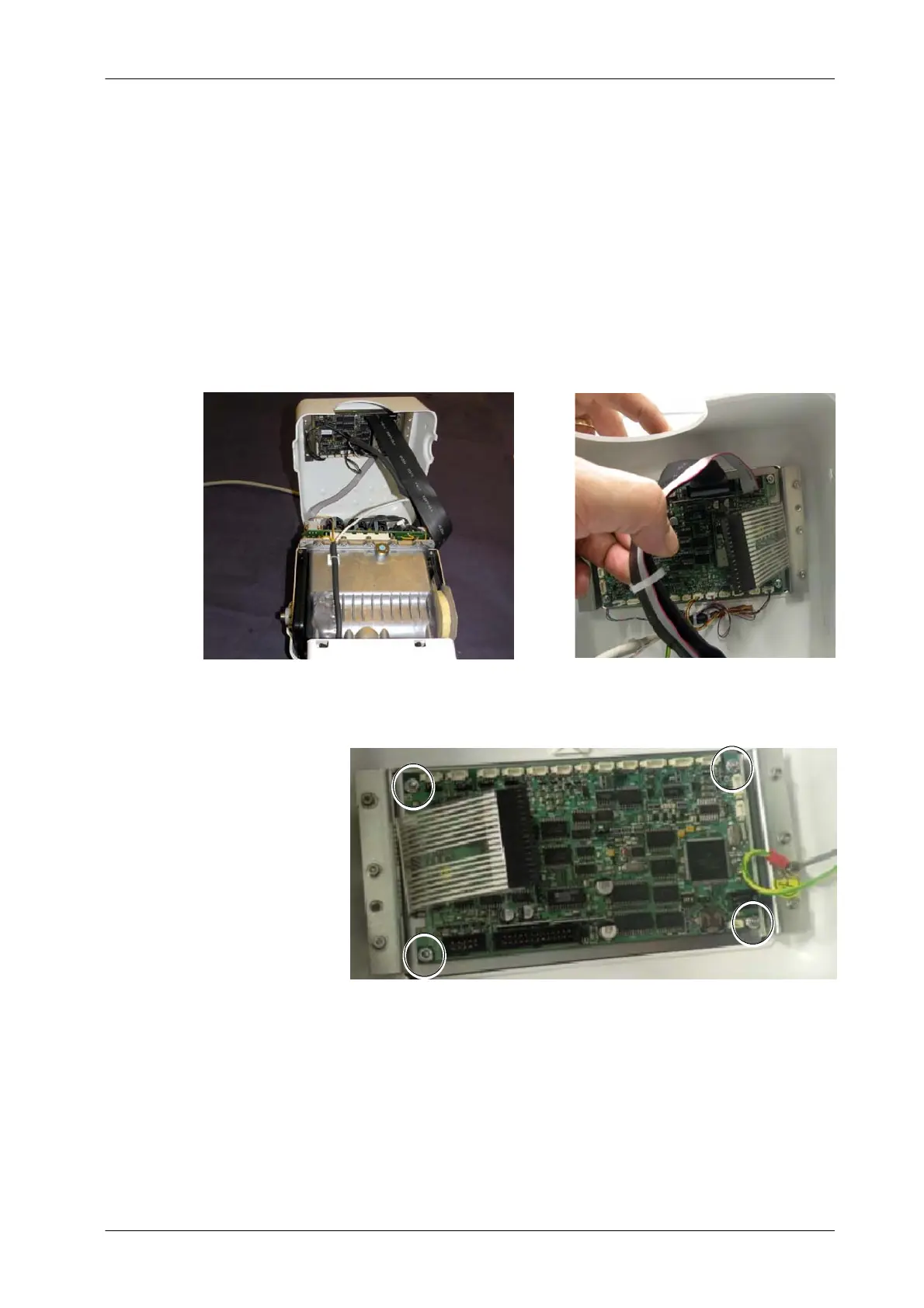
5.3.8 PORTABLE CONTROL BOARD
1. T urn the Unit Off and Disconnect it from mains.
2. Place the Unit on a table.
3. Remove the Upper Cover screws and carefully lift the Upper Cover .
4. Unplug all the cables connected to the Portable Control Board
(A3175--03).
5. Unscrew the nuts located at each corner of the Portable Control Board
and remove it.
6. Install the new Portable Control Board.
7. Reconnect all the cables and assemble in reverse order.
8. Initialize the new EEPROM (refer to Section 5.1.1).



 To Next Page