ADN Digital Conference System | 101
Using the “Conference Manager” software
Eliminating connection problems
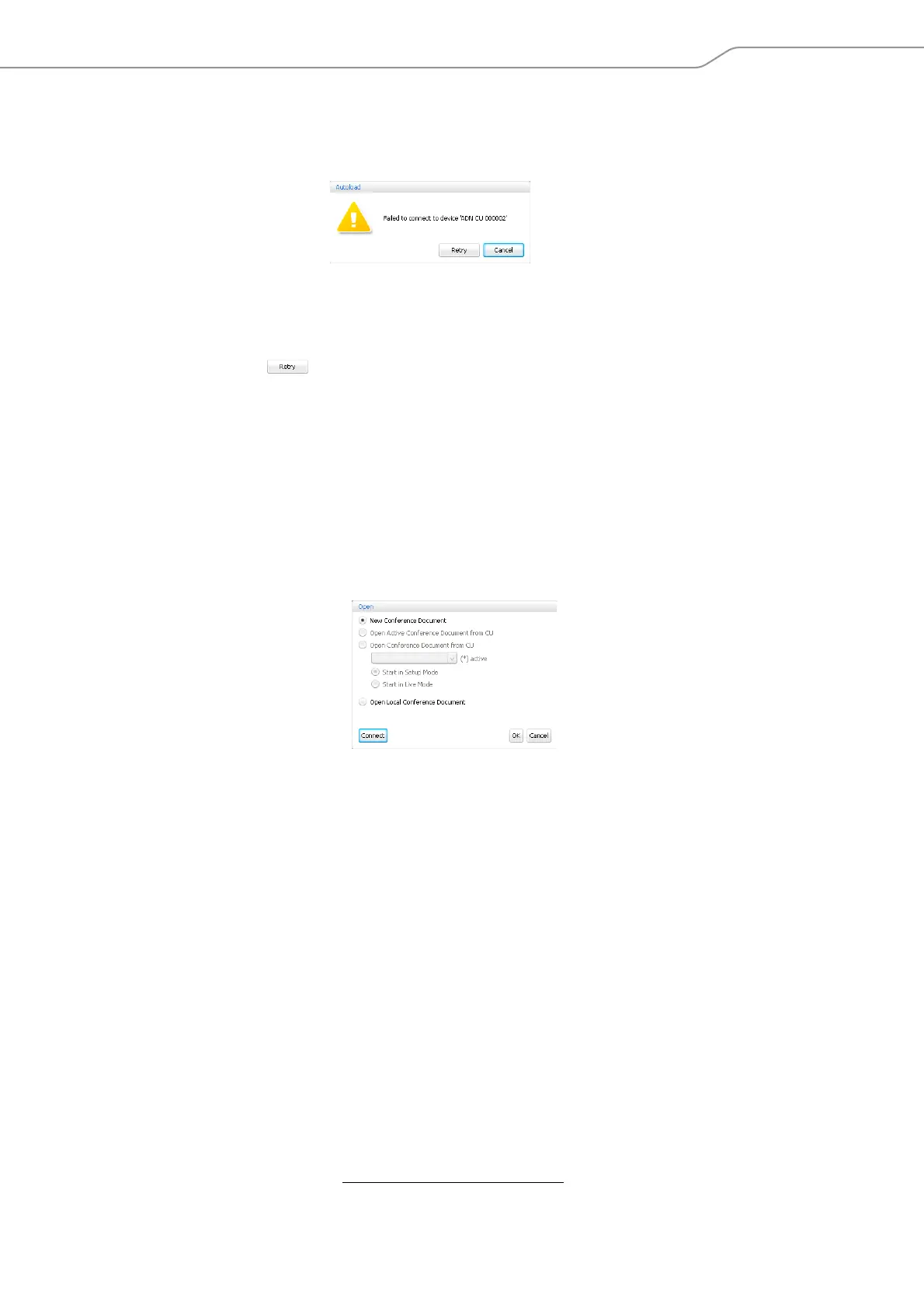
If no connection to the central unit can be established or if the configuration cannot
be found, an error message appears.
왘 Check if the central unit is correctly connected
*
(see page 81) and switched on
(see page 41).
왘 If necessary, disconnect an existing connection to the central unit in order to
establish a new connection (see next section).
왘 Click “Retry”.
Disconnecting the connection to the central unit
왘 In the menu bar, click “Global Menu” > “Disconnect”.
A confirmation prompt appears.
왘 Click “OK”.
The connection to the central unit is disconnected. If necessary, the software
changes to “Setup” operating mode.
Creating a new configuration
왘 In the menu bar, click “Global Menu” > “New Conference Document”.
The “Open” window appears.
왘 Select the “New Conference Document” option button.
왘 Click “OK”.
A new configuration is created. The software changes to “Setup” operating
mode and the Room View window is displayed (see page 94).
*
only if you are using the Windows version of the software



 To Next Page